When the Fedora Design Team began reviewing talk submissions for Flock—the annual conference for Fedora users and contributors held in August 2022—organizer Marie Nordin faced an unexpected challenge. She received far more submissions focused on design and creativity within the open source ecosystem than the event could possibly accommodate. Recognizing the immense passion and wealth of ideas among open source creatives who utilize open source software to produce their work, Nordin wondered if there was a viable space for an entirely separate conference dedicated to open source creativity.
Bringing this concept to the broader Fedora Design Team in the fall of 2022, planning commenced rapidly for what would become the inaugural Creative Freedom Summit. The virtual conference ultimately took place from January 17 through January 19, 2023. Because it was the first time running a specialized event of this nature, organizers opted to curate the speaker lineup by invitation, drawing from the surplus of strong Flock submissions and personal networks across the open source community. Nearly every invited speaker accepted, filling the schedule completely and bypassing the need for an open source Call for Papers management tool for the inaugural outing.
Navigating the Dilemma of Open Source Versus Proprietary Platforms
Since the onset of the COVID-19 pandemic lockdowns, the main Fedora Flock conference has utilized Hopin, a commercial online conference platform. While Hopin is not open source, it accommodates open source workflows and has provided Fedora with a polished, professional conference atmosphere complete with virtual sponsor booths, distinct tracks, hallway chat channels, and moderation utilities. Because of the event’s sponsorship structure, the organizers of the Creative Freedom Summit had access to this existing Hopin infrastructure.

However, utilizing a proprietary platform for an event centered squarely on open source principles presented a philosophical dilemma for long-term open source contributors involved in the planning. For a community dedicated to open standards and freedom, relying on closed software can feel contradictory. Yet, as the scale and structural complexity of modern open source communities continue to expand, developing and maintaining an integrated, reliable open source conference system poses a significant operational challenge.
Organizers noted that there is no universal right or wrong answer when confronting this architectural decision. Event planners must weigh multiple factors, including budgetary constraints, volunteer availability, existing technical infrastructure, and tolerance for potential software glitches. For the Creative Freedom Summit, the team operated with zero budget, relying instead on a dedicated group of volunteers willing to contribute their work hours. They integrated supported infrastructure already available to them, including the Fedora Matrix server for communication and a hosted WordPress deployment for the event website. Furthermore, team members possessed the technical familiarity required to run live video calls via PeerTube, establishing a foundation of confidence for building an entirely open source technical stack.
Assembling and Deploying an Open Source Conference Stack
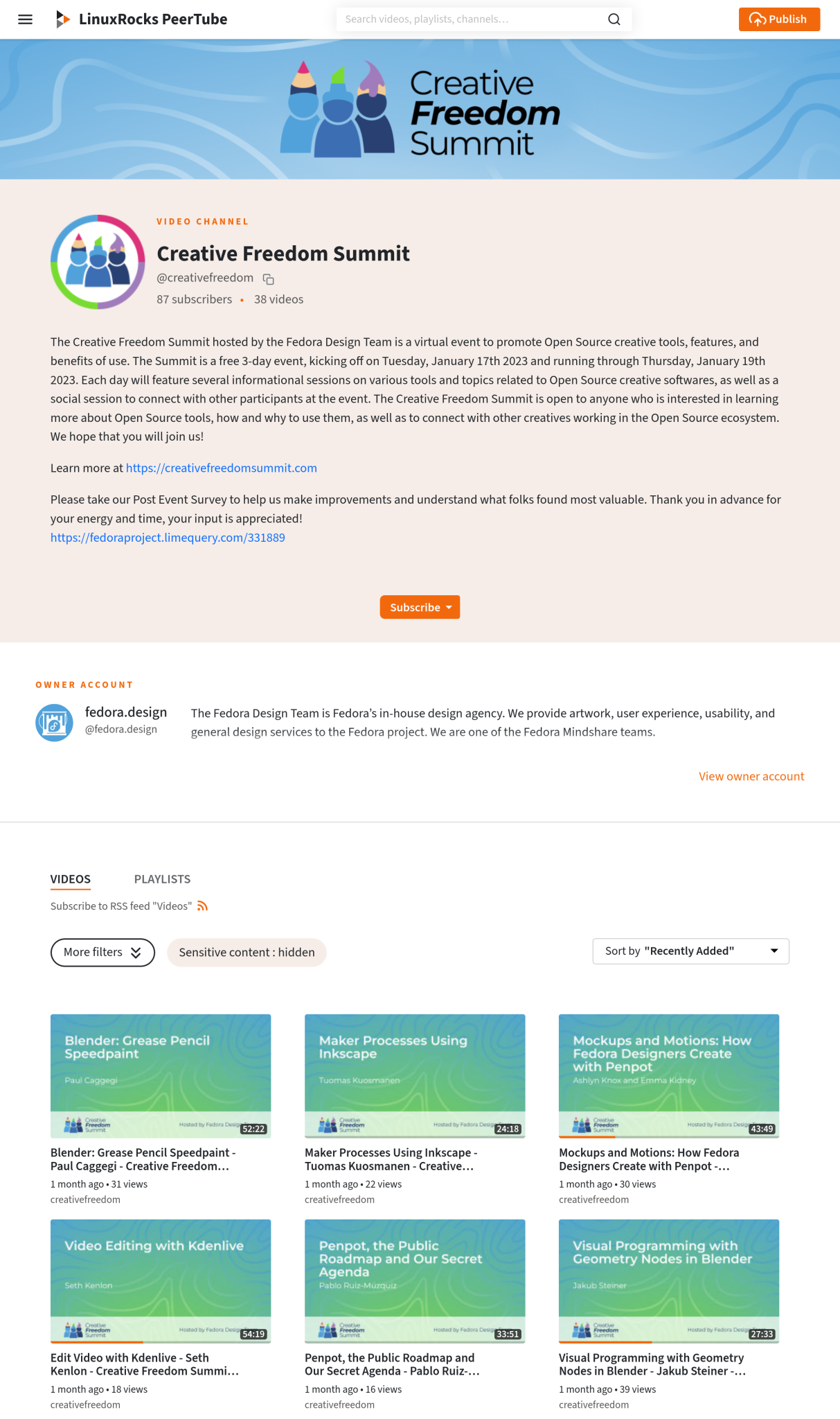
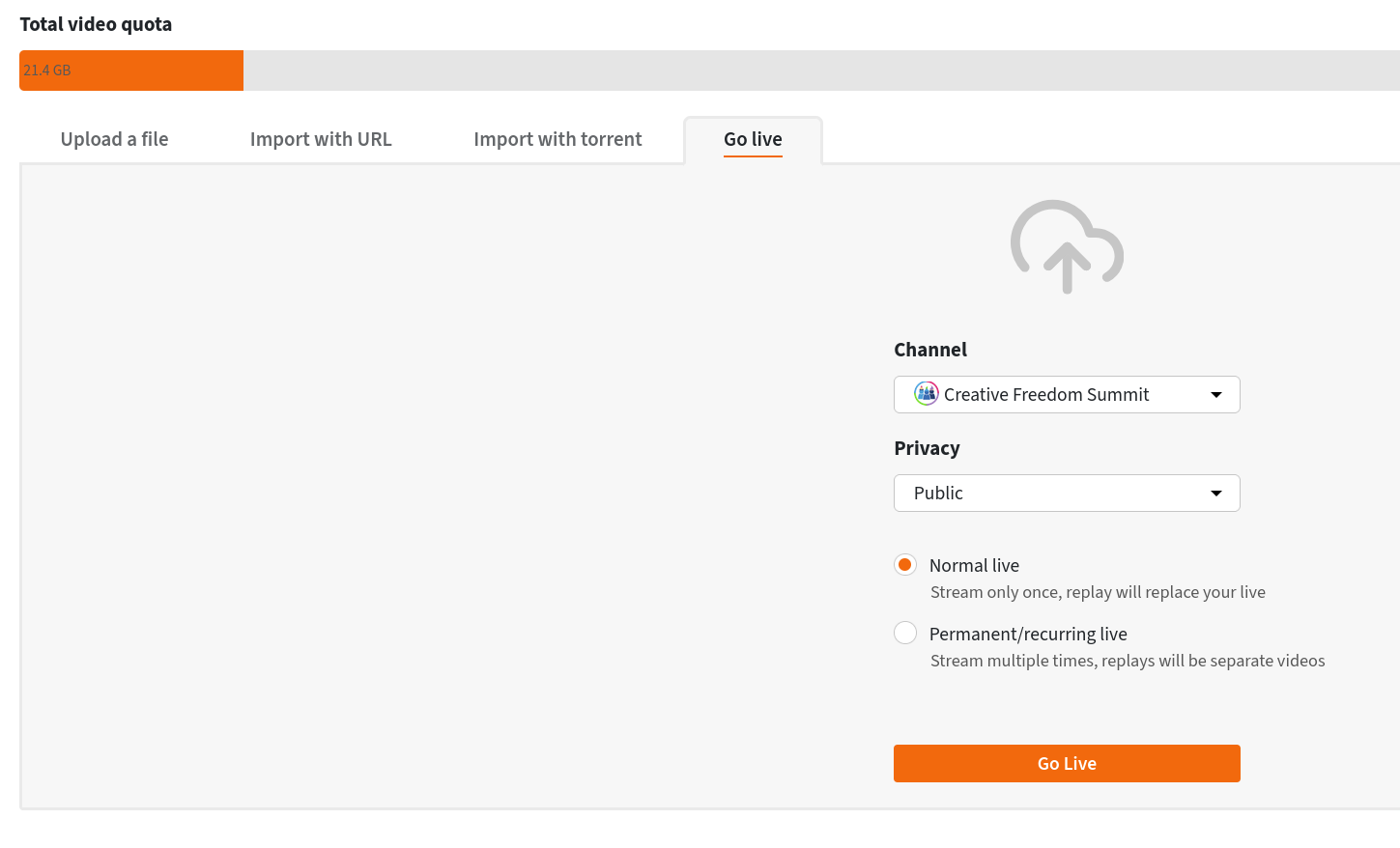
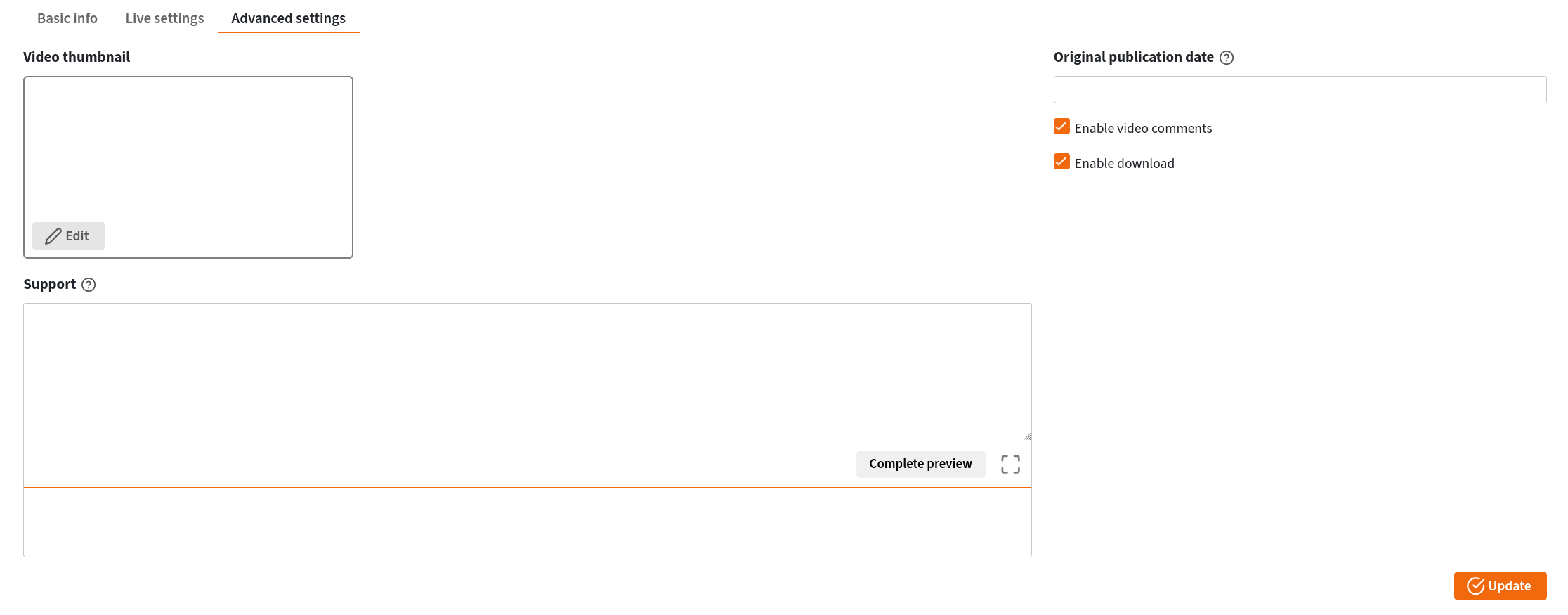
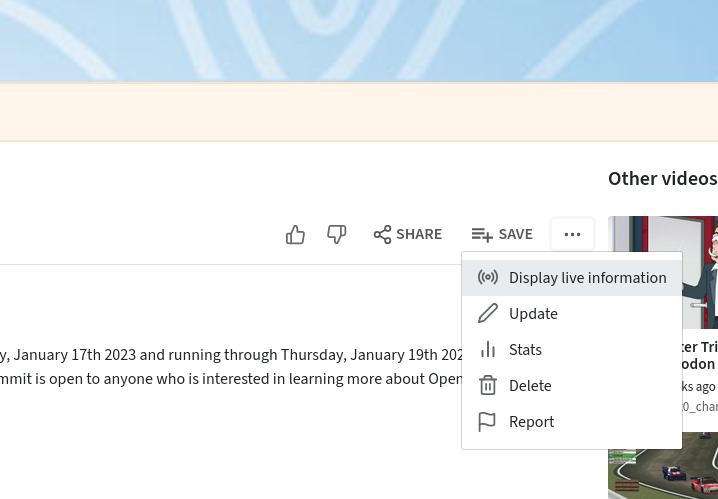
The technical infrastructure relied on a careful combination of free and open source software to manage live streaming, stage coordination, and back-channel communications. For the livestreaming component, the team utilized the LinuxRocks PeerTube platform, generously hosted by LinuxRocks.online. PeerTube is a decentralized, federated video platform that operates as part of the broader Fediverse.
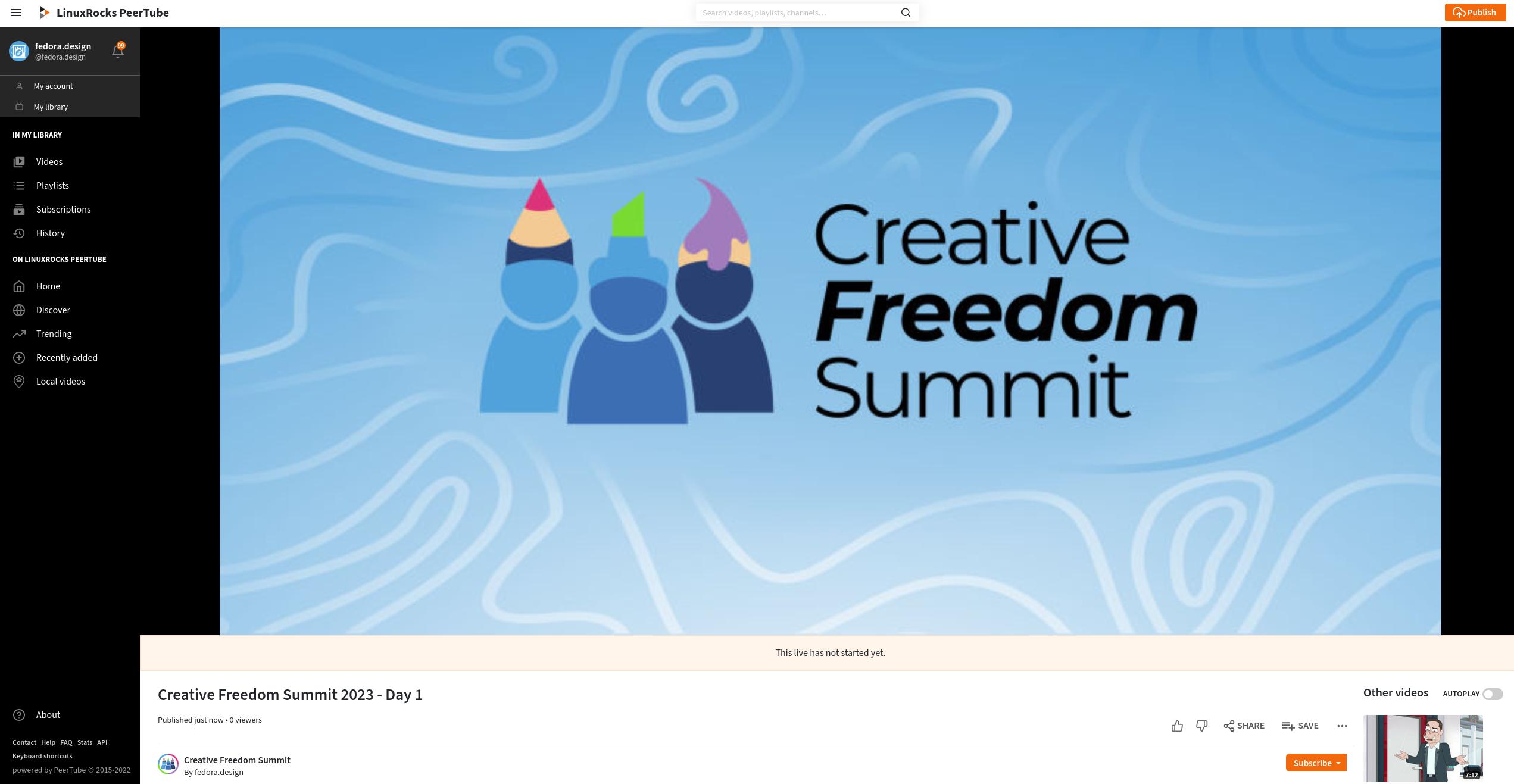
One of the platform’s primary advantages over traditional broadcasting tools is its automated recording feature. Once a livestream concludes, PeerTube automatically generates a near-instant replay recording and publishes it directly to the designated channel without requiring manual intervention, file uploads, or coordination from the volunteer organizing team. Attendees noted this feature as a major benefit during the summit, allowing individuals who missed a session to watch the replay within minutes of its conclusion.
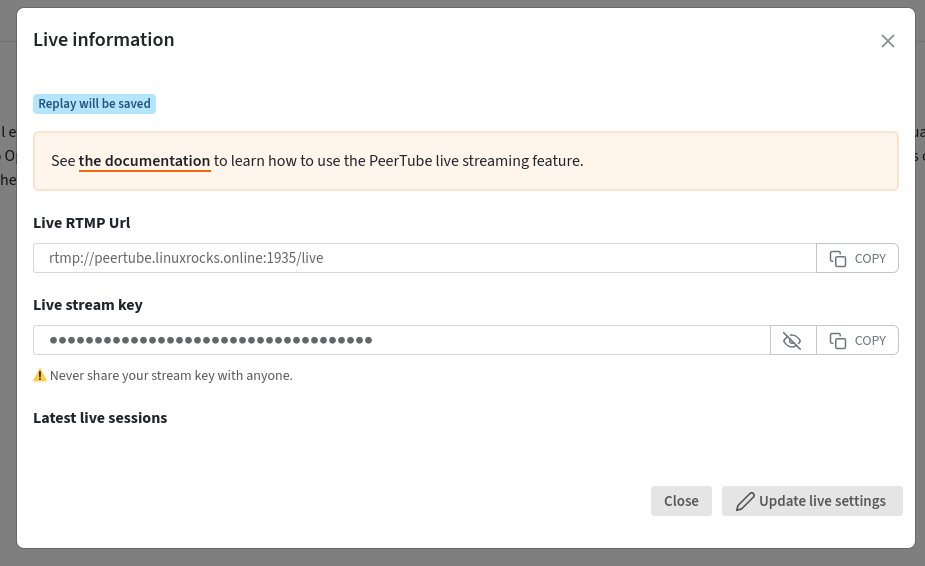
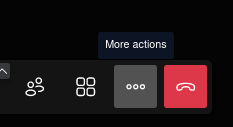
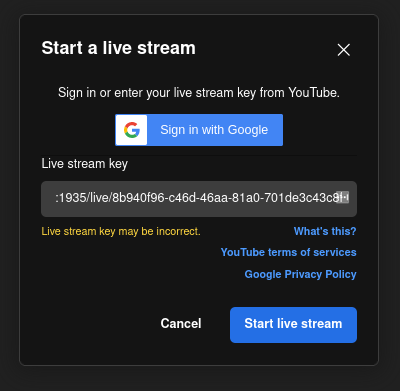
The live stage management relied on Jitsi Meet, a free and open source video conferencing platform. Organizers created a secure meeting room with a custom URL shared strictly among speakers and hosts. By implementing a virtual lobby feature, speakers could enter the room shortly before their scheduled presentations without disrupting the preceding talk. Hosts admitted speakers individually once the previous session wrapped up. Jitsi’s built-in livestreaming capabilities allowed the team to connect the speaker room directly to the PeerTube channel via RTMP streaming URLs and authorization keys, enabling presenters to share their screens smoothly to run slide decks and live software demonstrations.
Managing Coordination and Communication Behind the Scenes
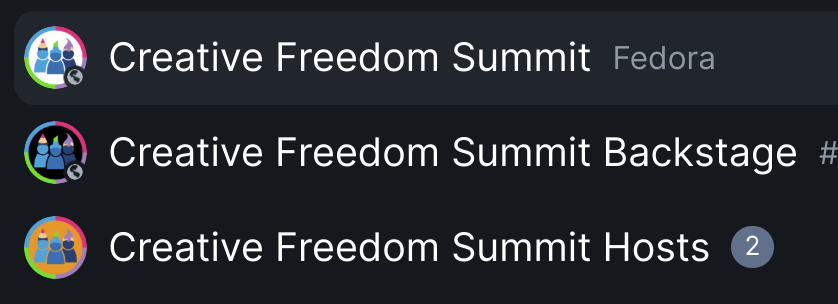
To maintain operational efficiency and manage transitions between presentations, the organizing team established a backstage communication channel using Element, an open source client for the decentralized Matrix communication protocol. An invite-only chat room was deployed a week before the summit, providing a centralized space to test audio and video setups with speakers, verify screen-sharing capabilities, and ensure presenters understood the streaming workflow.
During the live event, the backstage channel served as a critical operational hub. Organizers used it to coordinate speaker transitions, provide advance notice regarding schedule pacing, and quickly adapt when a presenter faced an unexpected emergency requiring a schedule adjustment. A secondary channel was initially established for hosts, but the team quickly found that monitoring multiple parallel rooms introduced unnecessary complexity, ultimately consolidating their workflow into a streamlined communication structure.
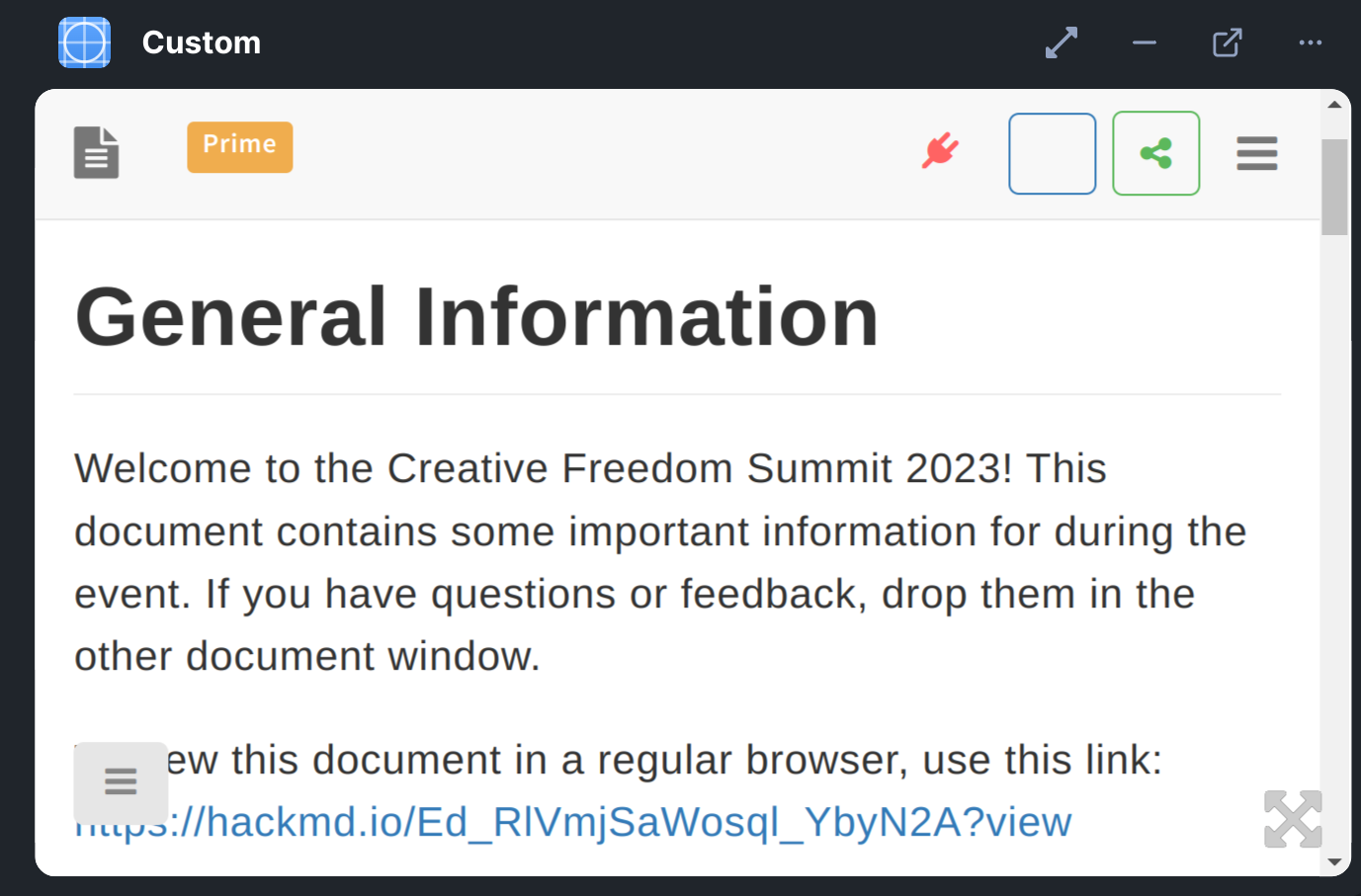
For public announcements, scheduling details, and audience engagement, the team utilized Etherpad and HackMD documents embedded directly into the main public Element channel as widgets. This widget functionality allowed attendees to view the live PeerTube stream, consult the daily schedule, review the code of conduct, and submit questions for speaker Q&A sessions without leaving the central communication interface. Audience members posted questions within the embedded document, which session hosts then read aloud to the presenters during the designated question periods.
Post-Event Workflows, Archiving, and Community Engagement
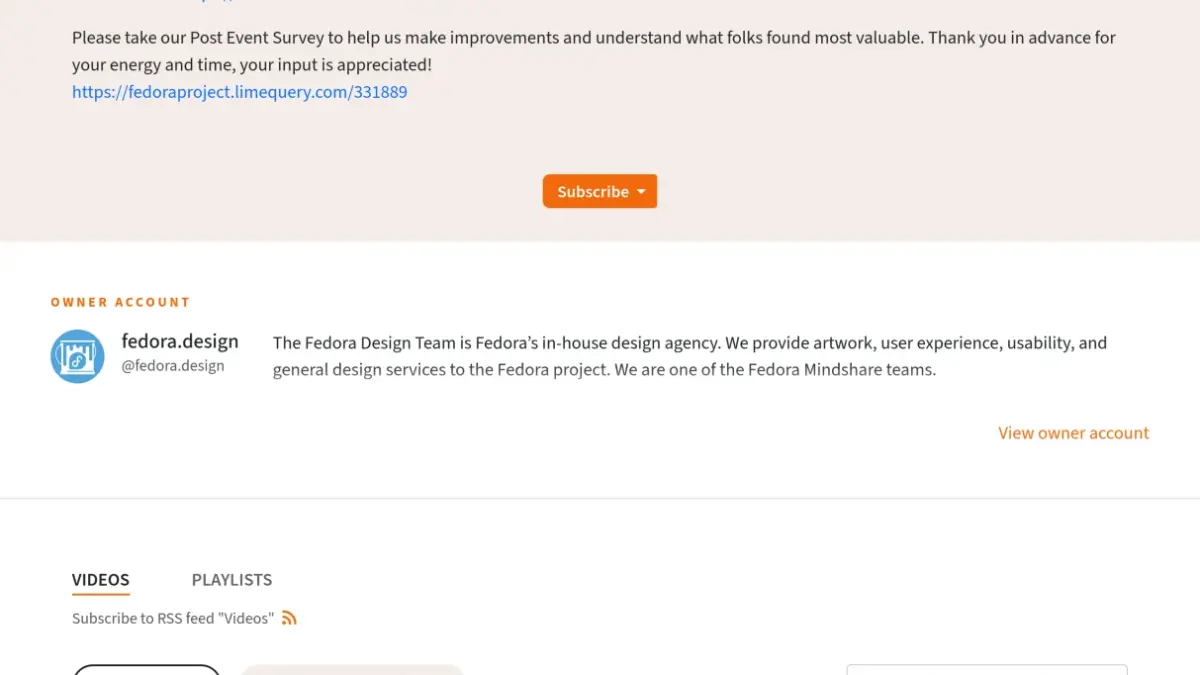
Following the conclusion of the summit, organizers initiated a comprehensive review process utilizing LimeSurvey, an open source survey tool distributed to participants via the Element channel and PeerTube video pages. The feedback gathered during this evaluation phase has continued to guide ongoing planning meetings as the team prepares for subsequent events.
Addressing accessibility emerged as a key area for future improvement. While participants expressed gratitude when fellow community members voluntarily provided live captions within the chat window, the initial technical stack lacked native live captioning tools. Organizers have since explored open source alternatives, such as integrating live captioning software through broadcasting tools like OBS Studio or utilizing speech-to-text features built directly into open source video editors like Kdenlive during the post-production phase.
The post-event video editing effort relied heavily on community volunteers recruited directly from the summit’s chat channels. Because some raw recordings spanned multiple talks or required trimming, volunteers downloaded the unedited files from PeerTube, processed them using open source editing suites, and uploaded the finalized versions to a shared repository. Despite minor logistical hurdles involving access management, the collaborative volunteer effort successfully organized, edited, and republished the entire catalog of conference sessions, leaving the Creative Freedom Summit with a permanent, open access archive available to the global open source community.