For years, writers, developers, and educators have embraced Markdown as a lightweight, distraction-free markup language for drafting online content. However, transforming those plain-text files into polished web pages traditionally required setting up static site generators, configuring complex build pipelines, or wrestling with hosting infrastructure. A new open-source project aims to eliminate those technical barriers entirely.
Known as Docsify-This, the tool leverages the power of Docsify.js to provide an effortless pathway for publishing, sharing, and reusing Markdown content without requiring any dedicated website setup or build process. By turning raw text files into responsive, standalone web pages on the fly, the project offers a compelling solution for individuals seeking to embed constraint-free Markdown or HTML seamlessly across multiple platforms, including content management systems and learning management systems.
What is Docsify-This?
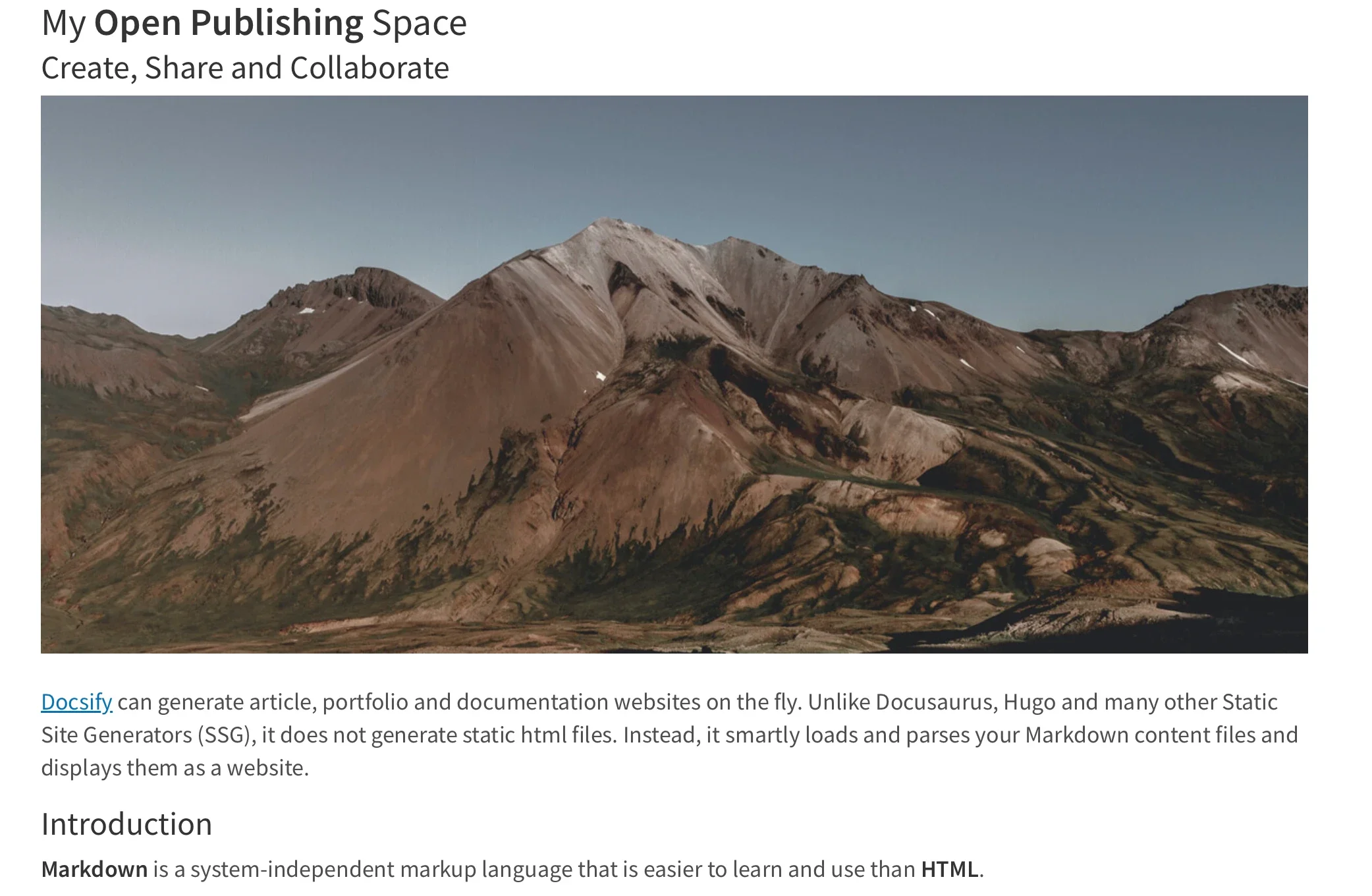
At its core, Docsify-This operates by taking any publicly available Markdown file and instantly rendering it into a responsive, standalone web page. Users can also link multiple Markdown files together to establish a simple, cohesive website structure. For designers and content managers looking to maintain brand consistency, the platform allows visual adjustments to be made effortlessly through a point-and-click Web Page Builder interface or directly via URL parameters. Furthermore, authors can leverage a designated set of built-in Markdown CSS classes to further customize the aesthetic presentation of their documents.

The platform also emphasizes collaborative authoring. Creators who store their Markdown files in public repositories on Git hosting services like Codeberg or GitHub can configure the system to automatically generate an "Edit this Page" link for each document. Because the project is completely open source, organizations and individuals can host their own private instances of Docsify-This using custom domains, thereby avoiding the common pitfalls of platform lock-in and maintaining full ownership of their digital workflows.
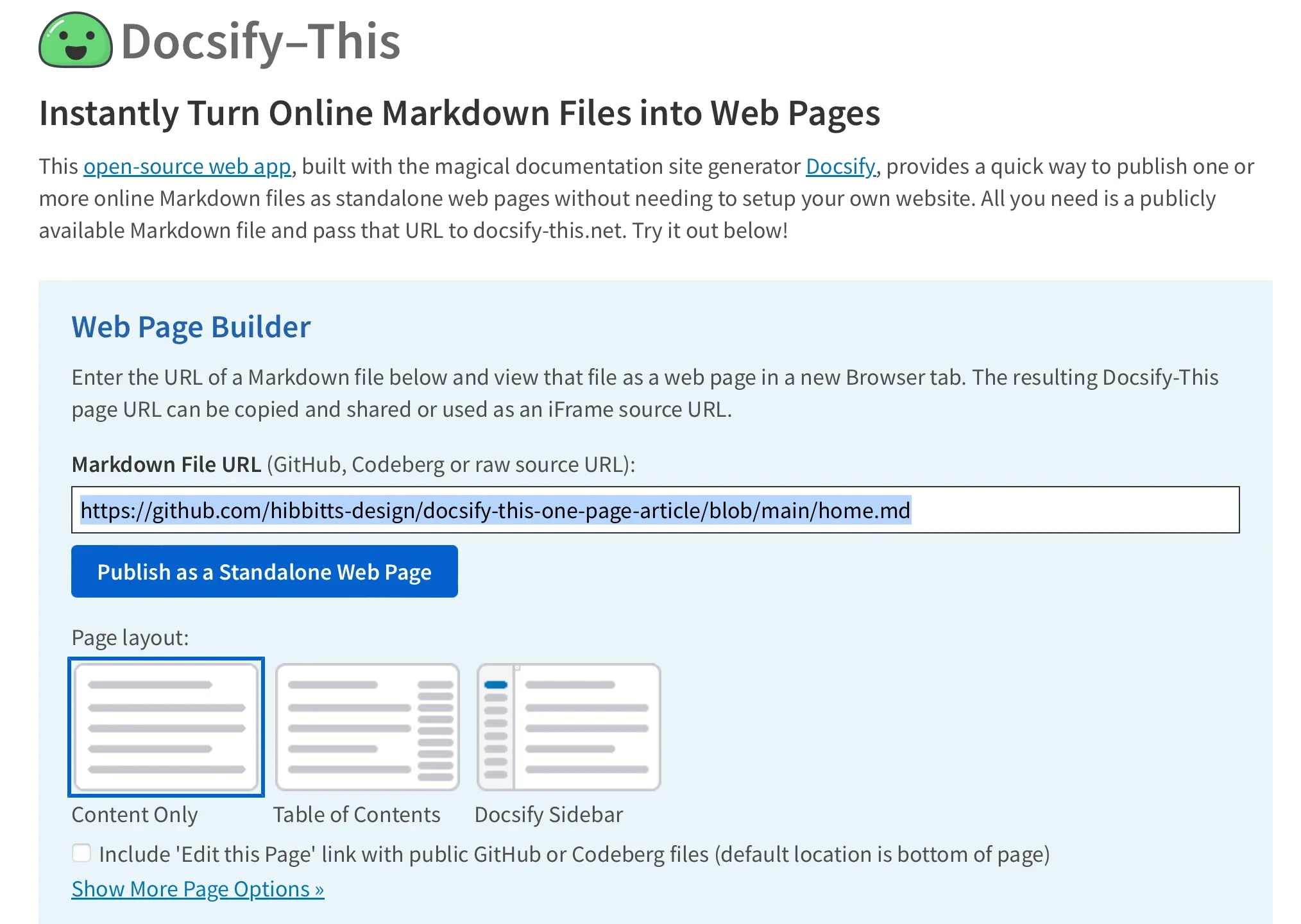
Use the Docsify-This Web Page Builder
Getting started with the platform requires minimal technical overhead. Users can access the public Docsify-This website or deploy a local instance on their own servers. Within the Web Page Builder interface, an author simply inputs the raw URL of a public Markdown file hosted on GitHub or Codeberg. While other Git hosting providers can be integrated using specific URL parameters, the graphical builder streamlines the initial publishing phase for the platform’s most common repositories.
Once the URL is submitted and the publication button is triggered, the engine instantly processes the file, generating a clean, standalone web page complete with a shareable URL. These dynamically rendered pages are uniquely optimized for embedding into external destinations, allowing creators to style the output to match the visual language of the host environment.
Render Other Files in the Same Repository
Managing multi-page documentation or multi-file content libraries within Docsify-This relies heavily on URL parameter manipulation. Administrators and writers are not restricted to a single homepage view; instead, they can render alternative Markdown files residing within the exact same repository by directly editing the homepage URL parameter. This flexibility allows content maintainers to update their underlying source repositories using familiar version control practices while instantly reflecting those updates across distributed web properties without touching deployment scripts.
Modify the Web Page’s Appearance
Customizing the visual presentation of rendered content is handled dynamically through URL parameters or specialized CSS classes. Common styling attributes such as font family, font size, link color, and line height can be passed directly through the web address, granting fine-grained control over typography and layout without requiring access to external stylesheets.
Beyond basic typographic controls, authors can implement specialized Markdown CSS classes to transform standard text elements into engaging UI components. For instance, appending a button class to a hyperlink converts a standard textual link into a styled button image. For advanced users who require bespoke design elements, Docsify-This supports custom CSS definitions directly within the Markdown files themselves. Authors can write standard style blocks to define unique visual behaviors, hover states, and structural aesthetics, ensuring that the final rendered output matches precise design specifications.
Include HTML Snippets
Adhering to standard Markdown specifications, Docsify-This supports the seamless inclusion of raw HTML snippets. This capability empowers content creators to bypass the limitations of plain text when complex layouts are required. By embedding standard HTML structural elements, such as multi-column grid containers, authors can craft sophisticated page layouts directly within their Markdown documents, ensuring that instructional materials, articles, and documentation pages maintain a professional visual hierarchy.
Embed Docsify-This as an iFrame
One of the most powerful use cases for Docsify-This is its native capability to be embedded as an iFrame inside virtually any modern digital platform. By leveraging customizable URL parameters, administrators can ensure that embedded content harmonizes perfectly with the surrounding interface of the destination site. Parameters can be utilized to adjust typography, modify scaling, and even hide extraneous branding elements like credits, allowing the embedded Markdown to appear as an organic part of the host application.
Embed Docsify-This with an External URL
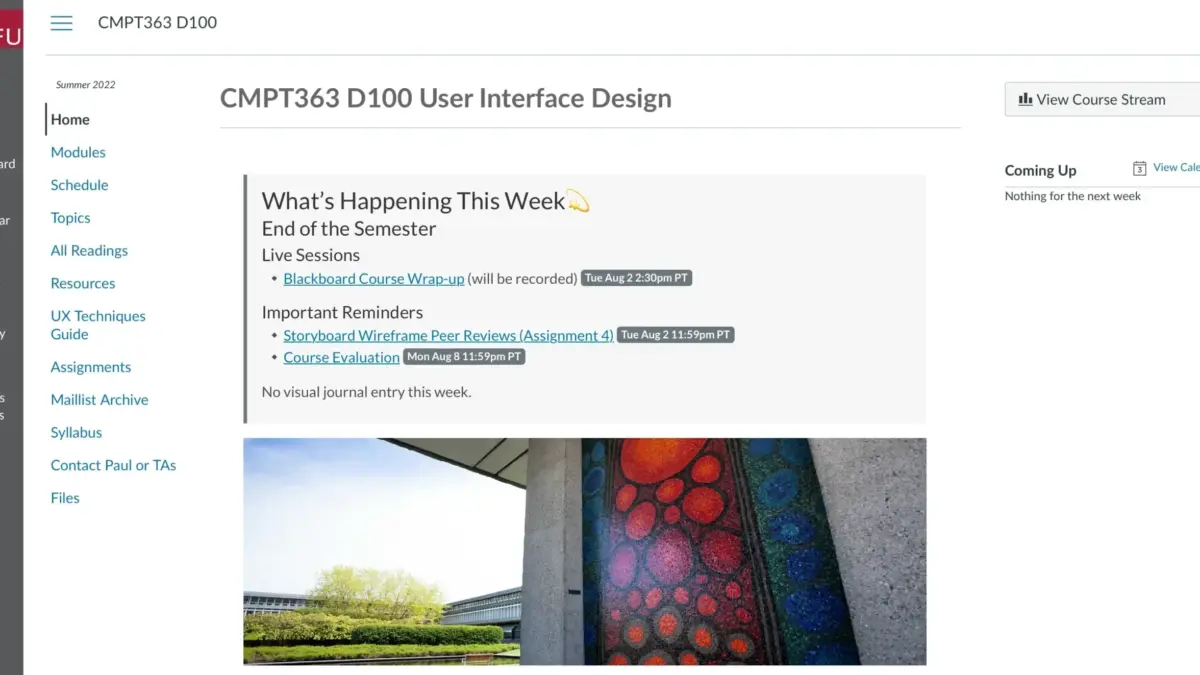
Beyond traditional iFrame integration, certain learning management systems offer native tools for linking external web pages directly into course navigation menus and content modules. Widely adopted platforms, including the open-source Moodle software and the proprietary Canvas LMS, allow educators to integrate external resources seamlessly. For example, instructors using Canvas can utilize redirection tools to display Docsify-This web pages directly within a course menu, bridging the gap between external version-controlled documentation and structured educational environments.

Integrate Docsify-This and Git
To fully unlock the advantages of distributed version control, collaborative editing, and transparent revision histories, Docsify-This is designed to integrate cleanly with Git-based workflows. Storing documentation in repositories hosted on GitHub or Codeberg enables teams to track changes effortlessly while offering users the option of direct editing capabilities via dynamic page links.
A rich ecosystem of open-source tools supports this workflow, ranging from graphical user interfaces like GitHub Desktop, Git-Cola, and SparkleShare, to advanced text editors featuring robust built-in Git support such as VSCode and Pulsar Edit. This integration ensures that content creators do not need to abandon their preferred writing environments or version control protocols to take advantage of instantaneous web publishing.
Markdown Publishing Made Easy
The enduring popularity of Markdown stems from its simplicity, readability, and portability. With the introduction of Docsify-This, the core benefits of Markdown-based publishing are now more accessible than ever, bridging the gap between raw text files and dynamic web delivery. By removing the traditional friction associated with website building and platform integration, the open-source project provides a flexible, scalable tool for educators, developers, and communicators looking to share their work across the web.