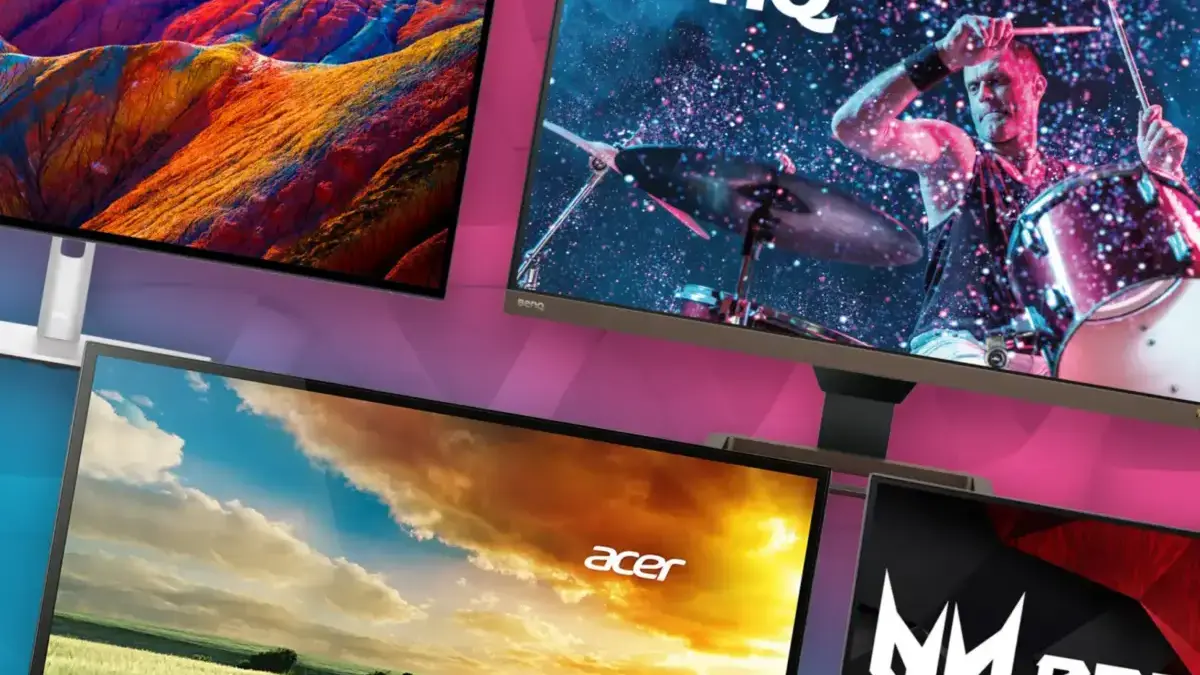
Finding reliable discounts on laptops, desktop computers, and heavy-duty gaming hardware has proven to be a difficult endeavor lately. Navigating the current retail landscape for core computing components often feels nearly impossible, as prices fluctuate wildly and high-end components remain stubbornly expensive. Fortunately, the display market tells a different story. Because computer monitors do not rely heavily on massive memory configurations and internal storage modules, panel manufacturing costs have continued to trend downward. As a result, the lead-up to the major holiday shopping season has emerged as an ideal window for consumers looking to hunt down a brand-new monitor.
Industry analysts and retail trackers are monitoring the market closely as major shopping milestones approach. With key retail dates marked on the calendar, technology experts have scoured the web to identify the absolute best monitor deals currently available, keeping a close eye on further price drops as consumer demand builds.
Decades of professional hardware testing and evaluation mean that expert recommendations look far beyond the bottom-line price tag. Reviewers evaluate visual fidelity, inherent panel quality, and functional extras such as USB-C video passthrough and multiple PC inputs. Furthermore, considerations regarding brand reliability and the actual daily needs of typical users play a critical role in shaping these recommendations. While obscure "whitebox" brands are generally avoided due to inconsistent quality control, occasional deep savings can occasionally make a lesser-known manufacturer worth a second look if the performance metrics justify the risk.
For gaming enthusiasts, organic light-emitting diode technology has firmly established itself as the dominant choice. Modern OLED panels have evolved rapidly, becoming fast enough, bright enough, and affordable enough to justify an immediate upgrade, particularly for those seeking a centerpiece display that delivers striking contrast. Meanwhile, standard office users are best served by traditional IPS-LCD panels, which ensure superior color accuracy and comfortable text readability for long working sessions. For laptop users, integrated USB-C power delivery has become an indispensable upgrade, allowing for seamless single-cable docking solutions.

Deals at a Glance
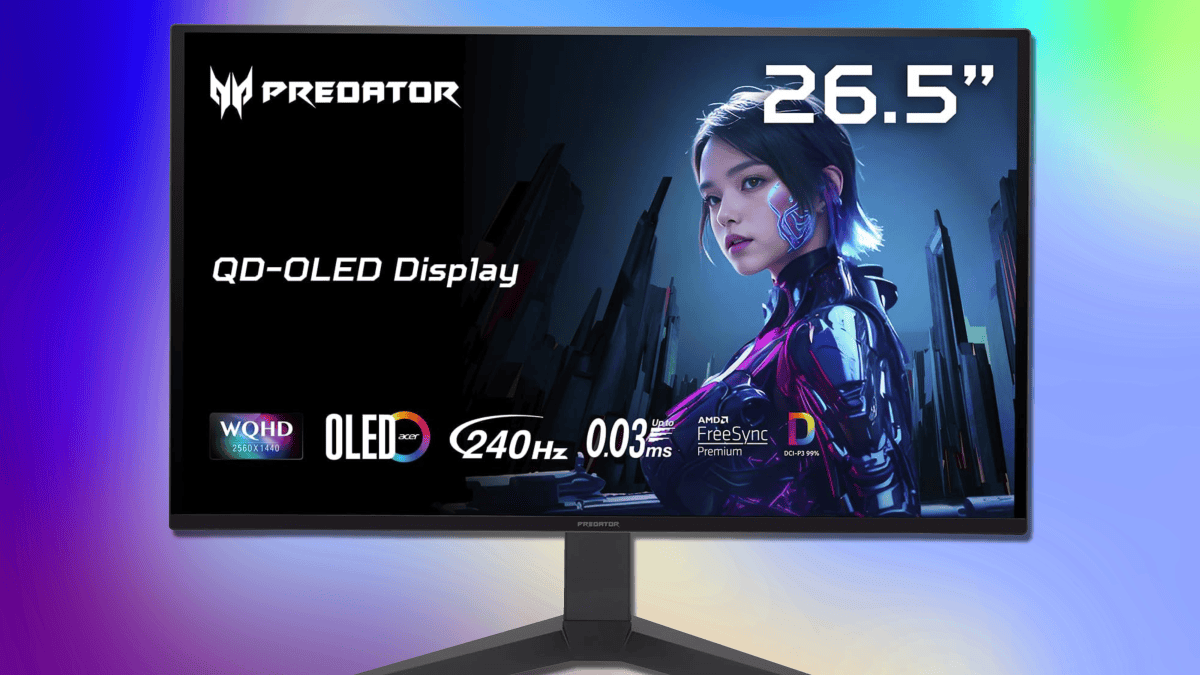
Best Budget OLED Monitor: Acer Predator 27-Inch 1440p 240Hz
For gamers seeking a substantial visual upgrade without breaking the bank, the Acer Predator 27-inch model offers a compelling package. Featuring a sharp QHD resolution of 2560 by 1440 pixels paired with a rapid 240Hz refresh rate, this display provides ample performance to make PC games vibrant while maintaining the responsiveness required for competitive online multiplayer. The monitor is relatively light on secondary features—notably omitting USB-C connectivity—making it an ideal option for desktop PC owners on a budget who prioritize raw panel performance.
Throughout the year, the price range between $300 and $350 has represented the sweet spot for entry-level OLED technology. While further discounts are anticipated as the shopping season progresses, Acer currently holds the market advantage with this specific Predator model, making a dramatic price drop from another major brand unlikely in the short term.
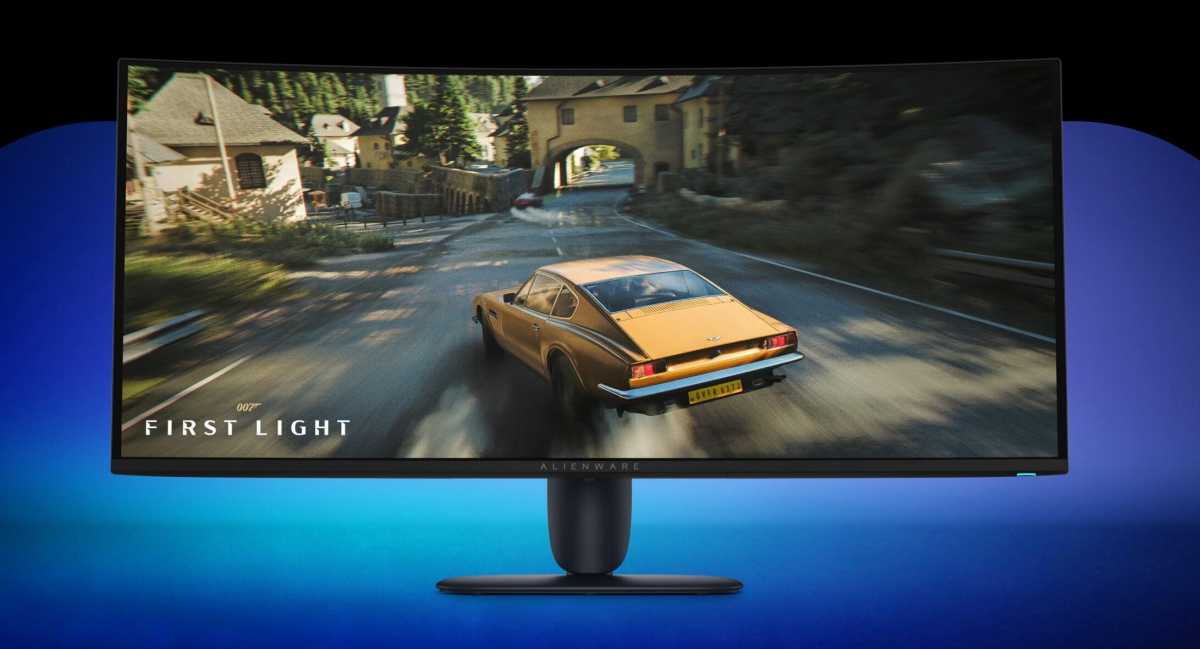
Best OLED Gaming Monitor: Alienware 34-Inch 1440p 240Hz
Gamers looking for an immersive ultrawide experience will find a strong contender in Alienware’s 34-inch curved display. Sporting an aspect ratio and a resolution of 3440 by 1440 pixels, the monitor provides generous screen real estate for cinematic viewing, sprawling gaming environments, and complex multi-window workflows without completely dominating a standard desk setup. It also serves as an effective companion for multi-monitor configurations.
While it may not represent the absolute cheapest 34-inch OLED panel on the market, competing budget alternatives often compromise on refresh rates. Operating at a smooth 240Hz, this Alienware display easily handles fast-paced competitive titles while incorporating convenient modern amenities like USB-C charging. It strikes a balanced middle ground for users seeking premium performance coupled with everyday utility.
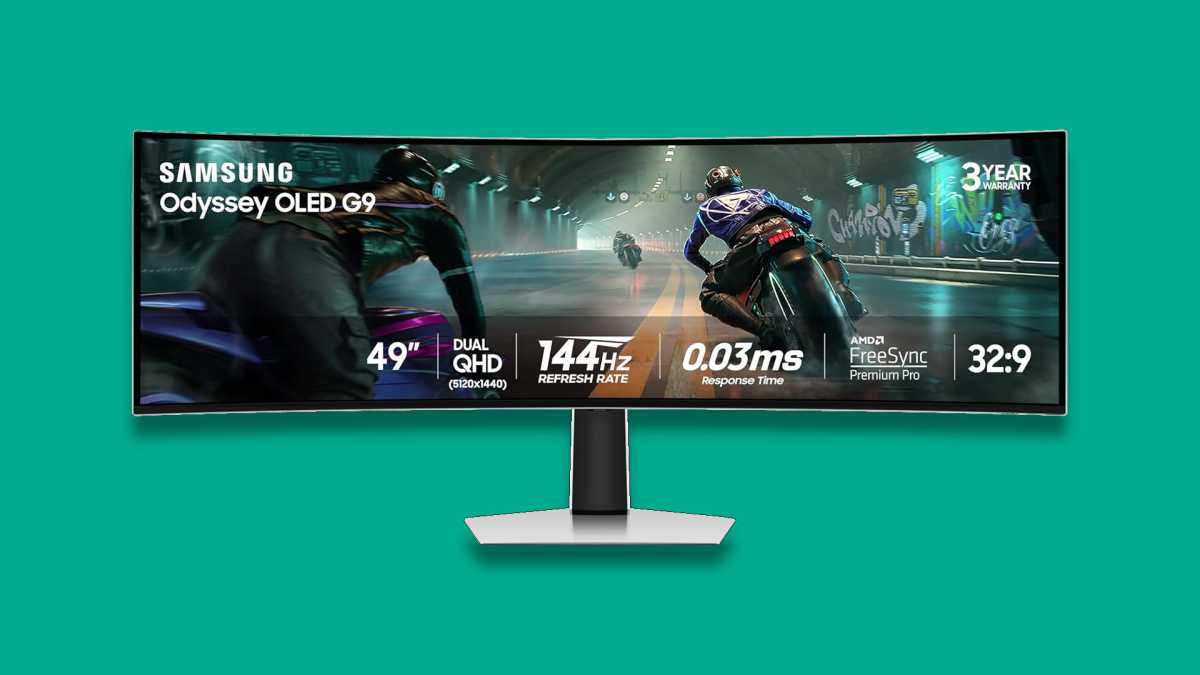
Best Gigantic OLED Gaming Monitor: Samsung Odyssey OLED G9 49-Inch 1440Hz
For enthusiasts with ample desk space and a taste for ultra-enthusiast hardware, the Samsung Odyssey OLED G9 stands out as a premier choice. This massive 49-inch ultrawide display effectively combines two 1440p screens into a single 32:9 panoramic canvas. Operating at a 144Hz refresh rate, it pushes an immense number of pixels that even high-end gaming rigs will struggle to max out in demanding titles.
A few short years ago, securing an OLED panel of this magnitude for under $1,000 was nearly impossible. Today, buyers can acquire this oversized screen equipped with versatile connectivity options, including USB-C, and extensive configuration settings at a significantly reduced cost, provided their workspace can accommodate its physical footprint.
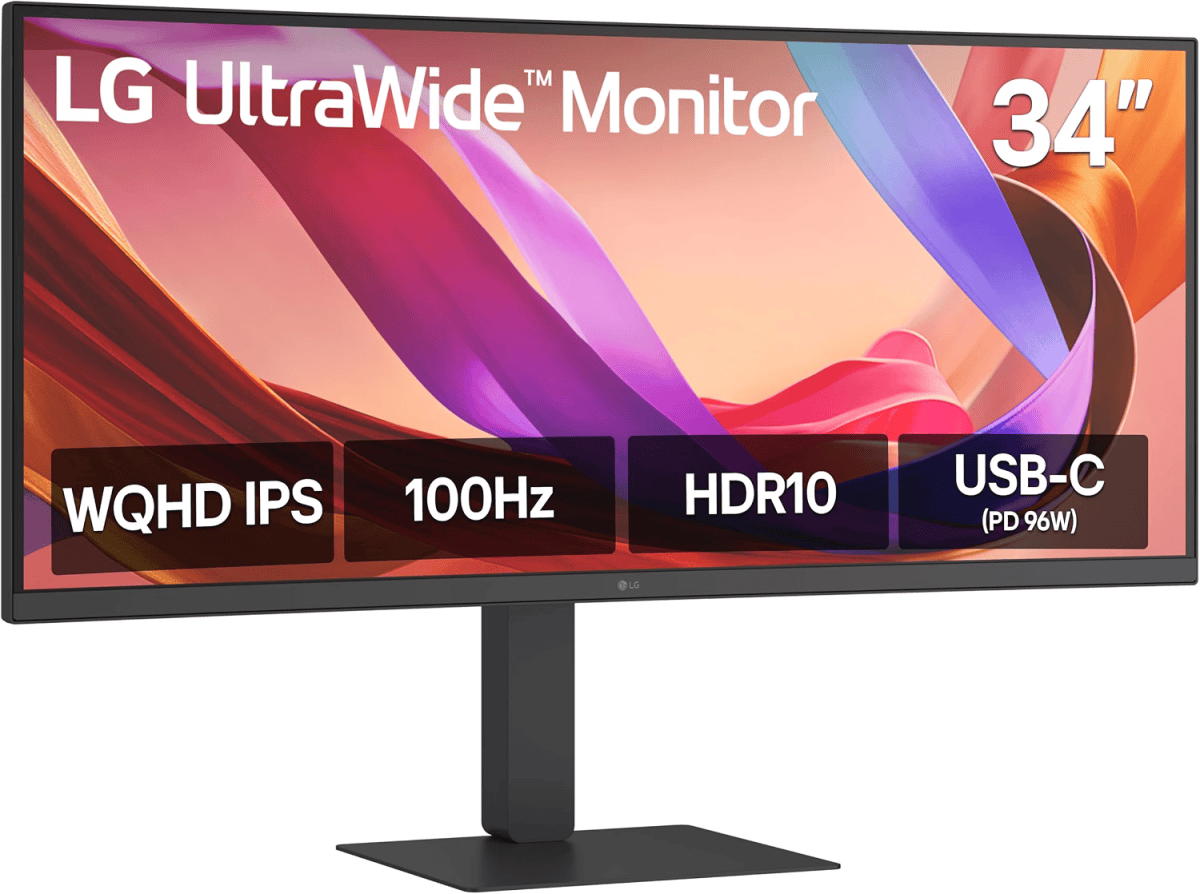
Best Office Monitor: LG 34-Inch 1440p Ultrawide USB-C
Professionals focused on maximizing productivity stand to benefit significantly from LG’s 34-inch ultrawide office monitor. Designed with multitasking in mind, the display features robust USB-C connectivity that allows users to instantly dock and power compatible laptops using a single cable. The high-quality IPS panel guarantees crisp text rendering and precise color reproduction, which is essential for document work and creative editing tasks.
Finding a display that successfully combines a professional-grade panel with high-wattage USB-C power delivery—capable of pushing up to 96 watts to quickly recharge demanding mobile workstations—is rarely inexpensive, but the visual and functional benefits help prevent eye strain during extended work hours. Desktop-only users who do not require USB-C functionality can explore similar alternatives from manufacturers like Innocn to secure comparable screen space at a lower cost.
Best Budget Office Monitor: AOC 27-Inch Fast IPS 1080p
Despite carrying gaming-centric branding due to its responsive 180Hz refresh rate, this 27-inch AOC monitor functions equally well as an affordable option for a traditional office environment. Priced well under $100, the fast IPS panel delivers exceptional value, particularly for professionals looking to build a multi-monitor workstation thanks to its built-in VESA mount compatibility.
While typical office monitors in this price tier generally restrict users to smaller 24-inch panels with subpar display characteristics, this model expands the viewing area while maintaining a remarkably low price point. For buyers seeking maximum economy, smaller 24-inch variants offer even steeper savings.
Best Portable Monitor: Vilva 15.6-Inch IPS USB-C 1080p
Mobile professionals looking to expand their digital workspace while traveling can utilize portable monitors to instantly double their available screen estate. The Vilva 15.6-inch model features a reliable IPS panel and incorporates a built-in physical kickstand rather than a bulky, cumbersome folio case.
The rapid decline in component costs has made these productivity accessories remarkably affordable. Beyond single-cable laptop connections, the display includes pass-through charging and standard HDMI support, allowing users to connect external devices such as portable gaming consoles during holiday travels.
Frequently Asked Questions
What Makes OLED Monitors So Popular?
Organic light-emitting diode technology represents a significant architectural leap forward compared to traditional liquid crystal displays. By eliminating the need for a separate backlight, OLED panels deliver exceptionally vivid colors, true black levels that create near-infinite contrast ratios, and lower overall power consumption. These traits make them especially popular among PC gamers seeking high-fidelity visuals.
While OLED displays gained widespread adoption in smartphones and premium televisions years ago, their arrival in the laptop and desktop monitor markets was delayed by concerns regarding long-term image retention and burn-in. Fortunately, modern manufacturing advancements have largely mitigated those risks. Even so, industry experts advise caution for users planning strictly office-oriented setups, as static interface elements like taskbars remain more susceptible to burn-in, and traditional IPS panels often retain an advantage for long hours of text processing.
What Size of Monitor Should I Buy?
Choosing the correct monitor size depends heavily on personal workspace dimensions and viewing distances. A compact 24-inch display remains suitable for shallow desks measuring roughly 24 inches in depth, as the closer viewing distance compensates for the smaller physical dimensions.
For most users, a 27-inch monitor provides the most versatile balance, offering sufficient screen real estate to comfortably view complex applications and opening up access to higher-resolution panels like 4K, which remain scarce in smaller form factors. Larger 32-inch widescreen or 34-inch ultrawide displays suit deeper desks and immersive entertainment setups, occasionally serving as a functional television replacement in smaller rooms. Exceptionally large displays, such as 42-inch or 48-inch panels, are typically reserved for dedicated home theater environments or oversized executive offices where viewers sit several feet away.
What Display Input Is Best?
Connectivity options play a vital role in display performance, with USB-C emerging as the preferred choice for general users. By encapsulating DisplayPort signaling within a universal interface, USB-C delivers high-bandwidth video transmission alongside high-speed data transfer and power delivery to charge connected laptops.
DisplayPort generally ranks second, offering robust support for high resolutions and rapid refresh rates favored by desktop PC users. HDMI occupies third place due to historical limitations regarding maximum resolution and refresh rate support. While newer standards like HDMI 2.1 bridge this performance gap, they remain less common and frequently increase the overall cost of the display. Ensuring that a chosen monitor features inputs compatible with existing hardware remains an essential step before making a purchase.