

The Acer Googlebook 14 arrives with a distinct air of surprise, though perhaps not in the ways industry watchers initially anticipated. As Google’s new line of Googlebooks enters the market—effectively bridging the traditional Chromebook experience with deeper Android integration and advanced artificial intelligence capabilities powered by Intel and Qualcomm chips—reviewers and consumers alike have been left pondering their place in the modern computing landscape.
Priced at $899.99, the Acer Googlebook 14 positions itself far above the budget-friendly tier typically occupied by standard Chromebook Plus models. Yet, beneath its sleek exterior and ecosystem-focused software lies a machine that delivers a remarkably grounded and capable computing experience, proving itself to be an exceptional laptop before it ever leans into its identity as an AI-infused Googlebook.

Under the Hood and Design Evolution
Going into evaluations of the new operating system, known as Googlebook OS, and its headline-grabbing artificial intelligence integrations, users naturally harbor a series of practical questions. Will a fundamentally new operating system prove confusing? Does the inclusion of novel interface elements like the Magic Pointer disrupt daily workflows or become an unwelcome annoyance?
Thankfully, the transition feels far more intuitive than expected. Right out of the box, the Googlebook arrives packaged in a presentation reminiscent of a jewelry box, accompanied by a complementary laptop sleeve that immediately establishes a premium ambiance. This elevated hardware quality accounts for a significant portion of the device’s elevated price tag compared to plastic-bodied Chromebook Plus alternatives.
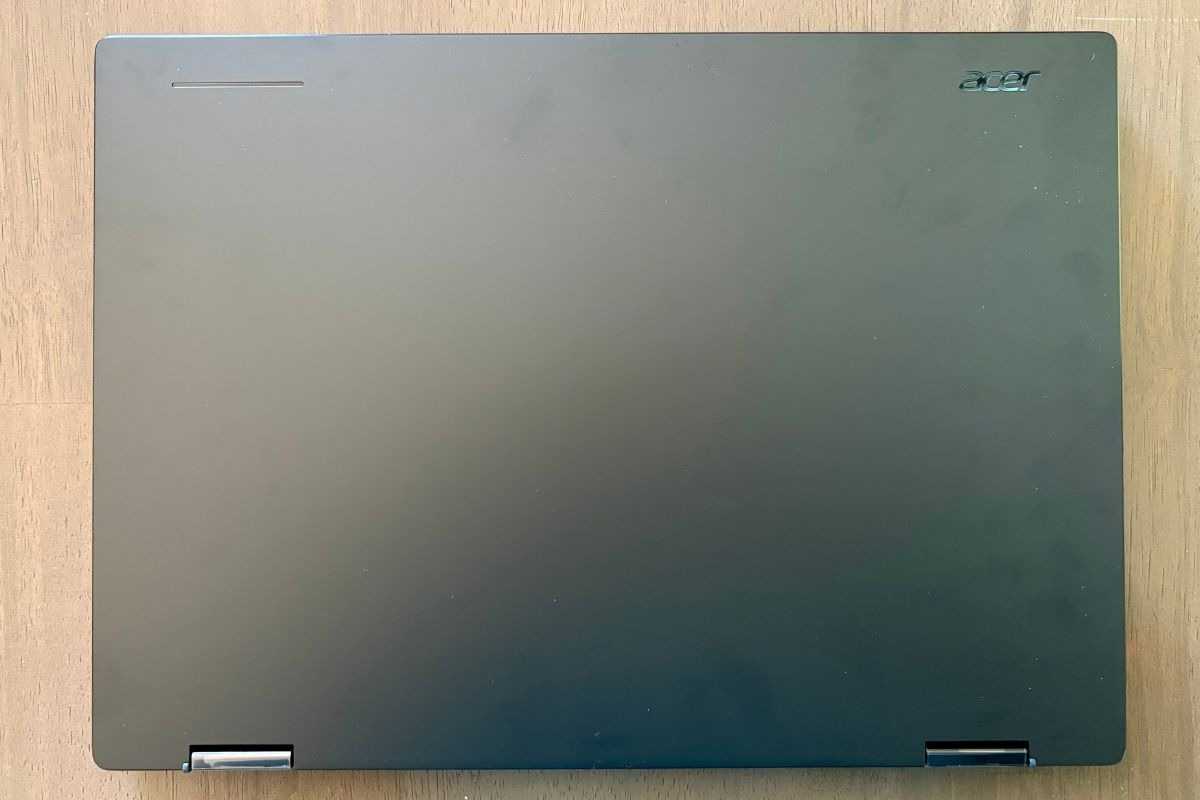
Crafted from an aluminum-magnesium chassis, the notebook feels exceptionally durable while maintaining an impressively slim profile at just 0.55 inches thick and weighing a mere 2.51 pounds. A flexible 360-degree hinge allows users to rotate the display completely around, transforming the clamshell into a functional tablet configuration whenever versatility is required.
The input devices match this premium build quality. While smaller laptops often feature cramped or unfamiliar keyboard layouts, the keyboard on the Acer Googlebook 14 accommodates typing comfortably after a brief adjustment period, complete with standard backlighting suited for low-light environments. The power button neatly doubles as an integrated fingerprint sensor for fast and secure authentication.
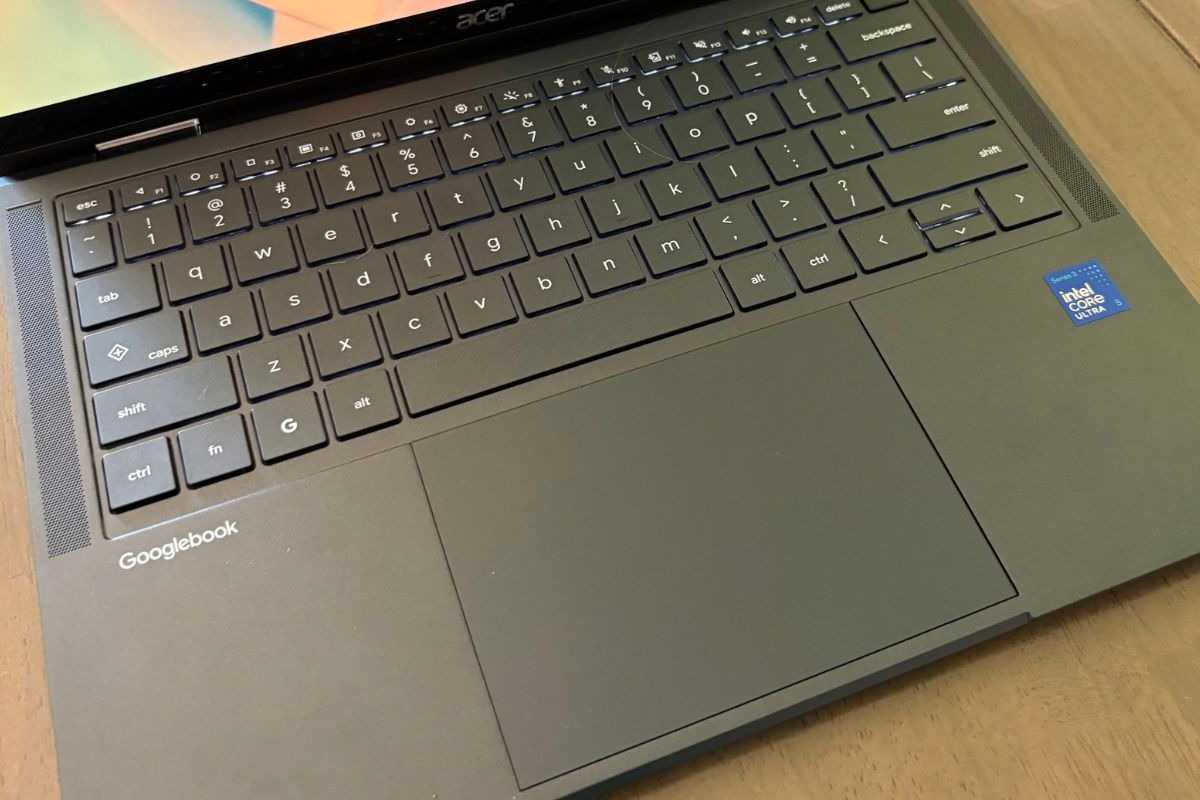
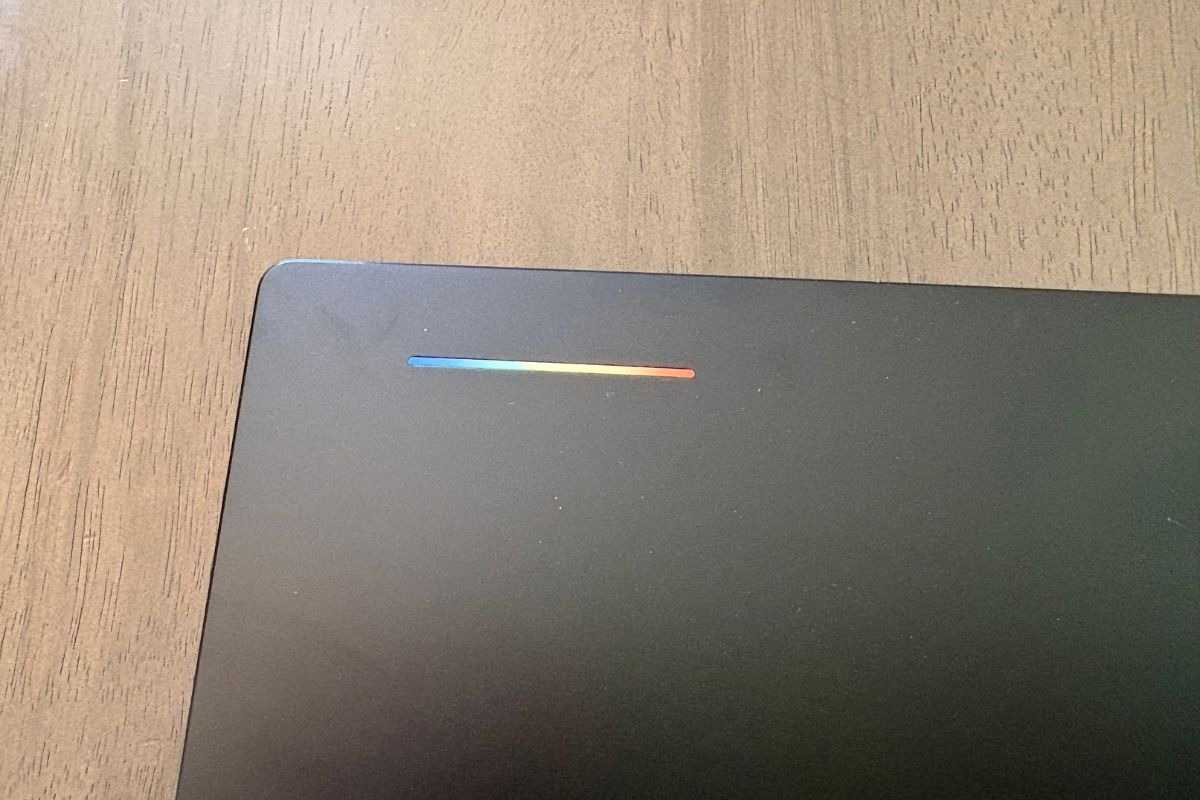
Centrally located and generously sized, the touchpad features a smooth Corning Gorilla Glass surface that feels natural to the touch. The only minor aesthetic drawback is its tendency to attract fingerprints almost immediately, a superficial flaw that purists who prefer a pristine chassis might notice, though it hardly hinders functionality. Meanwhile, a subtle lighting element on the lid, dubbed the Glowbar, offers a charming and unobtrusive indicator for remaining battery life and charging status, providing a quick visual reference without demanding unnecessary attention.
A Phone-First Ecosystem and Familiar Interface
One of the defining characteristics of the Googlebook platform is its philosophy as a phone-first device. When paired with an Android handset such as the Google Pixel 10 Pro XL, the hardware transforms into an extension of the mobile user experience. Features like "Continue On" allow tasks initiated on a smartphone to seamlessly transfer over to the larger screen. For users deeply entrenched in the Android ecosystem, this level of synchronization represents a powerful workflow advantage, even if those accustomed to keeping their mobile and desktop environments strictly partitioned might approach continuous cross-device integration with caution.
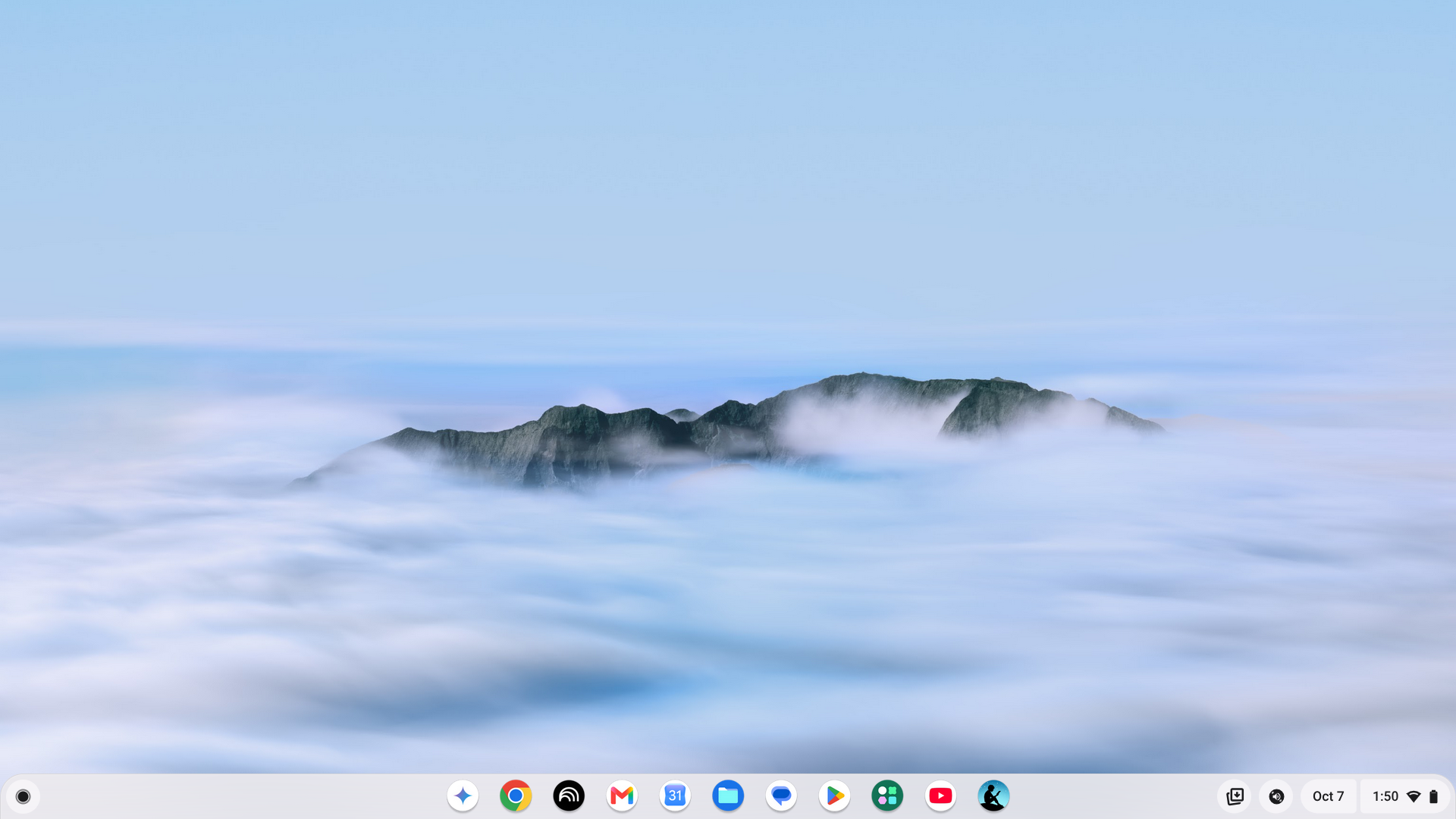
Navigating the operating system itself yields a comforting sense of familiarity. Despite the underlying architectural shifts required to facilitate deeper Android hooks, the interface does not stray wildly from the traditional Chromebook desktop paradigm. Users are spared from frustrating menus or misplaced settings, allowing them to dive straight into daily productivity tasks without a steep learning curve.
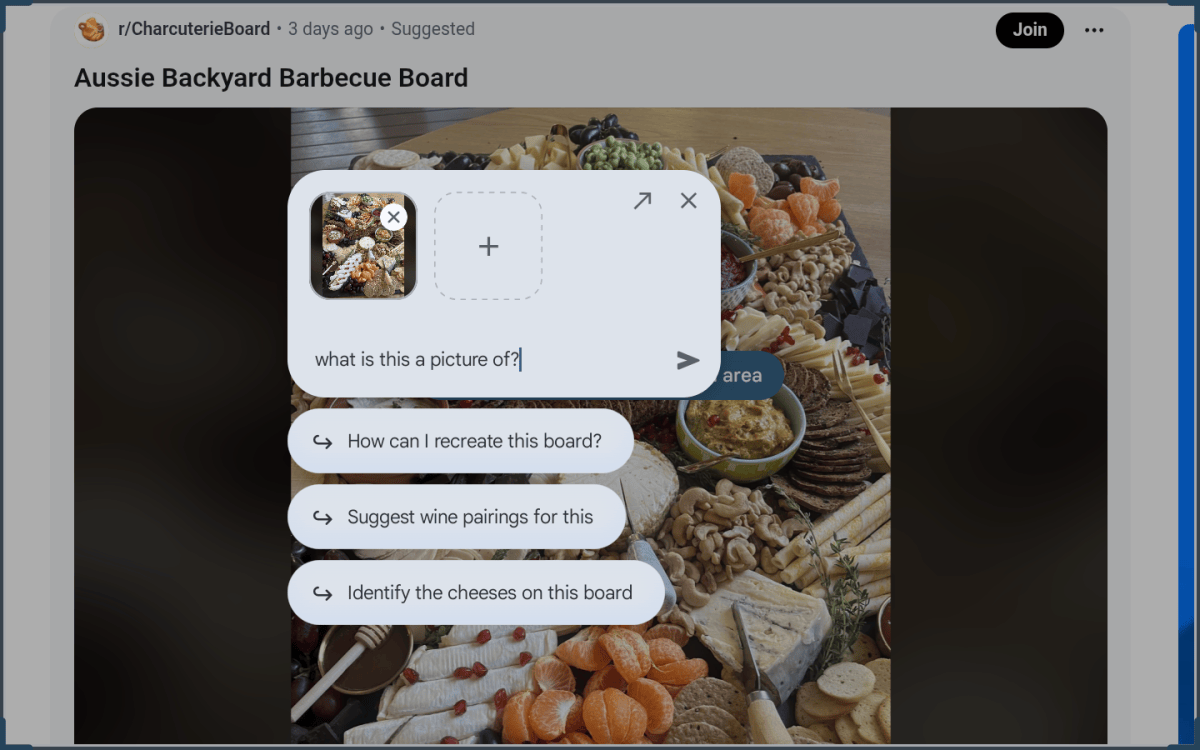
Even the much-discussed Magic Pointer—an AI-driven interface element designed by Google to reinvent cursor utility—proves remarkably restrained in practice. Because activating the feature requires an intentional and deliberate wiggle of the cursor, it rarely triggers by accident during standard typing or navigation. During casual testing with online imagery, such as a photograph of a charcuterie board, summoning the pointer successfully prompted Gemini to generate contextual recommendations, such as wine pairings and comprehensive shopping lists with step-by-step assembly instructions. While the artificial intelligence tools function reliably and without intrusive behavior, users accustomed to traditional search habits may simply find themselves falling back on familiar manual routines out of sheer muscle memory.
Performance and Display Brilliance
When stripped of its ecosystem synchronization and artificial intelligence novelties, the Acer Googlebook 14 succeeds purely on the strength of its core hardware architecture. Configured with an Intel Core Ultra 5 325 processor, 16GB of RAM, and a 512GB solid-state drive, the review unit handles everyday multitasking effortlessly. Standard professional and personal workloads—including managing heavy browser tabs, communicating via Slack, drafting documents in Google Docs, and navigating social media—run smoothly without noticeable slowdowns.
Web-based benchmarking underscores this robust performance. In browser performance evaluations like Basemark 3.0, the Googlebook achieved a score of 1,670, marking an 85 percent performance advantage over older budget-oriented models like the Acer Chromebook Plus 516, which runs on an Intel Core i3-1315U processor and 8GB of RAM. The newer Panther Lake architecture and doubled memory capacity give the Googlebook a meaningful computational edge.
In terms of raw hardware pedigree, the Acer model sits comfortably alongside high-end Windows portables like the Dell XPS 14, which shares a similar Core Ultra 5 processor, 16GB of RAM, and 512GB SSD configuration. Yet, the Googlebook outshines competitors in visual fidelity thanks to its stunning 14-inch OLED touchscreen. Boasting a crisp 2880 by 1800 resolution, a fluid 120Hz refresh rate, 100 percent DCI-P3 color gamut coverage, and a peak brightness of 500 nits, the display delivers exceptional clarity and vibrant color reproduction. Media consumption—whether evaluating vibrant concert footage filled with intricate lighting and costumes or streaming high-definition television series—benefits tremendously from the panel’s rich contrast and luminance.
Battery longevity provides yet another welcome surprise. During everyday untethered usage consisting of mixed productivity and web browsing, the device routinely achieves roughly 14 hours of continuous operation on a single charge. This endurance easily spans a full workday and beyond, eliminating the need to constantly monitor the remaining battery percentage despite the heavy power demands of a bright, high-refresh-rate OLED panel.
Ultimately, determining whether the Acer Googlebook 14 is the right purchase depends entirely on individual user priorities. Retailing at $899.99, it occupies a higher price bracket than conventional budget Chromebooks, offering hardware specifications and build quality traditionally reserved for premium Windows machines. It is not designed for shoppers hunting for an inexpensive, bare-bones web browser. Instead, the Googlebook finds its true audience among users who desire a lightweight, premium convertible laptop paired with deep integration into Google’s mobile ecosystem, delivering a remarkably normal and refined computing experience that gracefully balances modern innovations with classic laptop reliability.


Leave a Reply