
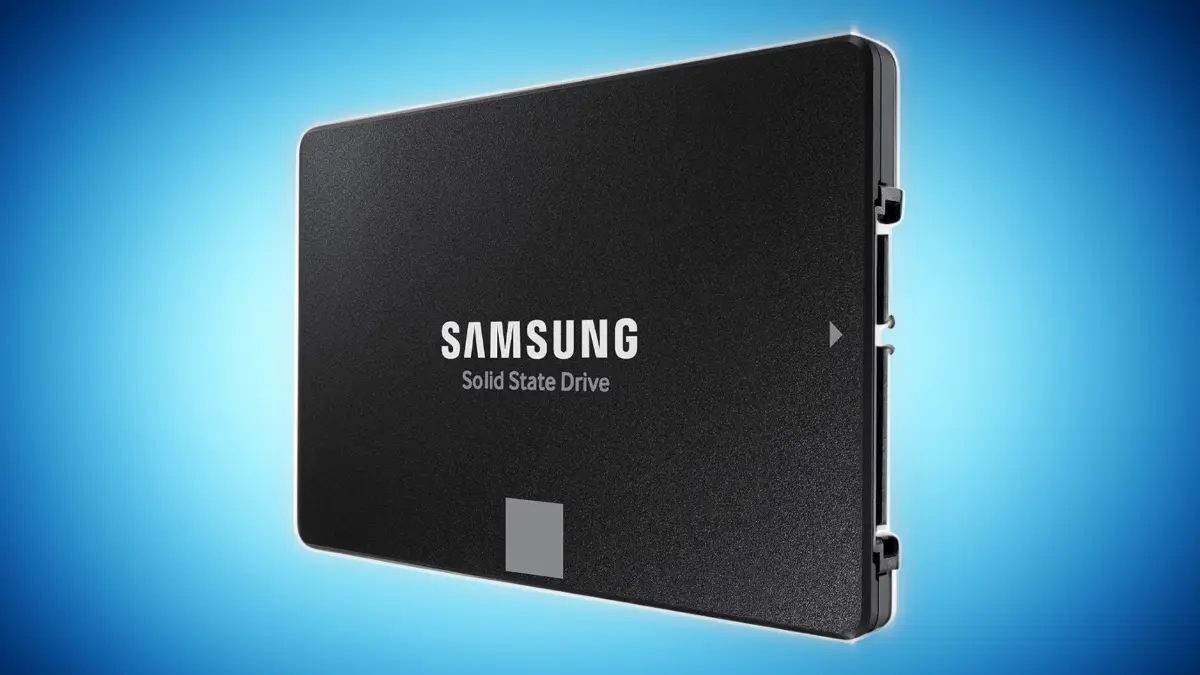
Solid-state drives, or SSDs, are singularly responsible for the vast improvements seen in personal computer performance over the last decade or so. Replacing traditional mechanical hard drives, SSDs transformed once-ponderous boot times into virtually instantaneous operations. Today, programs and games are far more responsive, and the frustratingly long load times associated with massive files are largely a thing of the past.
For users who have yet to make the switch, missing out on these performance gains means operating at a distinct disadvantage. Meanwhile, those who already own an older generation of solid-state storage might consider upgrading to capture the significantly faster speeds offered by cutting-edge PCIe 4.0 and 5.0 designs, provided their system hardware supports those modern technologies.

That said, industry evaluations reveal an interesting nuance in the consumer storage market: a premium, ultra-fast drive may not always deliver noticeably higher real-world performance than a well-chosen bargain alternative. Mainstream software, including standard operating system utilities like Windows Explorer, has yet to fully implement the numerous performance optimization tricks, such as multiple command queues, that advanced NVMe SSDs natively support.
A notable exception to this rule is FastCopy, a dedicated file copy and sync utility that allows a high-performance SSD to realize its full potential. Storage experts recommend utilizing specialized transfer tools when moving large amounts of data to save significant amounts of time, a benefit shared by advanced command-line utilities for tech-savvy users.
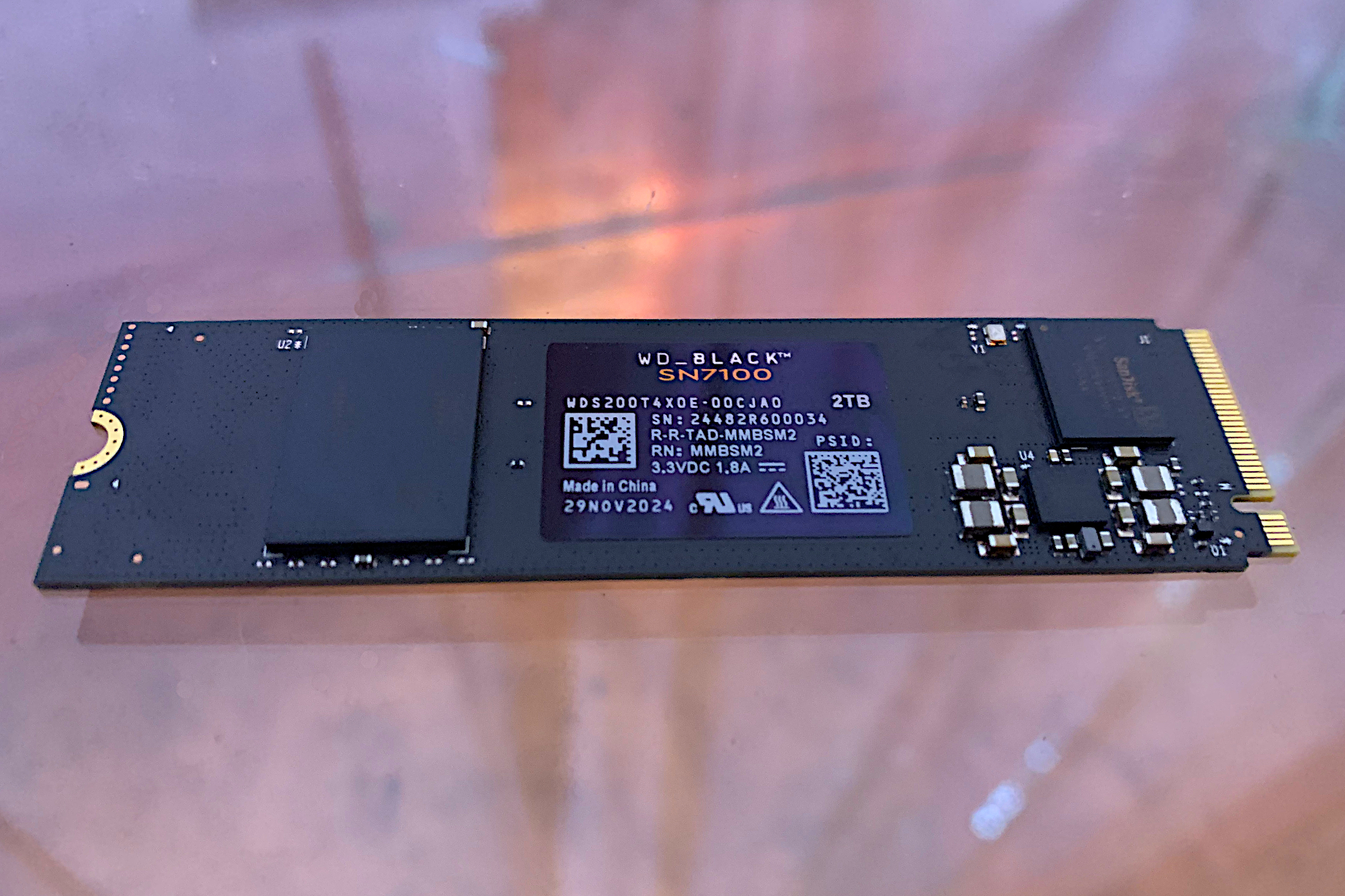
Storage evaluations categorize hardware recommendations into internal drives—with NVMe models leading the list followed by SATA options—and external portable drives listed separately. However, a significant macro-economic shift has impacted the marketplace. Due to the ongoing global demand for NAND storage, fueled heavily by the rapid expansion of artificial intelligence infrastructure, SSD prices have climbed steeply. This market shift has rendered many historical pricing figures out of date. Furthermore, hardware testers note specific compatibility warnings, such as issues with Phison E26-based SSDs operating within high-bandwidth 80Gbps enclosures on Thunderbolt 5 Mac systems, advising users to avoid that specific combination.
For the average consumer and gamer, the technological sweet spot remains a 1TB or 2TB PCIe 4.0 NVMe solid-state drive. While PCIe 5.0 technology boasts impressive theoretical speeds, most everyday users and gamers will notice little to no difference during normal operating system tasks or game loading sequences. SATA technology, by contrast, is primarily worth considering for older legacy computer systems that lack native NVMe slots.
Choosing the Right Drive for Your Setup
Navigating the vast selection of available hardware depends heavily on specific use cases. For standard PCs, a PCIe 4.0 NVMe drive ranging from 1TB to 2TB offers ample speed for everyday productivity and gaming without incurring the significant price premium attached to PCIe 5.0 hardware. Modern video games require massive storage capacities, making Generation 4 performance more than sufficient for high-end gaming rigs.
Users seeking the absolute fastest transfer speeds available turn to PCIe 5.0 NVMe technology, though these drives command higher prices and remain unnecessary for casual users. Upgrading older desktop towers or legacy laptops often points toward traditional 2.5-inch SATA SSDs, which provide a massive performance uplift over mechanical hard drives while maintaining broad compatibility. For laptop upgrades, matching the exact physical form factor and supported PCIe generation matters far more than simply purchasing the fastest component on the market.
Highlighted Internal and External Storage Picks
Leading the market for PCIe 4.0 performance is the WD Black SN7100, which is also transitioning to the marketplace under the SanDisk Optimus GX 7100 banner following corporate restructuring. Evaluators praise the 2TB capacity for its exceptional performance in host memory buffer designs, which operate without dedicated onboard DRAM to maintain competitive pricing. Offering standard industry protections including a five-year warranty and a robust terabytes-written rating, it stands out as a premier choice for mainstream users.
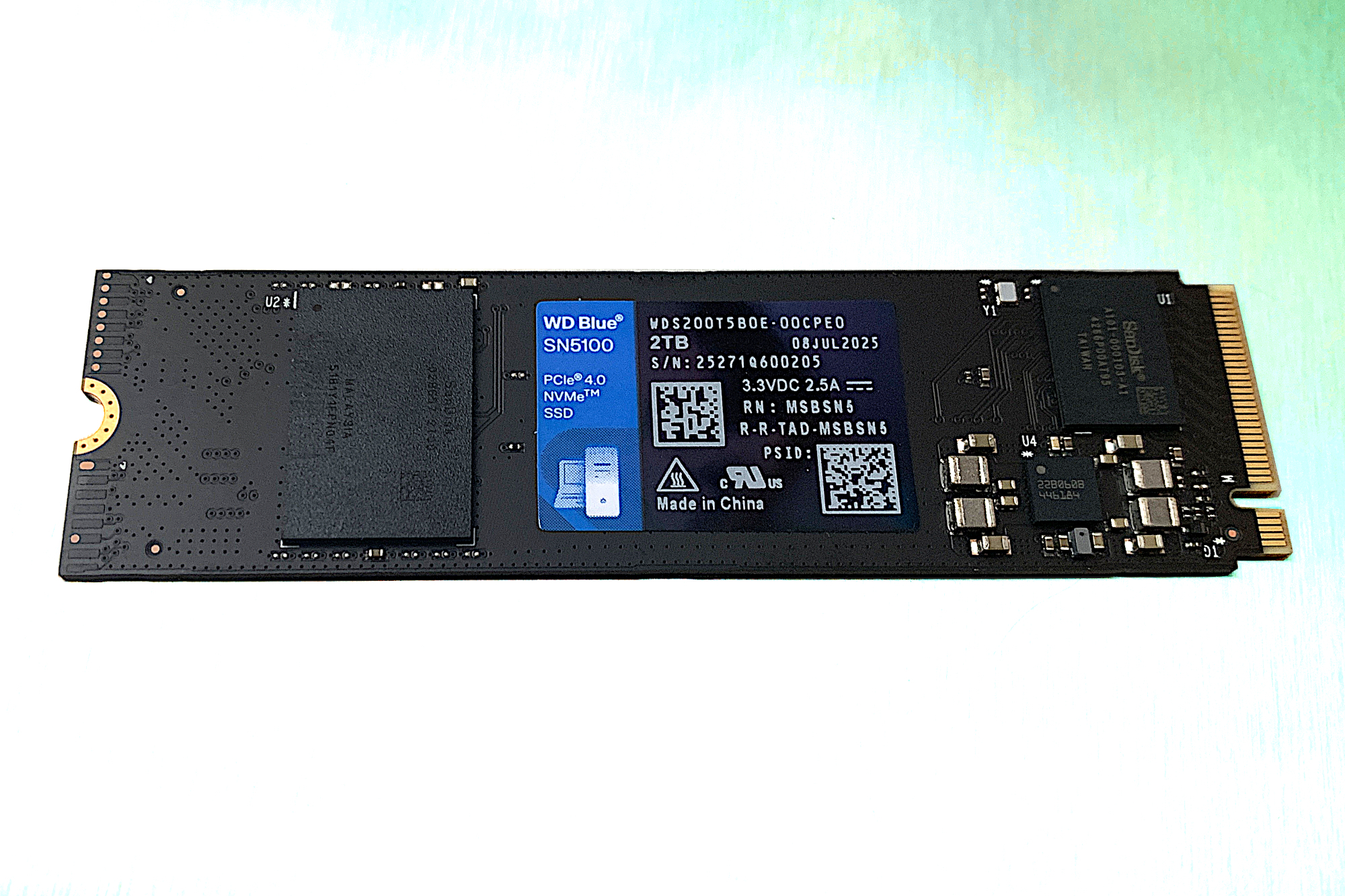
For budget-conscious builders seeking PCIe 4.0 speeds, the WD Blue SN5100—also known as the SanDisk Optimus 5100—offers a reliable alternative. Despite recent price adjustments across the industry, this DRAM-less design provides strong sustained sequential throughput, outperforming many of its predecessors while maintaining wide market availability.
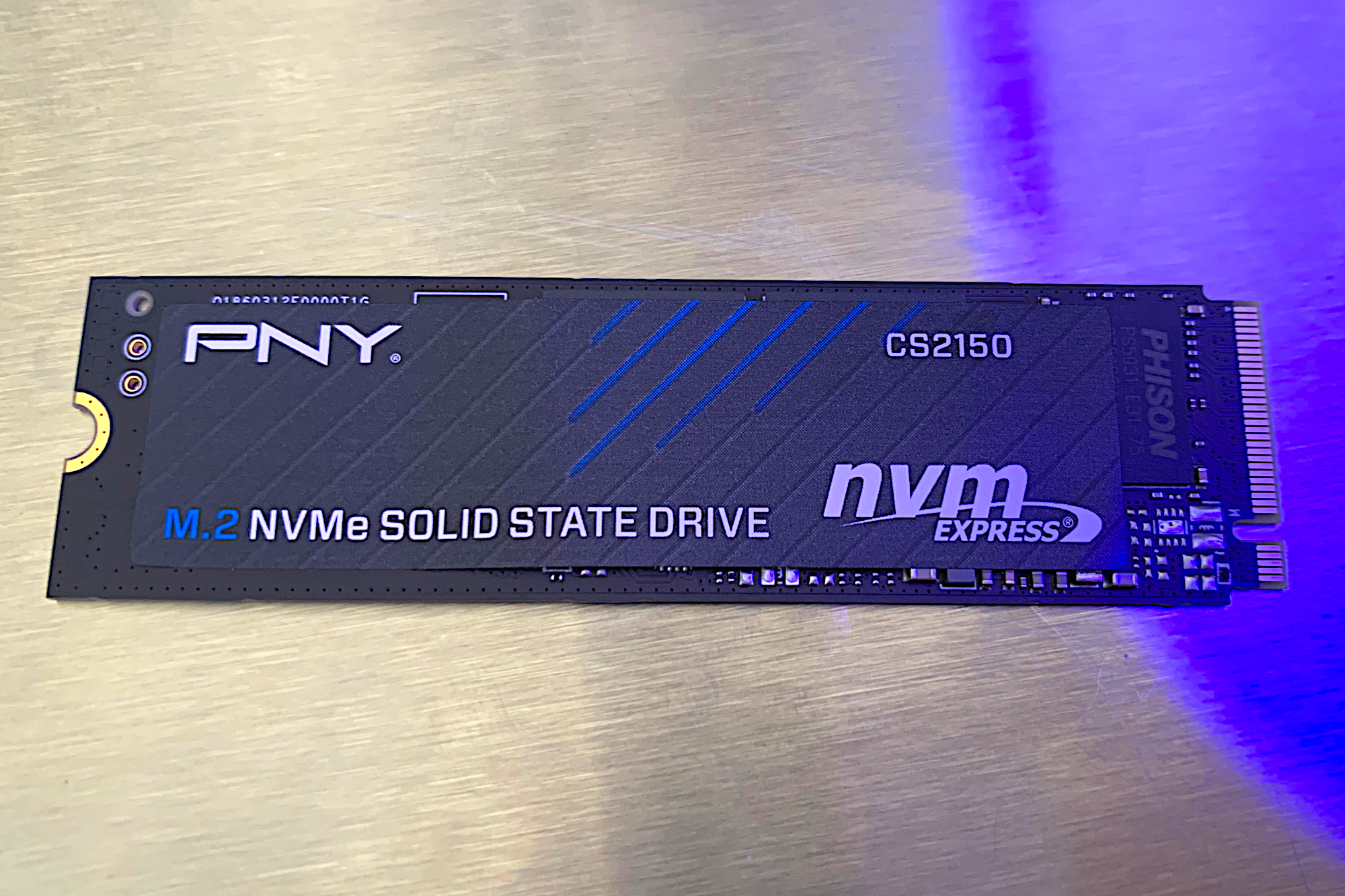
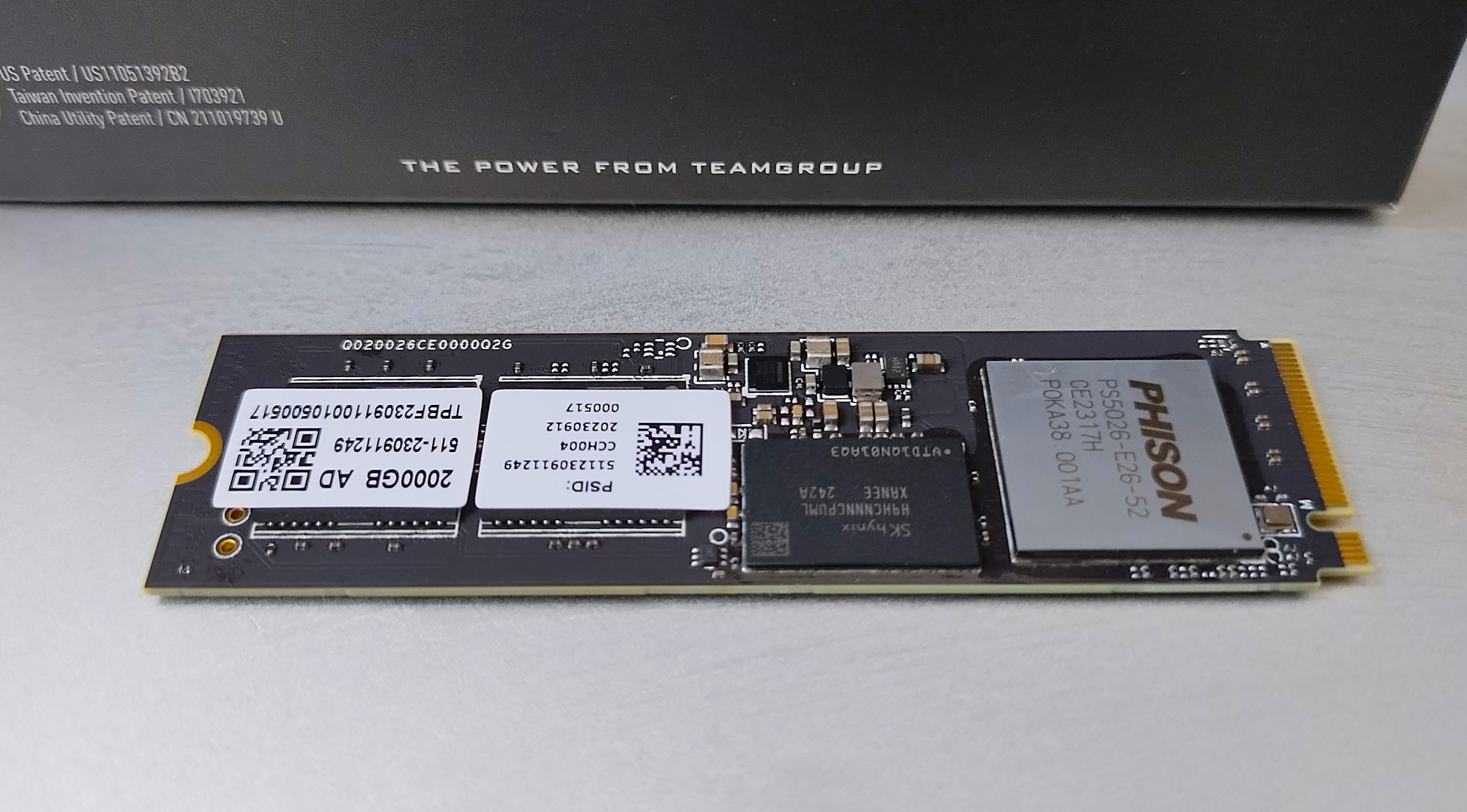
At the cutting edge of performance, the Teamgroup Z540 represents a top-tier choice for PCIe 5.0 storage. While it trades blows in benchmarks with rival high-end models, its competitive pricing makes it a preferred option for enthusiasts utilizing multi-threaded software alongside late-generation Intel processors optimized for the internal Phison controller. For those looking to enter the Gen 5 market with tighter financial constraints, the PNY CS2150 delivers impressive speeds through a host memory buffer architecture that significantly reduces manufacturing costs without sacrificing competitive benchmark standing.
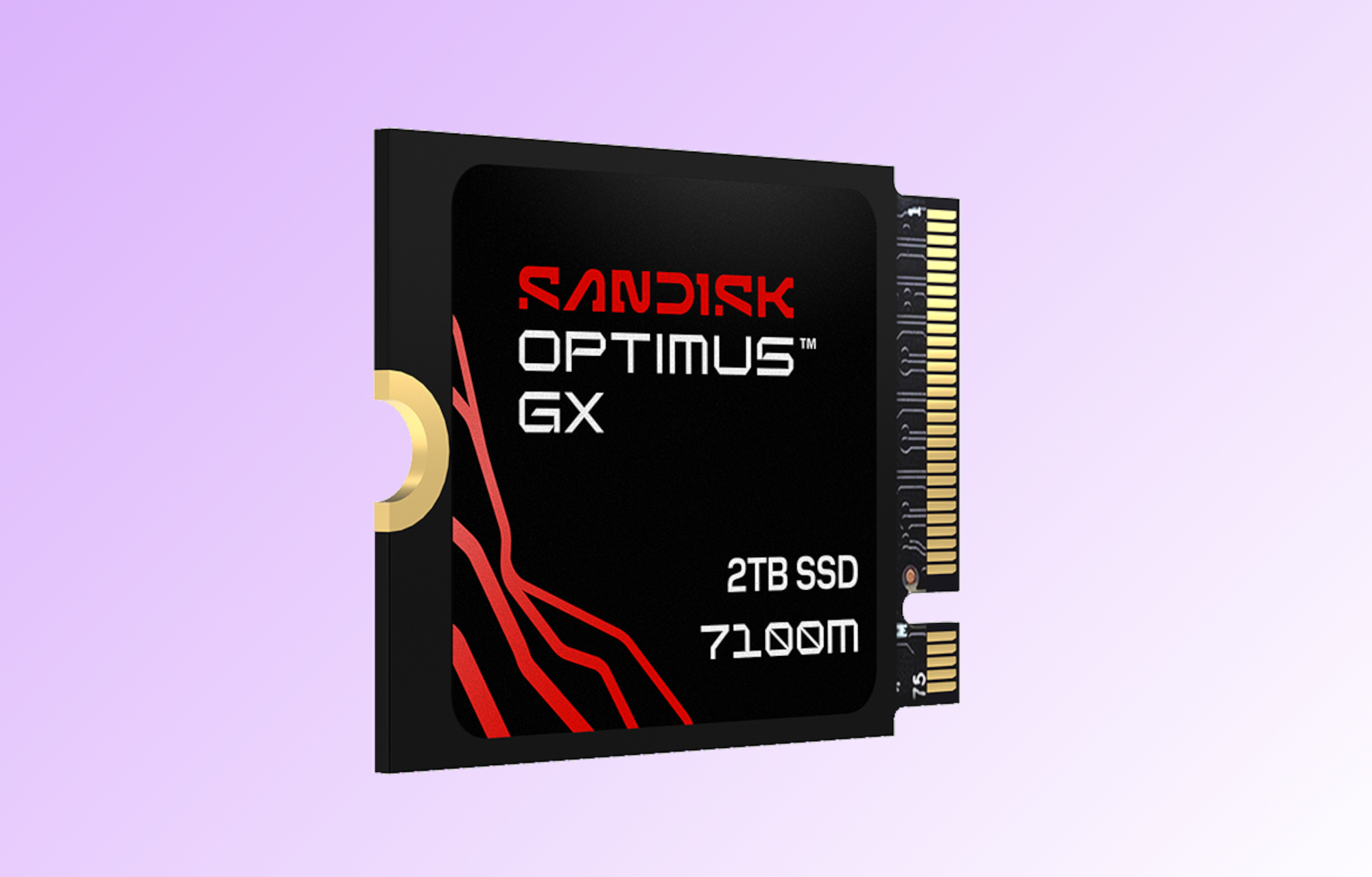
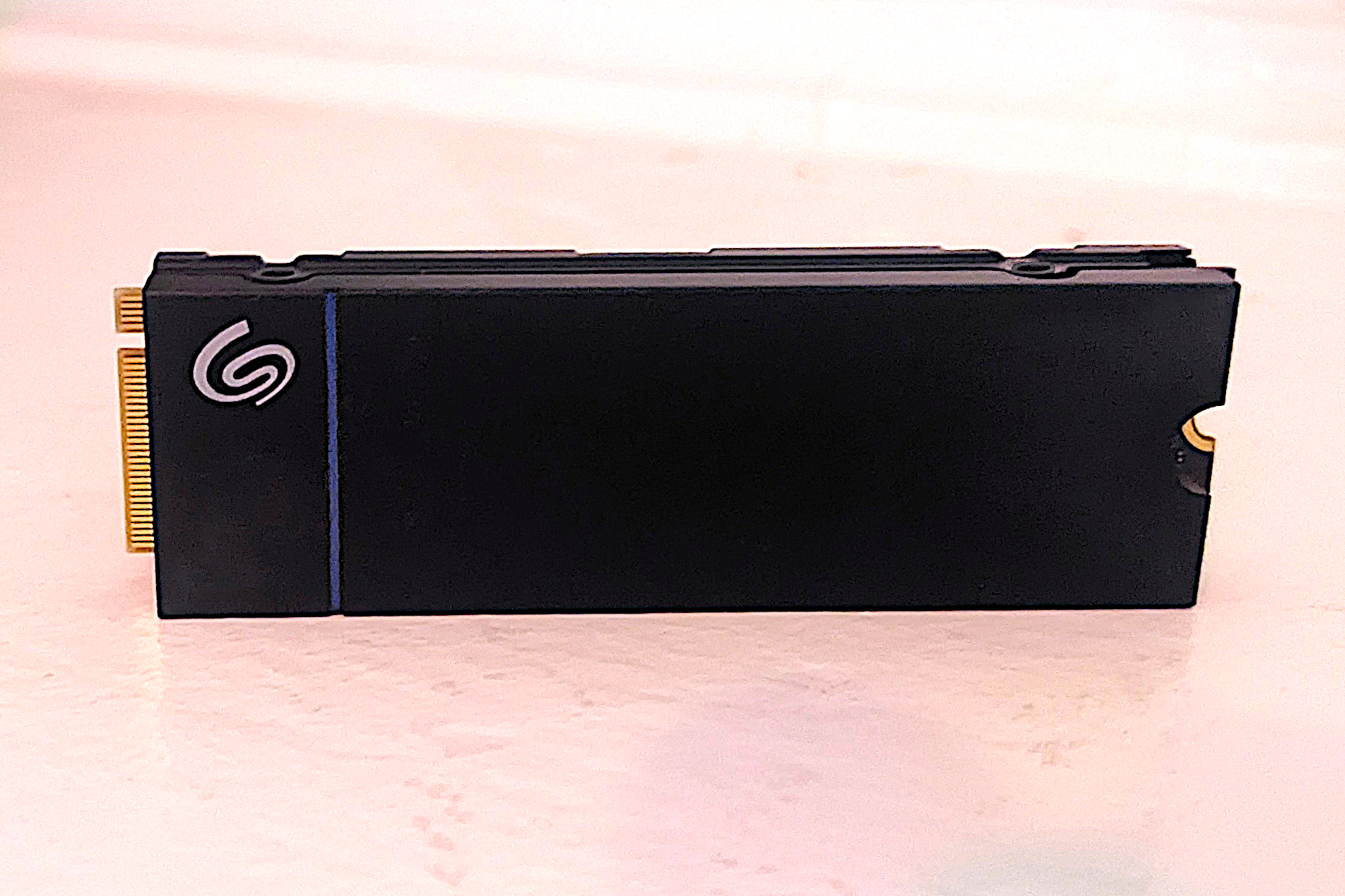
Handheld gaming enthusiasts adopting devices like the Steam Deck benefit from specialized form factors. The SanDisk Optimus GX 7100M delivers industry-leading performance in the compact 2230 size required for portable hardware, showcasing exceptional 4K throughput despite utilizing host memory buffer technology. Similarly, console players upgrading a Sony PlayStation 5 find strong value in the Seagate Game Drive SSD. Equipped with onboard DRAM to maximize small-file operations required by the console architecture, the drive features an extended durability rating that doubles typical industry standards, backed by a generous five-year warranty.
Users tied to older hardware architectures continue to find utility in SATA solutions. The Samsung 870 EVO remains a top performer for 2.5-inch SATA storage, offering high capacities and reliable speeds that far outpace mechanical alternatives. For buyers prioritizing strict economy, the Crucial BX500 provides cost-effective SATA storage across various capacities, though users working with smaller QLC NAND models should exercise caution regarding sustained large-file write operations.
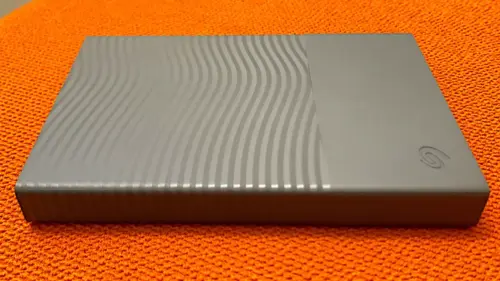
Portable storage needs are effectively met by external solutions like the Crucial X9 Pro. Delivering fast 10Gbps transfer rates in a compact form factor, it excels in real-world file transfer evaluations, offering reliable performance for users on the move without requiring the added expense of 20Gbps alternatives.
Evaluation Methodology and Industry Context
Storage hardware undergoes rigorous evaluation through a combination of synthetic benchmarks and real-world testing scenarios. Evaluators simulate daily user experiences by executing massive file transfers, ranging from 48GB single and multi-file tests to heavy 450GB data writes. Because performance varies significantly depending on drive capacity, chip configuration, and component swapping by manufacturers, ongoing testing ensures that only reliable products earn recommendations.
Selecting the appropriate storage technology involves balancing interface capabilities, caching architectures, and physical system limitations. While NVMe drives dominate modern computing, SATA remains relevant for budget systems, external enclosures, and legacy expansion. Similarly, understanding the distinction between dedicated DRAM and host memory buffer designs helps consumers weigh raw performance against financial investment. As the storage landscape continues to evolve alongside shifting global component markets, careful evaluation of endurance ratings, warranty terms, and hardware compatibility remains essential for building a reliable, high-performing computing environment.

Leave a Reply