As the web development landscape shifts into a new season, the latest edition of the industry’s ongoing design roundup brings together a wave of innovative techniques, experimental APIs, and forward-looking proposals that promise to reshape how developers handle everyday UI challenges. From refining micro-interactions like tooltips to bridging long-standing gaps in browser capabilities with native HTML elements, recent weeks have seen significant discussions across the CSS and web platform community.
Mastering Tooltip Timing and Native Interest Invokers
One of the prominent discussions centers around user experience refinement for interface tooltips. Abhishek Jakhar recently explored the underlying psychology and mechanics of why standard tooltips often frustrate users, advocating for a pattern where tooltips are delayed upon initial hover but appear instantly once active. This approach prevents accidental triggers when a cursor merely sweeps across a page, while ensuring that subsequent tooltips vanish immediately when no longer desired. Jakhar provided methods for implementing this behavior, though he noted that maintaining a slight delay remains important when interactive hover regions are constrained to prevent unintentional de-triggering.
Building directly on this concept, Chris Coyier demonstrated a modern, standards-based implementation utilizing interest invokers. This approach leans on two specialized CSS properties: interest-delay-start and interest-delay-end. While browser support for interest invokers is currently limited to Chrome, the technique exemplifies progressive enhancement, allowing developers to adopt forward-looking features safely while ensuring graceful degradation for other platforms.
The <geolocation> Element and Its Integration Strategy
Moving from micro-interactions to broader platform architecture, the web has long grappled with the complexities of the Geolocation API. Because retrieving user position relies on a complex array of external hardware—including GPS satellites, Wi-Fi networks, and cellular towers—managing permissions and handling status changes has historically proven cumbersome for developers.
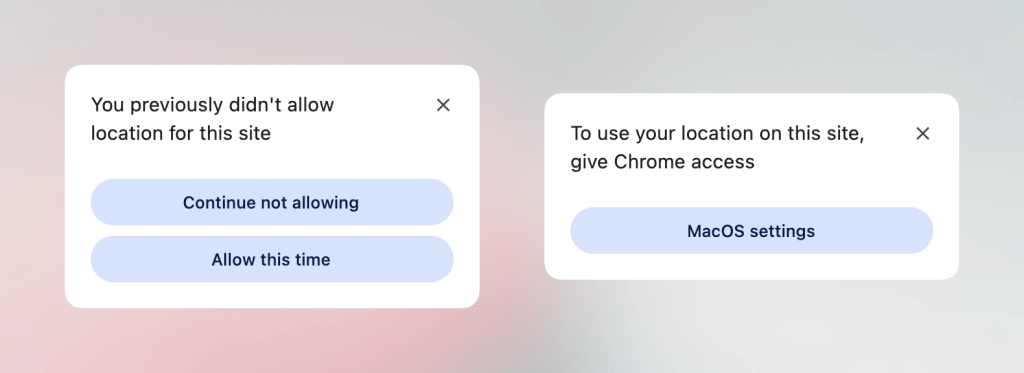
To address these pain points, the introduction of the new <geolocation> element aims to streamline location requests, though it brings unique styling restrictions and implementation quirks along with it. Because support is presently isolated to Chrome, developers are looking at hybrid strategies. By combining the new <geolocation> element with the established Geolocation API, teams can implement progressive enhancement today, ensuring that applications remain robust across different browser environments while preparing for wider native adoption.
MicroLighter: Syntax Highlighting via the Custom Highlight API
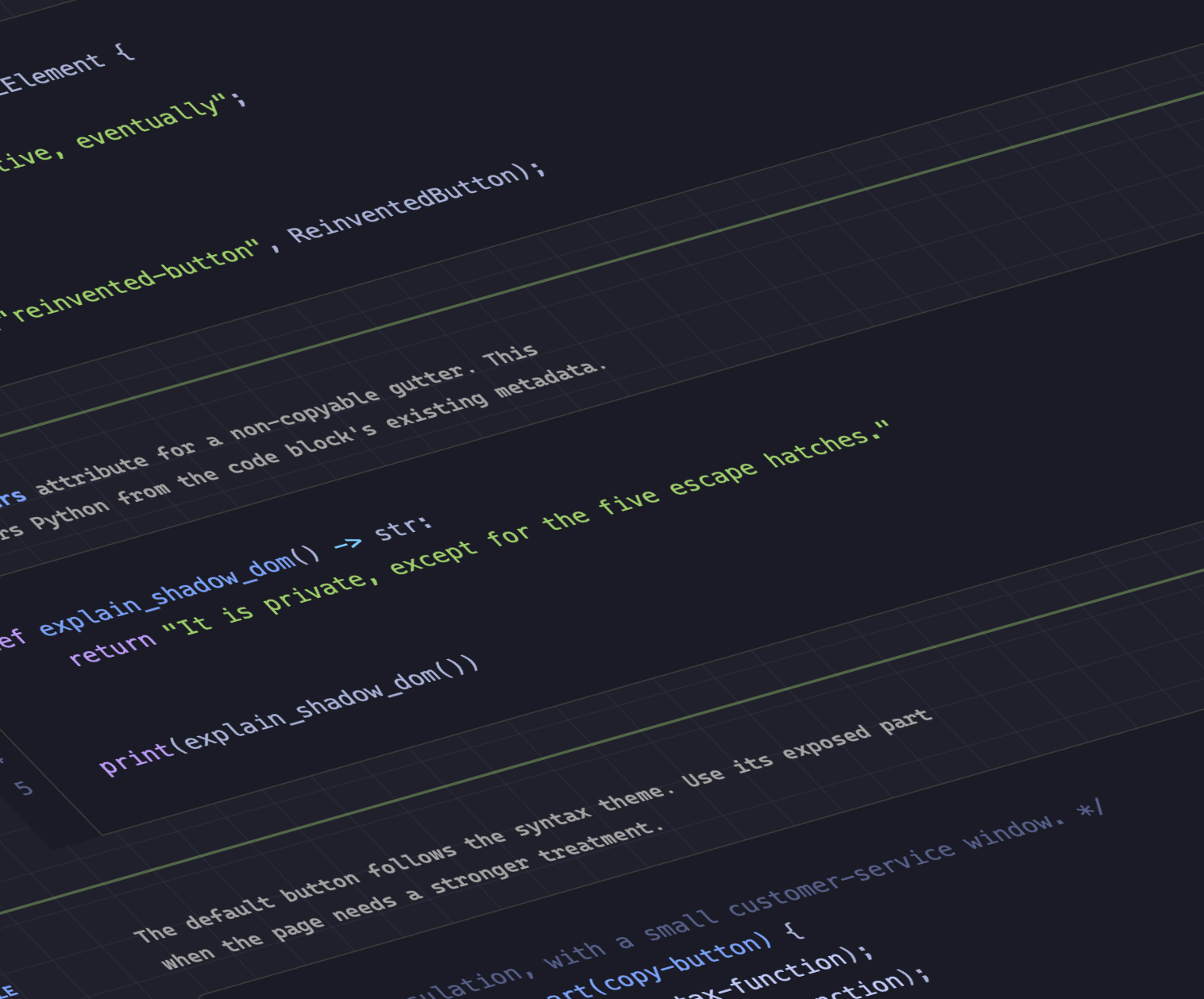
In the realm of typography and code presentation, Dave Rupert has introduced MicroLighter, a lightweight syntax highlighter built upon the modern Custom Highlight API and its underlying ::highlight() pseudo-element. Rupert detailed the construction of MicroLighter and outlined methods for integrating it into web projects, receiving parallel commentary from Geoff regarding its performance and architectural advantages over traditional DOM-heavy highlighting scripts. By leveraging native browser highlight capabilities rather than injecting numerous span elements into the markup, developers can achieve cleaner source code and improved rendering performance.
Extracting CSS Grid Layout Data into Custom Properties
Layout engineering has also seen notable advancements, particularly regarding the integration of layout metrics into CSS custom properties. Temani Afif demonstrated a technique for transferring CSS grid information directly into variables, allowing developers to query the exact number of rows and columns, as well as the specific x and y coordinates of individual cells.
While this currently requires columns to have equal widths, the evolution of CSS layout engines hints at broader flexibility down the line. Afif showcased how this layout data can be leveraged creatively to calculate hover proximity using modern CSS, opening up new possibilities for dynamic, coordinate-aware interface designs without relying heavily on JavaScript event listeners.
The Debate Over Dark Mode Toggle States
Interface personalization continues to spark architectural debates, particularly regarding dark mode toggles. A notable discussion has emerged over whether dark mode implementations should rely on a simple two-state switch or a more comprehensive tri-state mechanism. Lea Verou has voiced support for the traditional two-state approach, whereas Bramus has made a case for tri-state toggles that explicitly handle system preferences alongside manual overrides. Meanwhile, alternative perspectives, such as the auto-until-overridden two-state model highlighted by Vale.Rocks, suggest that balancing user control with automated system synchronization remains the preferred path for many modern web applications.
Exploring the Class Prefix Selector and Named Features
Looking further ahead at native language proposals, Bramus introduced the concept of the class prefix selector. Although unsupported in production environments at present, the proposal offers a concise and readable syntax for targeting multiple classes simultaneously. The simplified syntax is designed to replace more verbose attribute selectors, offering cleaner code and enhanced selector performance. Geoff shared additional insights on the potential impact of the class prefix selector if it moves forward through the standards process.
In addition to class selection proposals, Bramus highlighted the @supports named-feature() function. Currently supported in Chrome, this feature addresses a long-standing limitation by allowing developers to query highly specific browser behaviors that were previously undetectable. This includes checking whether a browser correctly respects CSS transforms when positioning anchored elements, thereby expanding the diagnostic capabilities of @supports rules across the web platform.
Balancing Flexbox Layouts Across Multiple Rows
Rounding out the recent updates, Chrome has introduced support for flex-wrap: balance. Similar in concept to the popular text-wrap: balance property used in typography, this new rule allows developers to automatically balance wrapped flex items evenly across multiple rows or columns. Ahmad Shadeed explored the practical applications of this addition, demonstrating how it can prevent awkward visual imbalances in grid-like flexbox layouts where items wrap unpredictably based on viewport dimensions.
As these tools, properties, and proposals continue to mature, web developers have a growing array of native options to simplify complex layout, interaction, and styling challenges as the autumn season unfolds.