
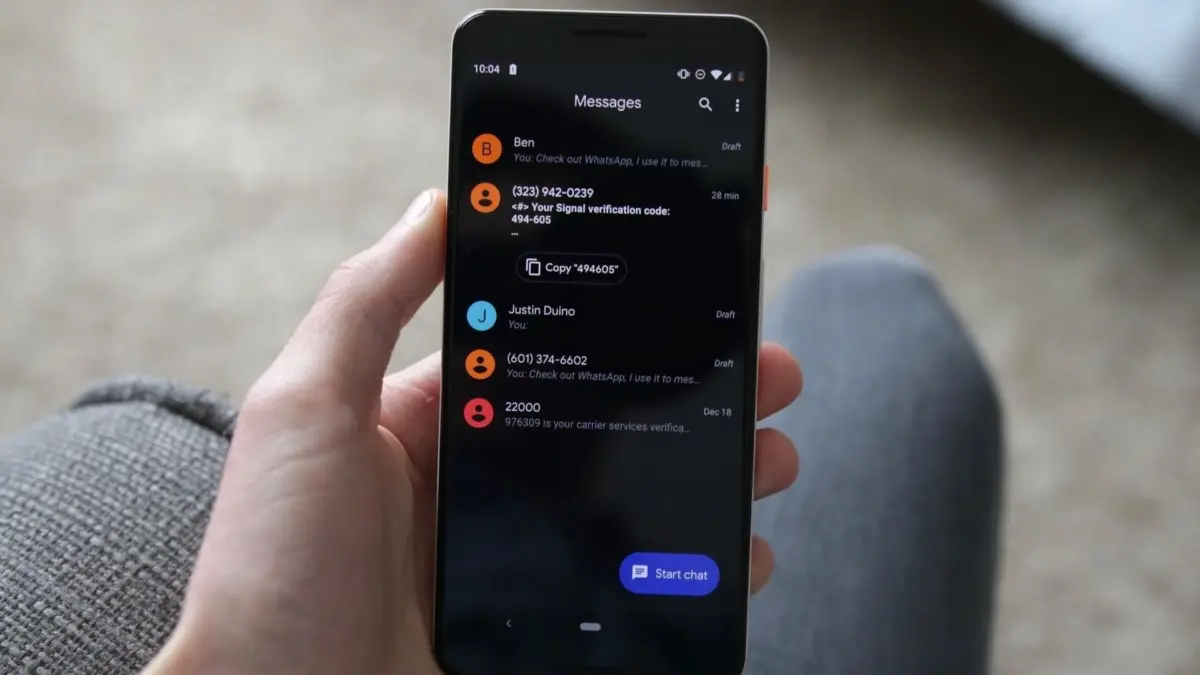
Google is rolling out a significant redesign to Google Messages, introducing subtle yet impactful changes to the basic navigation and interaction gestures that Android users have relied on for years. The update brings a completely reimagined long-term interaction model, altering how users copy text, check message timestamps, and reply to individual messages, signaling one of the most substantial user-interface adjustments the messaging platform has seen in recent memory.
At the heart of the rollout is a prominent visual transformation: the traditional top-bar controls have been replaced by a dynamic floating menu. When users long-press on a message bubble, the context menu now appears directly next to the selected text rather than pushing controls to a toolbar at the top of the screen. This floating interface provides immediate, contextual access to frequently used actions such as Reply, Forward, Copy, Star, Delete, Select more, and Info. Furthermore, when interacting with images, the menu dynamically expands to include options like Save and Remix. To draw focus to the selected interaction, the background of the conversation subtly blurs while the menu is active.
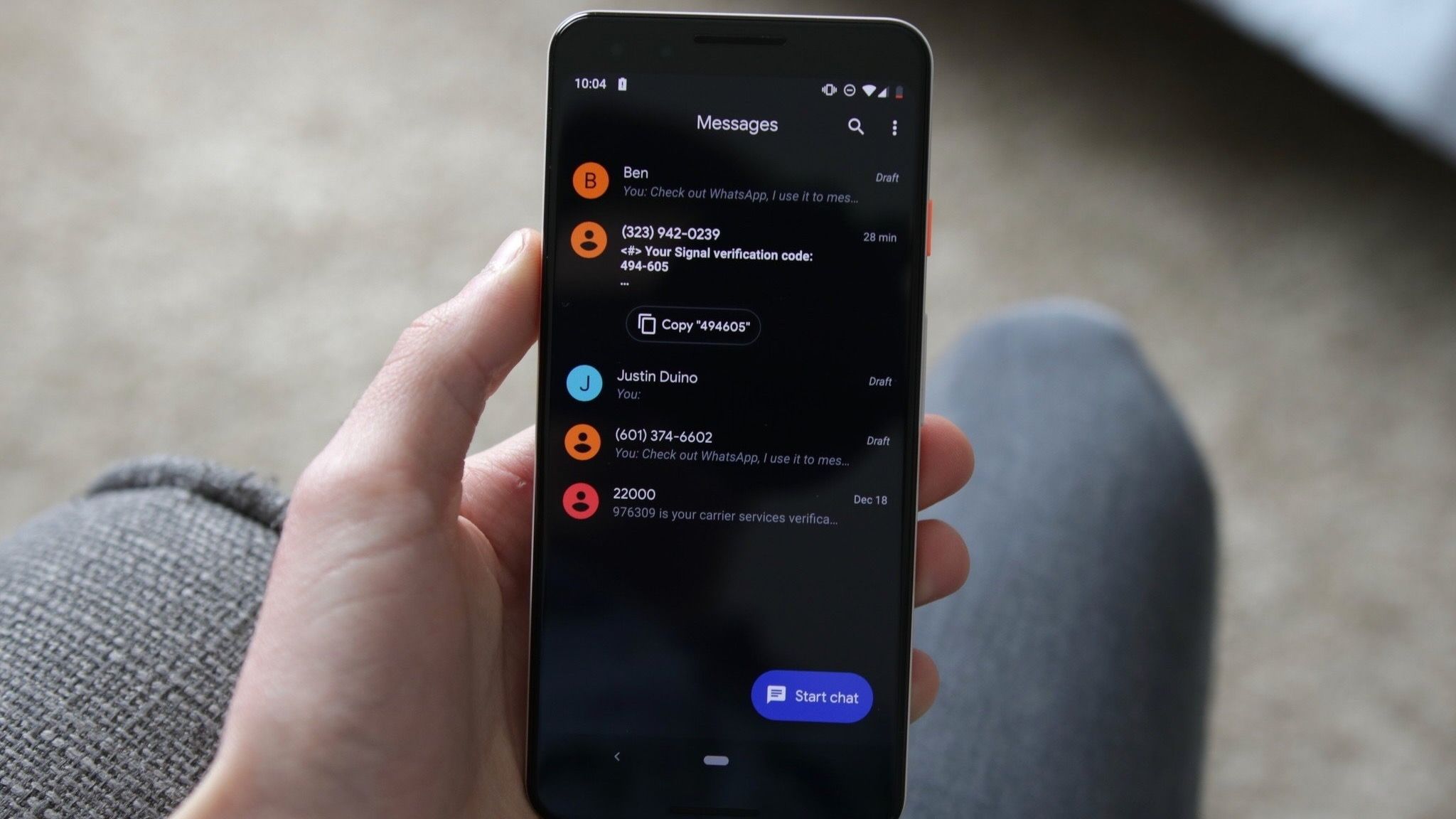
This visual and functional overhaul was first spotted by eagle-eyed Reddit users and later highlighted across tech publications, showcasing Google’s ongoing effort to streamline mobile messaging ergonomics. The touch-and-hold capabilities are not restricted to plain text either; Google has confirmed that the unified long-press actions seamlessly extend across a wide variety of media types, including images, videos, links, files, locations, and contact cards, creating a more uniform experience regardless of what type of content is being shared within a thread.
Alongside the floating menu, text copying is receiving a much-needed upgrade. Previously uncovered through detailed APK teardowns, the new functionality allows users to bypass copying an entire message when they only need a specific snippet, such as a phone number or a street address. Users can now perform a secondary press within the selected text to isolate and copy precisely what they need, eliminating the cumbersome workaround of pasting a full block of text into another application just to edit out unwanted information.
However, some of the most profound adjustments involve navigation gestures, which will require users to build entirely new muscle memory. The way people interact with message timelines and reply threads has been fundamentally remapped. Swiping left anywhere within a conversation thread will now reveal individual message timestamps alongside the current RCS encryption status of the conversation. Meanwhile, initiating a reply to a specific message now requires swiping right directly on the targeted message bubble rather than relying on previous shortcut methods. Tapping a message still displays read receipts, and to help users transition to the new behavior, Messages will briefly display timestamps immediately after a tap to tip them off to the new layout.
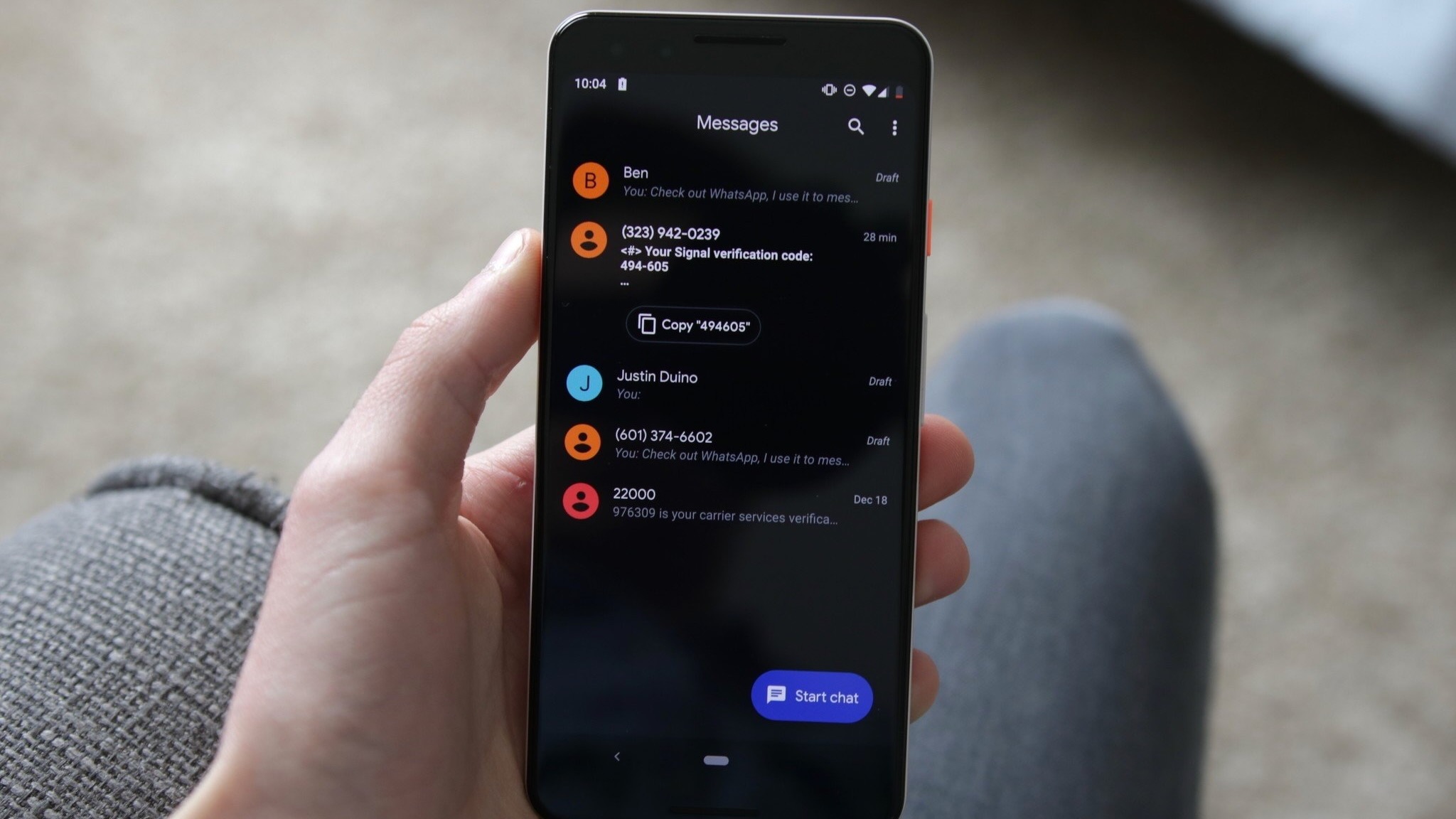
This modification to timestamp viewing carries practical consequences that regular users will likely appreciate in long-running conversations. By offering a quick gesture-based way to scan an entire conversation’s timing, the update eliminates the tedious process of opening message details one by one. In lengthy threads where precise chronological context is essential, this granular visibility makes it significantly easier to determine exactly when individual messages were sent and received.
The distribution of these features is tied to recent Google Messages software builds, including version 20260910_03_RC02. Because the rollout is being handled via server-side updates, the new behavior will not appear simultaneously for all users worldwide. As Google continues to push the update out to stable channels, Android users can expect to see these floating menus and refreshed gesture controls gradually land on their devices, marking a new chapter for the default messaging experience on Android.

Leave a Reply