
The open-source ecosystem continues to offer streamlined alternatives to traditional content management systems, with a new project called Docsify-This emerging to simplify how users publish, share, and reuse Markdown content without complex website setups or build processes. Built on top of the established Docsify.js framework, Docsify-This allows creators to bypass traditional hosting hurdles and instantly transform publicly available Markdown files into responsive, standalone web pages.
The platform addresses a long-standing challenge for educators, designers, and documentation writers who want to embed constraint-free Markdown or HTML content smoothly into multiple platforms, such as standard content management systems or complex learning management systems. By leveraging open-source principles, Docsify-This provides an accessible pathway for publishing text-based content while avoiding the risks of proprietary platform lock-in.
What is Docsify-This?
At its core, Docsify-This serves as a bridge between raw text repositories and polished web presentation. Users can take any publicly accessible Markdown file and instantly generate a responsive standalone web page complete with a shareable URL. Furthermore, creators are not limited to single files; multiple Markdown documents can be linked together to form a cohesive, simple website structure.

Visual customization is another core pillar of the project. Designers can alter the visual appearance of displayed pages using a straightforward point-and-click Web Page Builder interface or by appending specific URL parameters. For those who prefer styling their own content directly within the source files, Docsify-This supplies a dedicated set of Markdown CSS classes.
Collaboration is also supported out of the box. For users who store their Markdown files on popular Git hosting services like Codeberg or GitHub, the platform can automatically generate an "Edit this Page" link for each document. Because the project is fully open source, organizations and individuals can host their own instances of Docsify-This under a custom domain, ensuring complete ownership and control over their published digital assets.
Use the Docsify-This Web Page Builder
Publishing a document through the platform is designed to be straightforward. To utilize the Web Page Builder, users navigate to the official Docsify-This website or access a self-hosted local instance via a standard web browser. Within the dedicated Web Page Builder section, an author simply enters the raw URL of a Markdown file hosted in a public Codeberg or GitHub repository. While other Git hosting providers can be integrated using direct Docsify-This URL parameters, the graphical Web Page Builder interface is specifically optimized for these two platforms.
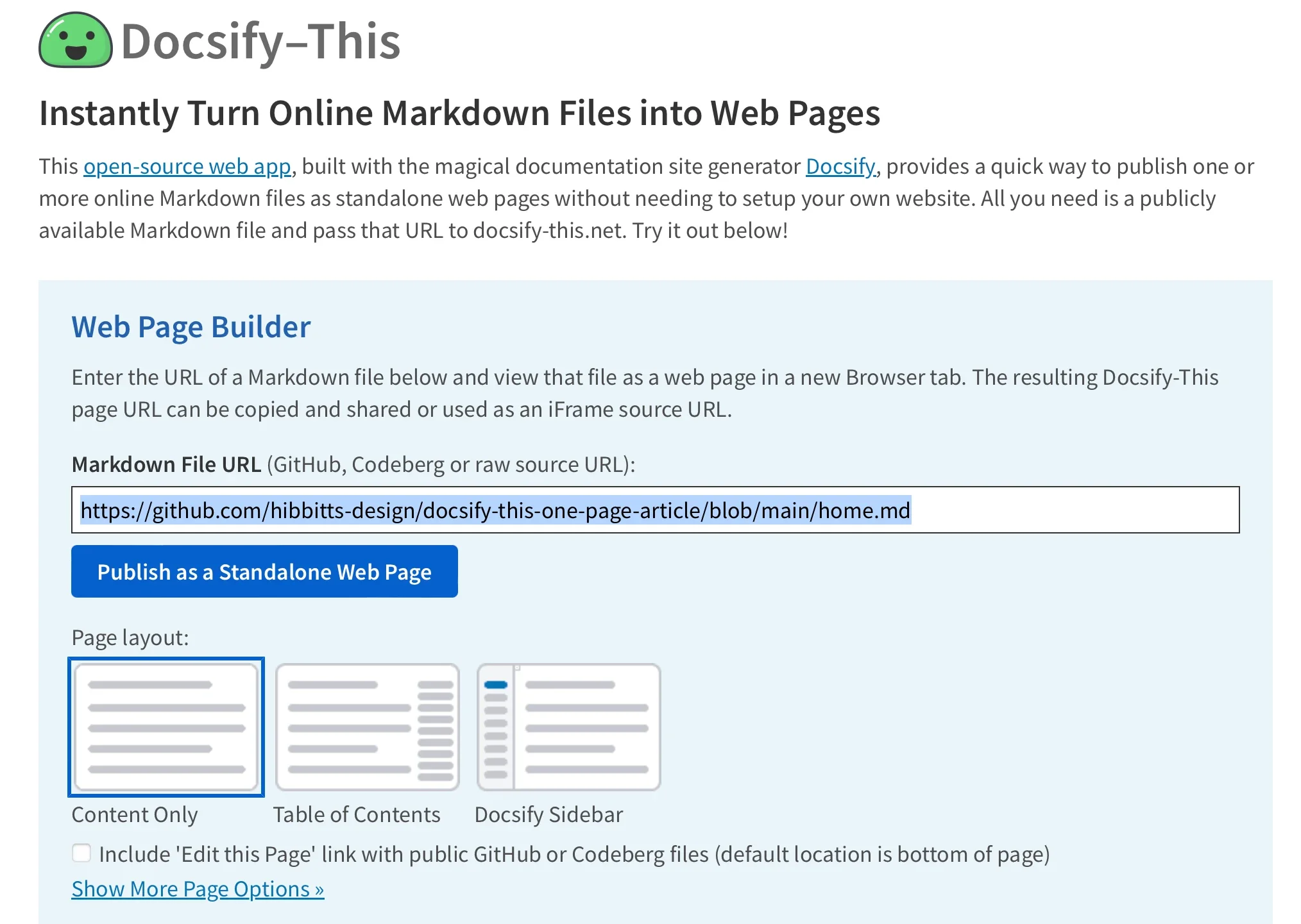
Upon entering the repository link and activating the publishing action, the system immediately renders the Markdown file as a standalone web page accompanied by a unique, shareable URL. This rendered output is structurally optimized for embedding, allowing administrators to visually style the Docsify-This pages so they blend seamlessly into a destination platform’s existing aesthetic.
Render other files in the same repository
Managing multi-page content or switching between different documents within the same repository does not require generating entirely new base configurations. Administrators can easily render other Markdown files housed within the same storage location by directly modifying the homepage parameter in the Docsify-This URL string. By swapping out the target filename in the parameter string, the view updates immediately to display the newly referenced document while maintaining the established styling and repository context.
Modify the web page’s appearance
Customizing the visual presentation of a displayed Markdown file does not require modifying core style sheets or running a local build environment. Instead, Docsify-This supports a wide array of URL parameters that map directly to common CSS attributes. Attributes such as font family, font size, link color, and line height can be adjusted dynamically simply by appending parameters to the web page’s URL.
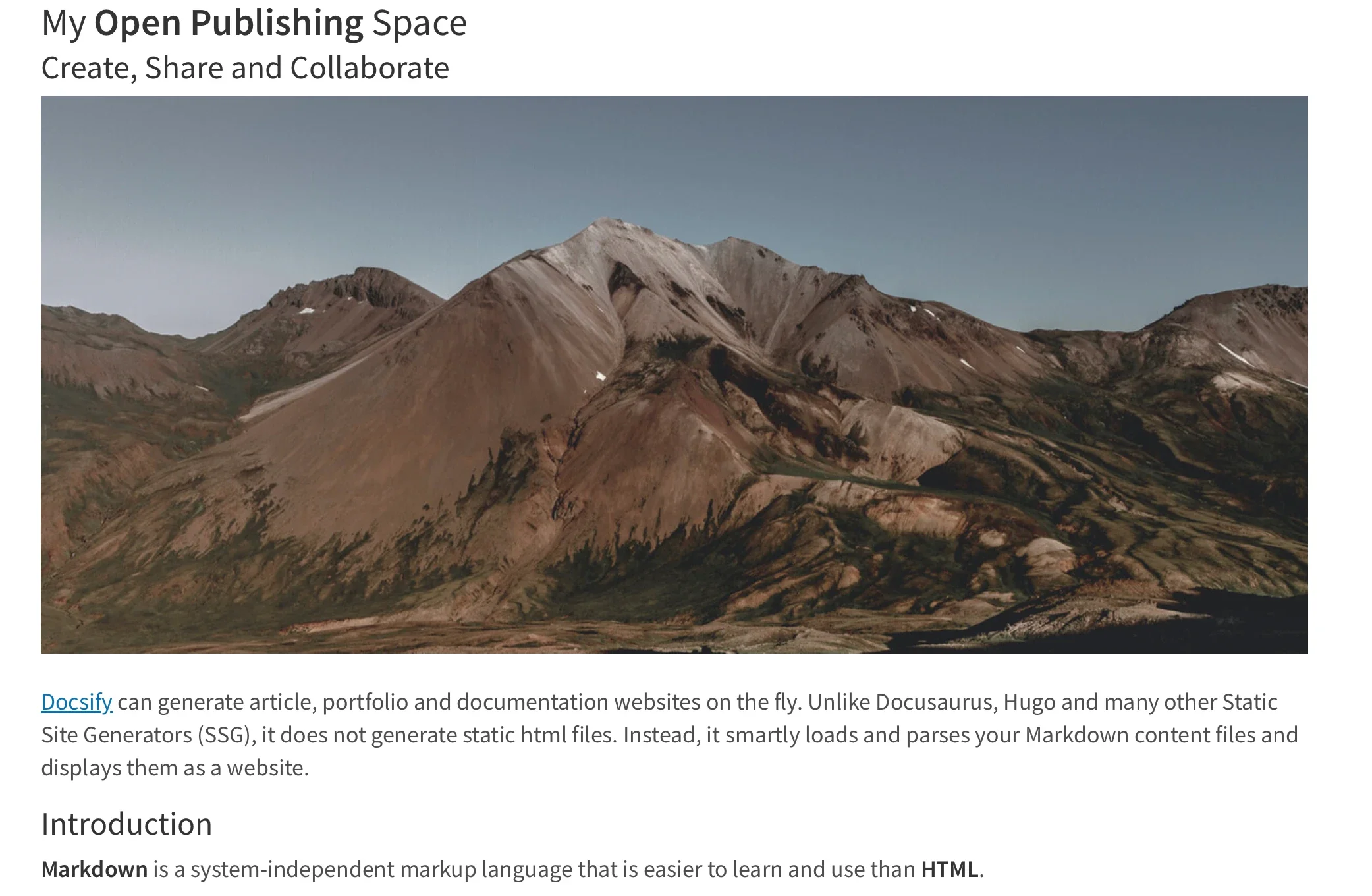
In addition to global styling parameters, authors can fine-tune individual elements using specialized Markdown CSS classes provided by the project. For instance, appending a class identifier to a standard link transforms a basic text hyperlink into a styled visual button. Beyond the pre-defined classes included with the software, authors retain the flexibility to define their own custom CSS styles directly inside their displayed Markdown files using standard style tags, enabling highly tailored design elements such as custom button styles, distinct color schemes, and specialized layout containers.
Include HTML snippets
While Markdown is prized for its clean and readable syntax, complex web layouts often require structural wrappers and division elements. Docsify-This fully supports standard Markdown implementations of HTML snippets, allowing authors to incorporate layout elements—such as multi-column containers—directly into their documents. This capability bridges the gap between lightweight text authoring and advanced page structuring, enabling creators to build sophisticated layouts without abandoning their preferred writing workflow.
Embed Docsify-This as an iFrame
For organizations seeking to distribute content across disparate digital environments, Docsify-This pages can be embedded effortlessly as an iFrame into nearly any web platform or portal. By utilizing appropriate URL parameters, administrators can fine-tune the embedded view to ensure the content matches the surrounding platform’s design language, adjusts font scaling, or hides extraneous interface elements like credits to maintain a clean, native appearance within the host page.

Embed Docsify-This with an external URL
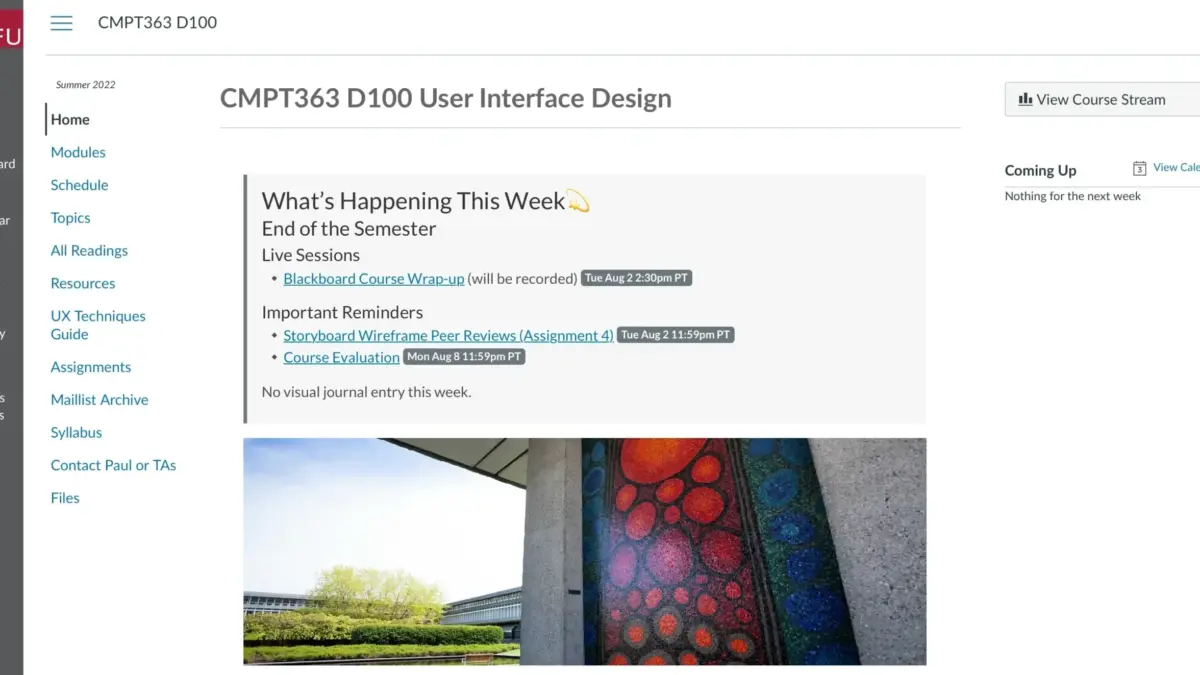
Beyond standard iFrame embedding, certain learning management systems—including open-source platforms like Moodle and proprietary environments like Canvas—allow administrators to link external web pages directly into course navigation menus or module views. For example, institutions utilizing Canvas can leverage tools like the Redirect Tool to display Docsify-This web pages seamlessly inside a student’s primary course interface, merging version-controlled content delivery with institutional learning management workflows.
Integrate Docsify-This and Git
To fully maximize the advantages of collaborative authoring, version control, and optional features like the automated "Edit this Page" link, creators typically store their Docsify-This Markdown pages within a dedicated Git repository on platforms such as Codeberg or GitHub. Managing these repositories is supported by a robust ecosystem of open-source tools. Graphical Git clients, including GitHub Desktop, Git-Cola, and SparkleShare, provide visual interfaces for tracking changes and synchronizing updates. Additionally, popular modern text editors such as VSCode and Pulsar Edit feature native Git integration, allowing writers to draft, commit, and push content updates without leaving their editing environment.
Markdown publishing made easy
The broader movement toward lightweight, Markdown-based publishing has steadily gained traction across technical writing, education, and documentation sectors. By lowering the technical barriers traditionally associated with web publishing, projects like Docsify-This and the underlying Docsify.js framework make these modern publishing benefits accessible to a wider audience. Users interested in exploring streamlined web publishing and flexible content embedding can examine the project and its documentation directly through the official Docsify-This website.



Leave a Reply