
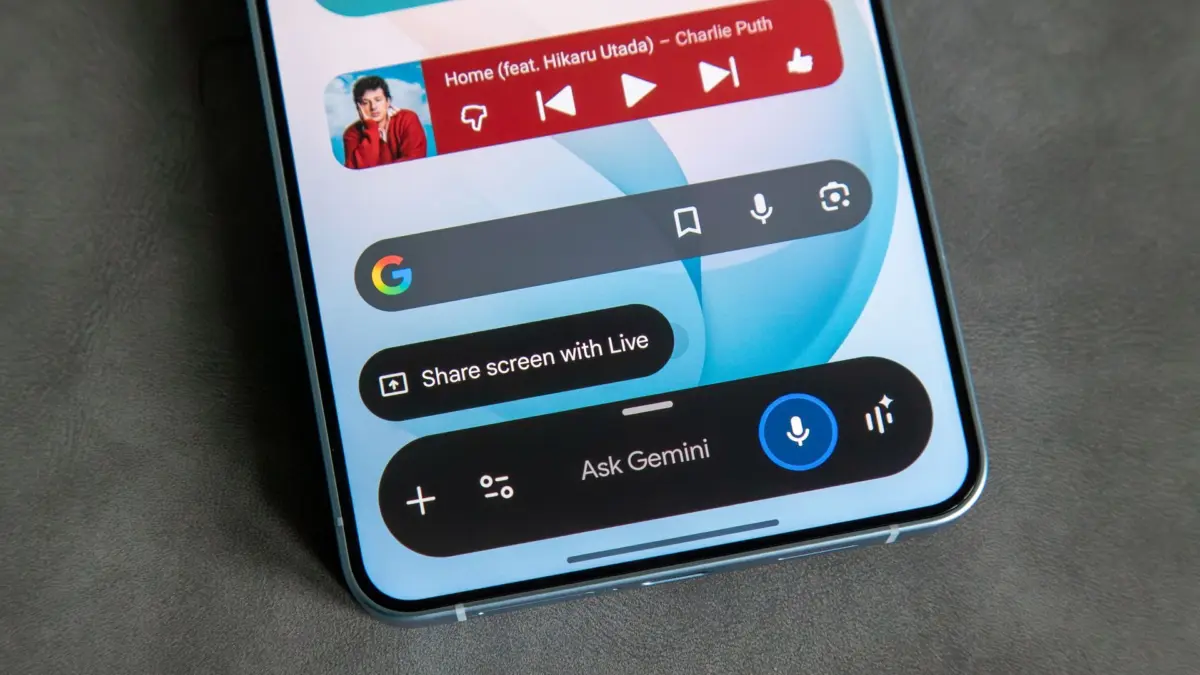
In the wake of Google’s definitive pivot toward artificial intelligence integration, the digital assistant landscape on Android underwent a massive shift. Following the official discontinuation of Google Assistant for Android smartphones on September 4, 2026, millions of users found themselves automatically transitioned to Gemini, Google’s flagship AI-powered assistant. For many, this transition was seamless, offering advanced generative capabilities and conversational depths previously unavailable. However, a significant portion of the user base has openly expressed nostalgia or practical preference for the older, faster, and more device-integrated Google Assistant. Now, a newly discovered workaround is offering those reluctant users a temporary path backward.
According to a widely discussed post on Reddit, which first caught the attention of Android Police, a clever user has figured out a method to force Google Assistant back onto their Android device, bypassing the mandatory Gemini integration. The discovery highlights the deep-seated attachment many consumers still hold for the legacy assistant, even as tech giants accelerate their aggressive push into generative AI ecosystems.
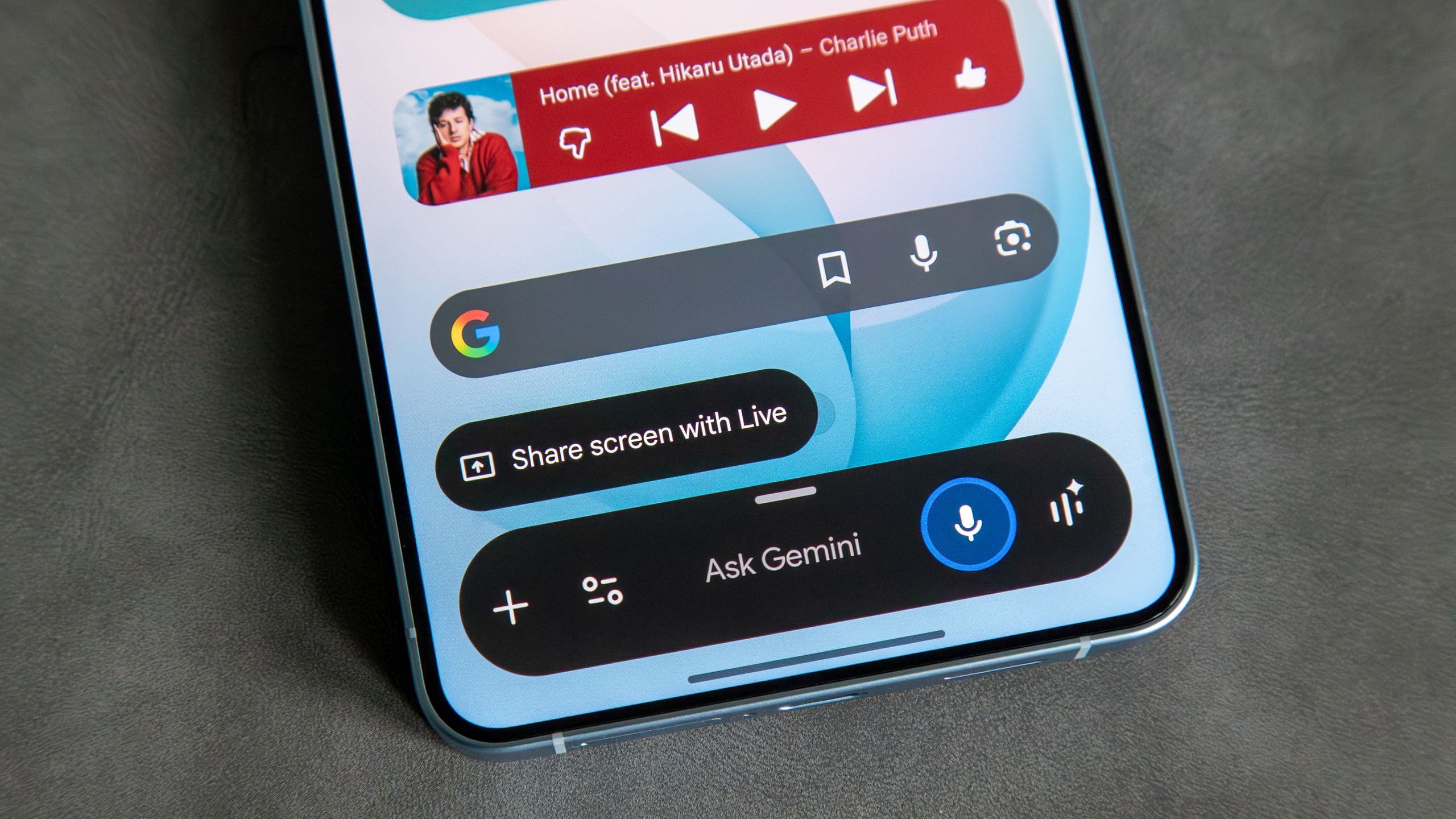
The workaround itself hinges on exploiting software version control and managing application updates. To pull off the trick, the Redditor detailed a process involving the uninstallation of recent updates applied to the core Google app. By rolling back the application to an earlier iteration, the phone temporarily reverts to older software logic. Following this rollback, the user navigated to the Google Assistant listing page directly within the Google Play Store. According to the account, this action inadvertently triggered the older framework, allowing the classic Google Assistant interface and functionality to initialize once again.
When Google Assistant is triggered after performing these steps, users are typically met with a prompt or dialogue box urging them to upgrade to Gemini. However, the crux of this workaround relies on a crucial detail: the prompt still includes an option to explicitly decline the upgrade. By choosing to reject the switch, the user is given the option to re-designate Google Assistant as their default digital assistant handler on the device. Successfully completing this step effectively restores the familiar voice commands, routines, and smart home controls that Google officially phased out last month.
Yet, retaining this resurrected functionality requires vigilance against automated system maintenance. Because modern smartphones are engineered to keep applications updated for security and feature parity, the Google app will naturally seek to update itself to the latest version at the earliest opportunity. Left unchecked, a background update from the Play Store would instantly overwrite the older app version, reintroducing Gemini and eliminating Google Assistant once more.
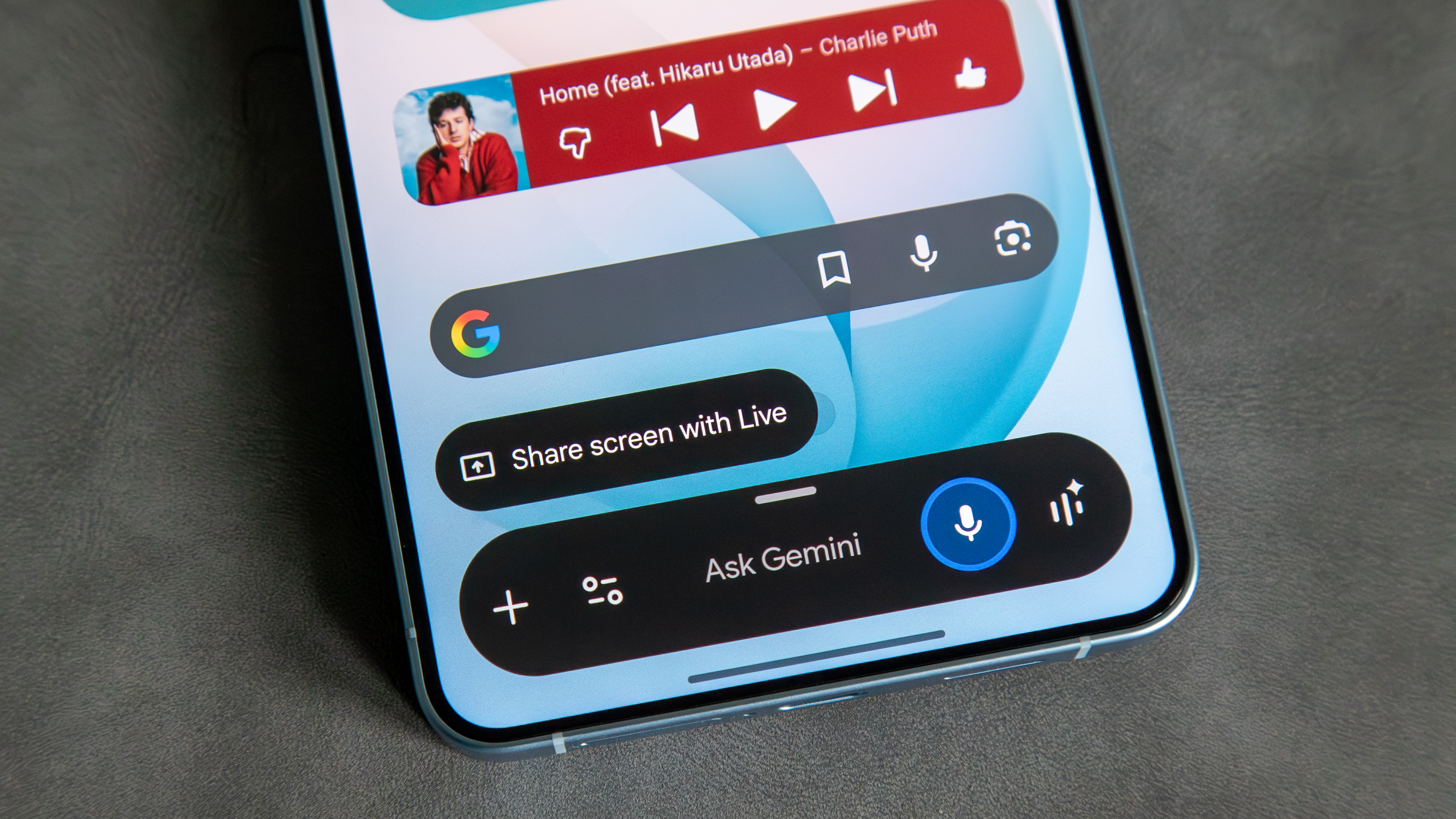
To prevent this automatic reversion, users attempting this method must manually intervene with their device settings by disabling auto-updates specifically for the Google app through the Play Store interface. This involves navigating to the Google app’s store listing, accessing the contextual menu via the three-dot icon in the top-right corner, and unchecking the option for automatic updates. By locking the app version in place, the system is prevented from forcing the newer AI software back onto the hardware.
While this discovery has generated considerable excitement across online communities and forums dedicated to Android customization and legacy software, tech analysts note that its longevity remains entirely uncertain. Because the workaround depends on older software builds and existing fallback protocols within the Google app, there is no guarantee that it will function indefinitely. Google retains the ability to deprecate older server-side APIs, issue mandatory security patches that block older versions, or introduce future updates that completely sever access to the legacy assistant infrastructure.
Nevertheless, for those who find Gemini too cumbersome, resource-heavy, or simply less suited to their daily routines compared to the streamlined utility of the original Google Assistant, this workaround provides a welcome, if temporary, reprieve. Whether users are chasing a sense of nostalgia or seeking the reliable execution of basic device commands without heavy AI processing, the trick demonstrates that consumers are still actively navigating the growing pains of a rapidly shifting tech landscape where older favorites are systematically retired in favor of next-generation intelligence.
Leave a Reply