
Whether you are looking to accelerate your workflow, expand your system’s capacity, or securely transport data between locations, upgrading your data game with external storage remains one of the most effective tech investments you can make. External USB and Thunderbolt solid-state drives (SSDs) and traditional hard drives—collectively known as direct-attached storage, or DAS—offer a super-convenient way to add substantial storage capacity to your computer while keeping your critical files backed up. These external drives are also exceptionally handy for physically transporting large datasets between locations and devices, fulfilling the timeless physical transport method once affectionately known as sneaker-net.

Your particular needs will ultimately determine whether your choice for external storage should prioritize speed, capacity, or portability. If blazing performance is your primary objective, you will want to look toward an SSD equipped with a fast interface such as USB4 or Thunderbolt. If raw capacity on a budget is what you require, your choice will invariably favor more affordable mechanical hard drives. Finally, if absolute portability is paramount, you simply cannot get more portable than a pocketable thumb drive. Depending on your precise intent, hardware experts have evaluated and cataloged the top picks across these various categories.
Before You Buy: Market Realities and Performance Caveats
Purchasing external storage requires navigating a few critical industry hurdles. Due to a current global shortage of NAND flash memory driven largely by surging artificial intelligence infrastructure demands, SSD prices have risen significantly. Consequently, many historical pricing figures and initial review estimates fluctuate rapidly.
Furthermore, real-world testing underscores potential hardware bottlenecks related to included cabling. Multiple high-performance drives have occasionally performed well below expectations when paired directly with their bundled commodity cables. If a newly purchased external SSD fails to deliver expected performance speeds, checking with the vendor for a firmware update or substituting a certified, high-quality Thunderbolt cable often resolves the issue. Thunderbolt cables generally maintain far superior signal integrity compared to standard commodity USB wires.
Reviewers test PC hardware with decades of accumulated technical rigor, pushing the limits of every product from rigorous performance benchmarks to the practicalities of daily use. Storage evaluations examine every nuance of modern direct-attached storage to ensure only the highest-performing external drives earn top recommendations.
Top External SSDs and Storage Solutions
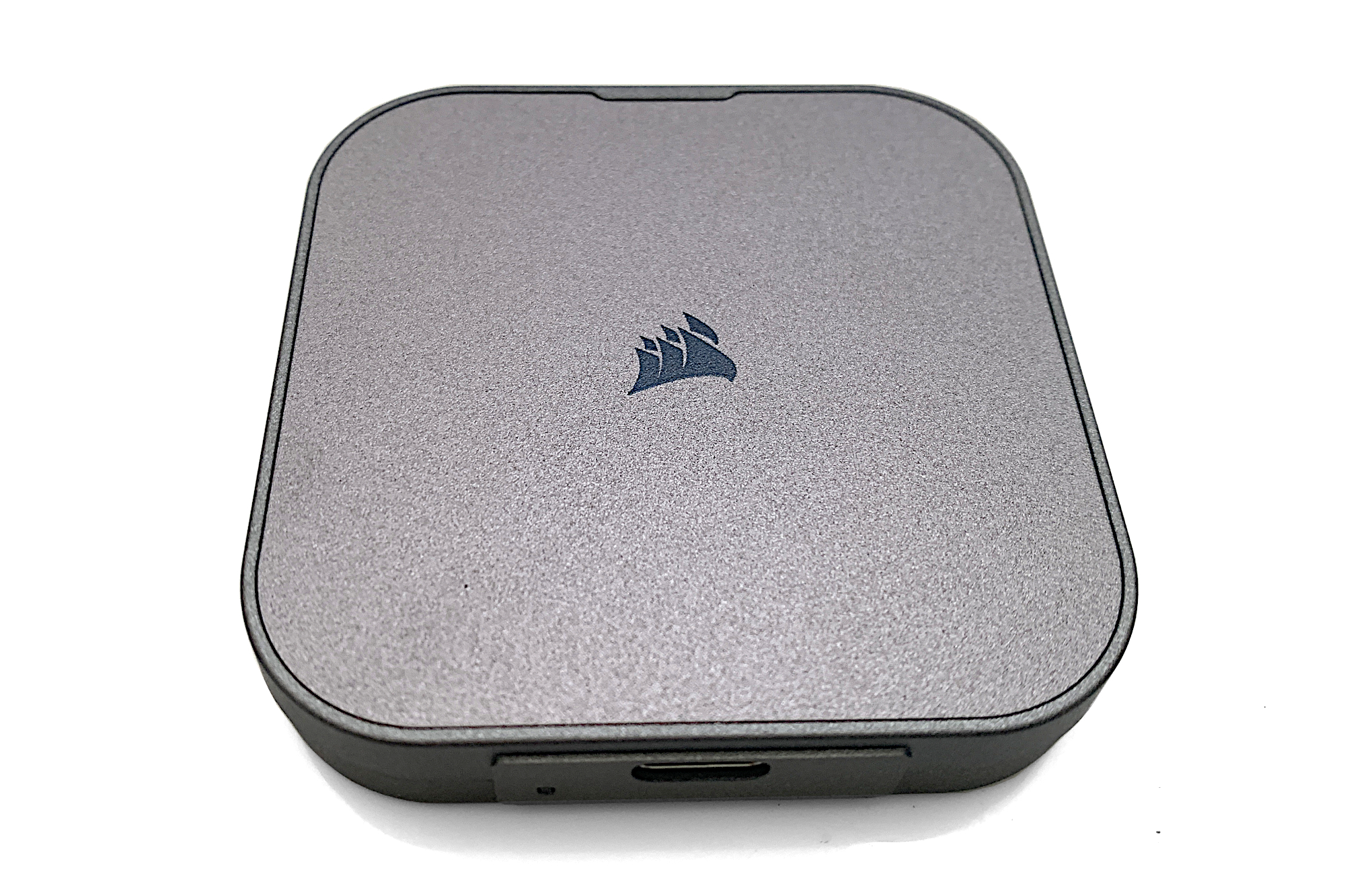
Performance enthusiasts seeking a balance of speed and convenience have several standout options. The Corsair EX300U represents a premier choice for those requiring a rapid 10Gbps external SSD. Operating as a remarkably compact magnetic square of a drive, it delivers the fastest 10Gbps performance tested by hardware evaluators, slightly outpacing competing thumb-drive formats. Its unique circular magnet on the back allows users to securely attach the drive directly to metal objects, such as a traditional steel PC case, though this feature does not function on non-magnetic aluminum surfaces like those found on most modern Mac laptops. With a standard three-year warranty and a documented terabytes-written (TBW) endurance rating, it handles heavy read workloads effortlessly.
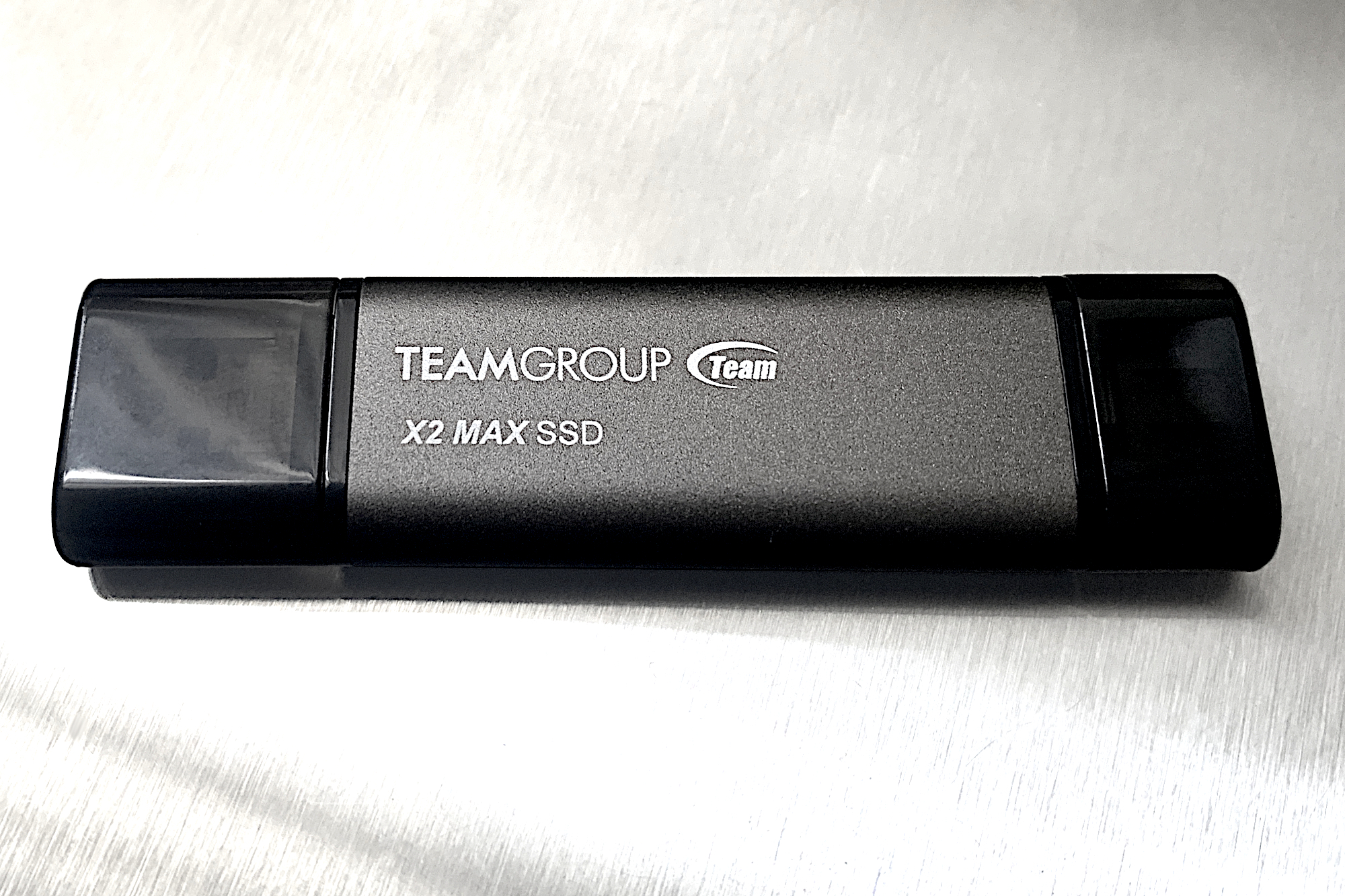
For users prioritizing the classic shirt-pocket thumb drive form-factor without sacrificing raw speed, the Teamgroup X2 Max serves as an exceptional option. Utilizing internal NVMe storage architecture, it matches the performance of significantly larger 10Gbps external SSDs. The drive thoughtfully integrates both captive Type-C and Type-A connectors, eliminating the need to carry loose cables or separate adapters.
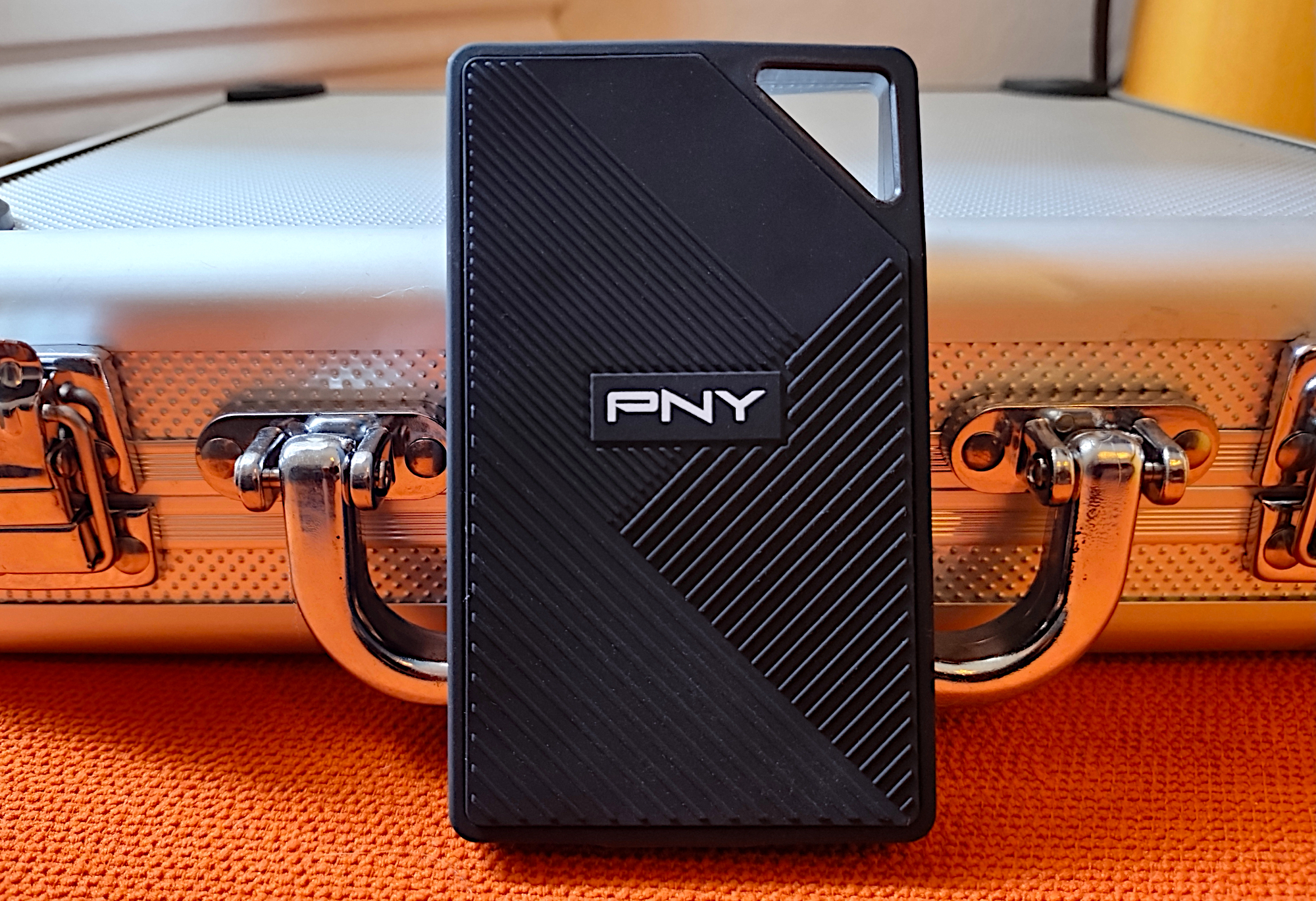
When moving up to 20Gbps performance tiers, the PNY RP60 portable SSD stands out as a ruggedized, practical solution for users seeking to protect their hardware from accidental damage. Featuring an IP65-rated exterior that shields internal components against dust and water droplets, the handsome and lightweight chassis punches above its weight class, occasionally besting even faster-market competitors in synthetic throughput tests. Operating a 20Gbps USB 3.2 Gen 2×2 drive requires a dedicated high-speed port to achieve maximum capability, as older or standard ports will default back to slower 10Gbps speeds.
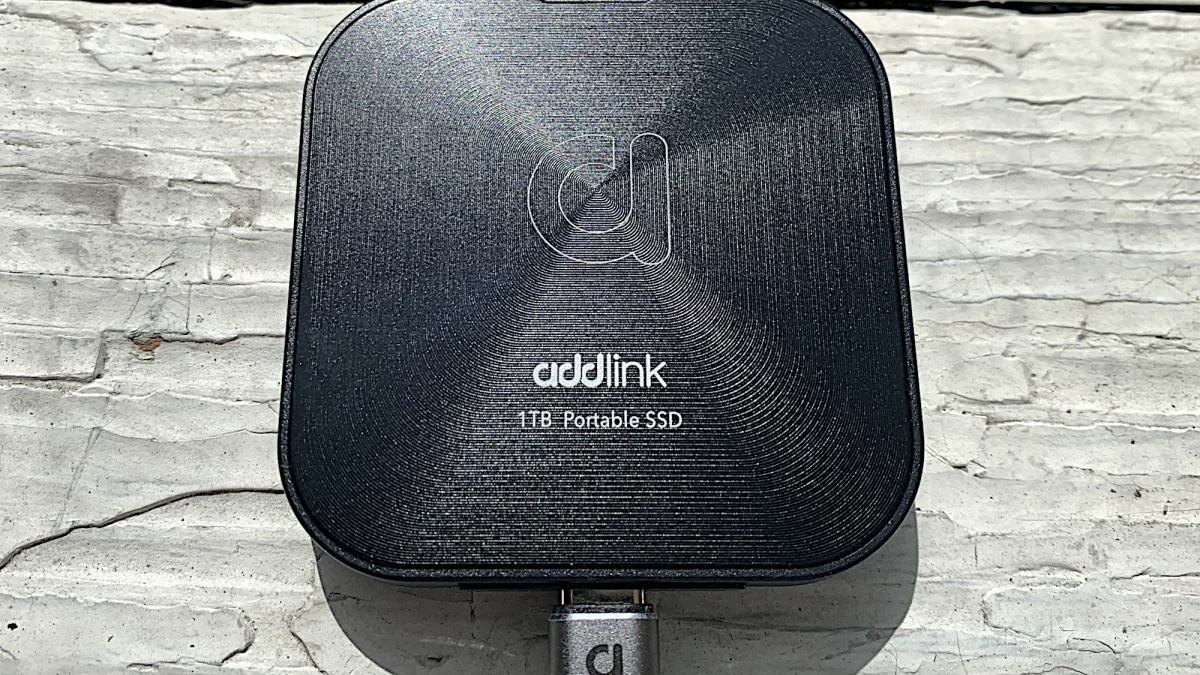
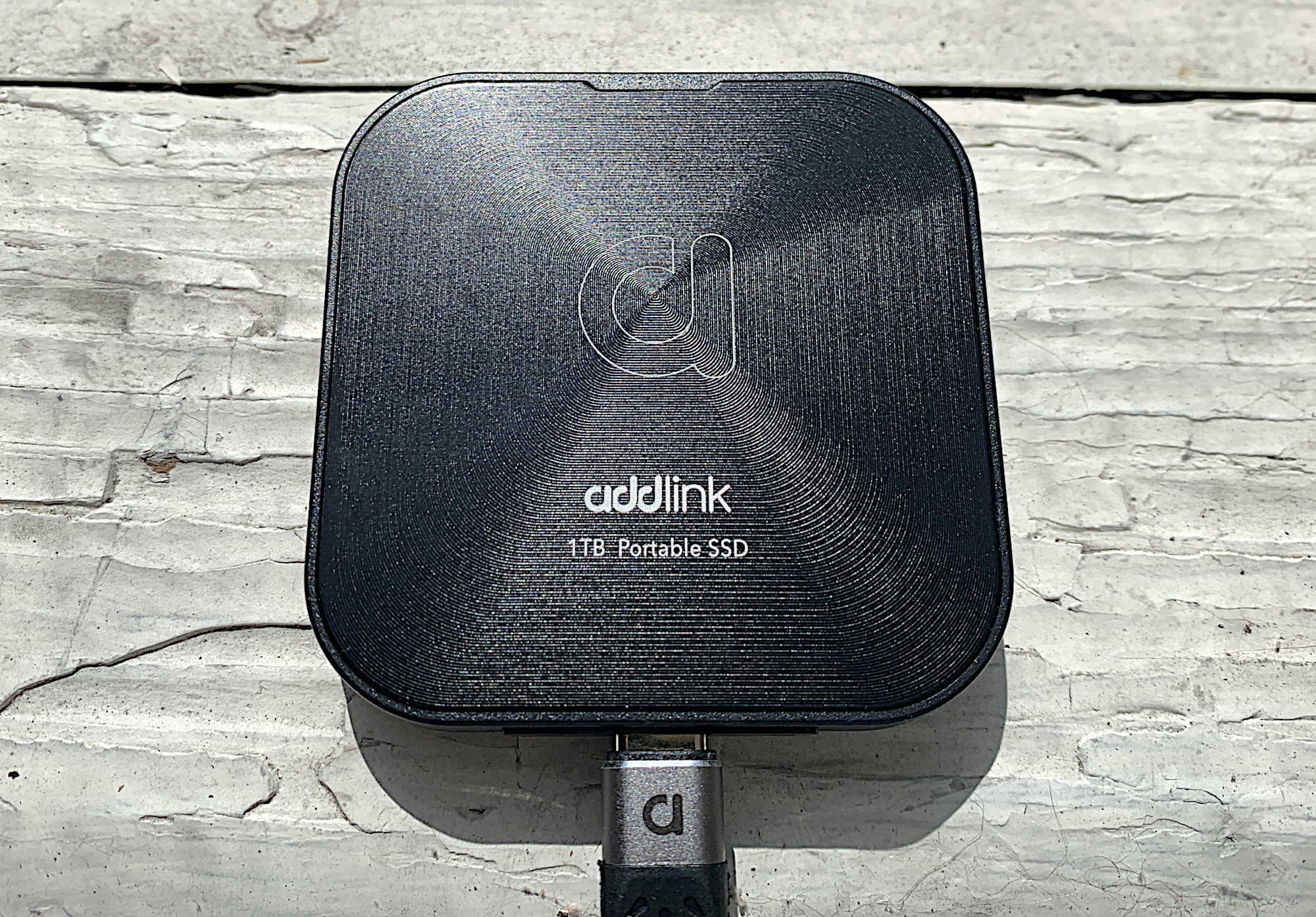
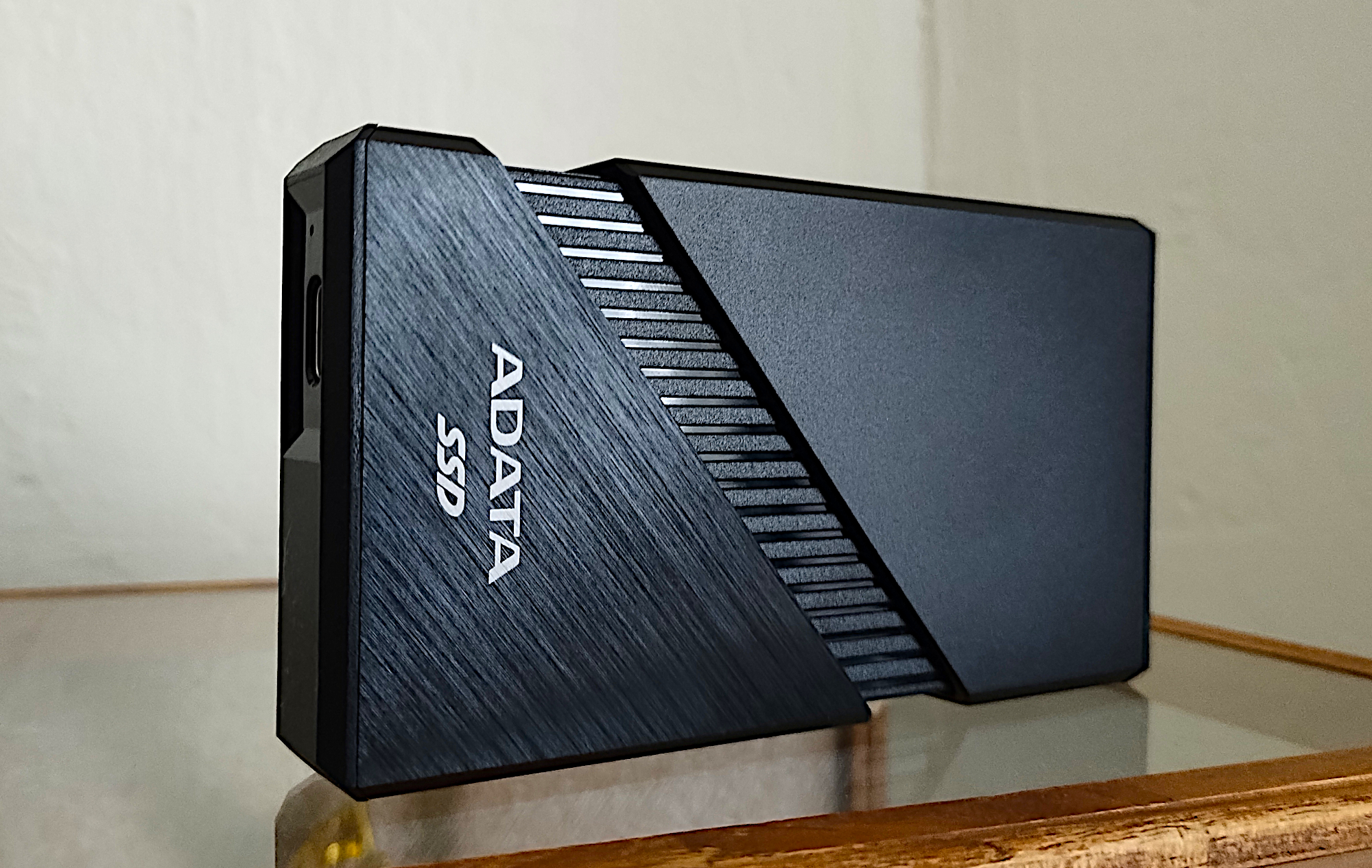
For those targeting next-generation speeds, USB4 external drives offer an enticing middle ground between standard USB performance and expensive high-end professional hardware. The Addlink P30 delivers budget-friendly USB4 performance, priced more similarly to a standard 10Gbps SSD while providing ample speed and a magnetic mounting ring for semi-permanent desktop placement. Meanwhile, the Adata SE920 steps up as a top-tier 40Gbps USB4 external SSD, capable of sustaining massive data transfers nearing 4GB per second. To keep thermal throttling at bay during heavy sustained workloads, the SE920 features a clever built-in cooling fan that activates when the outer enclosure is slid open.
High-Capacity Desktop and Backup Solutions
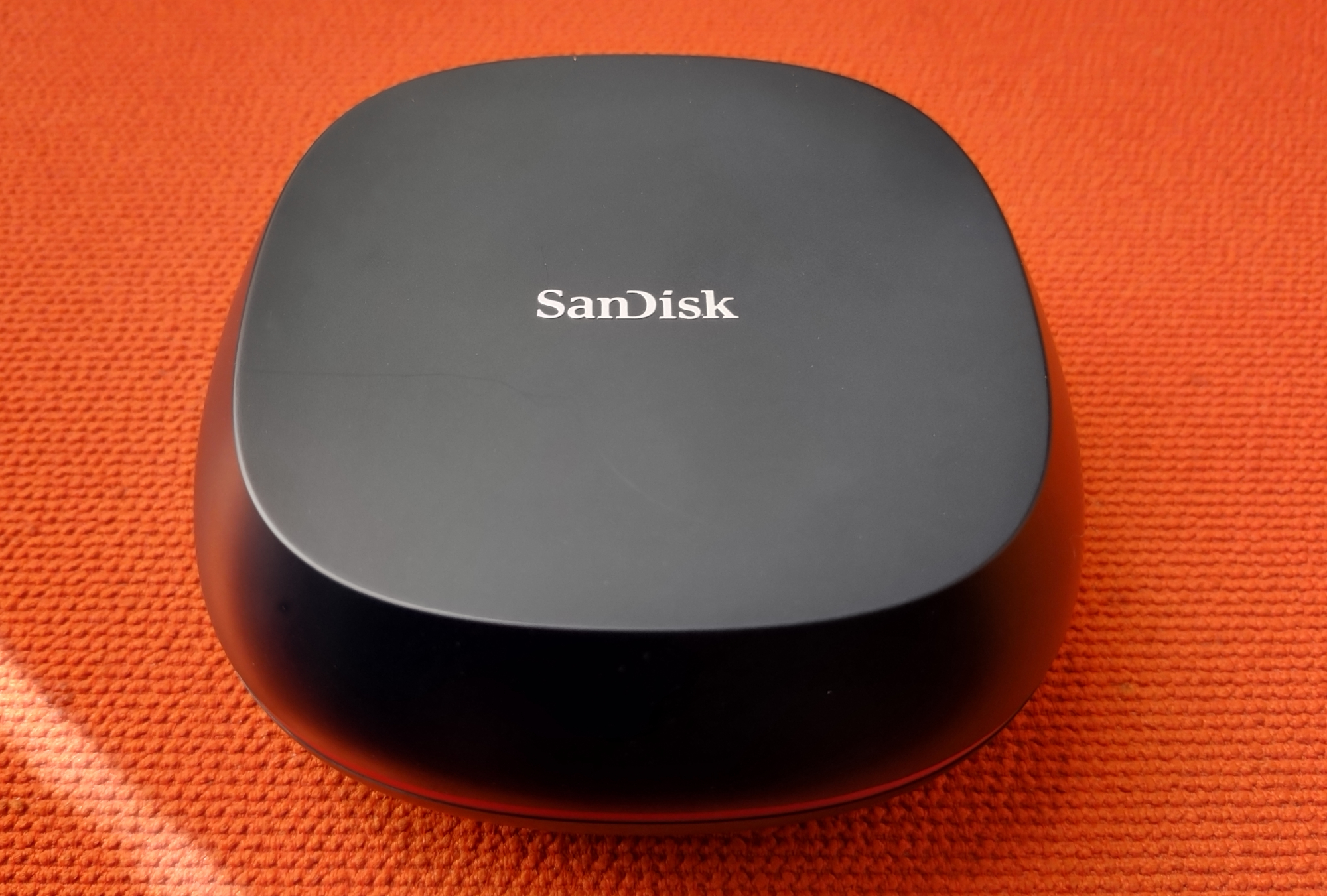
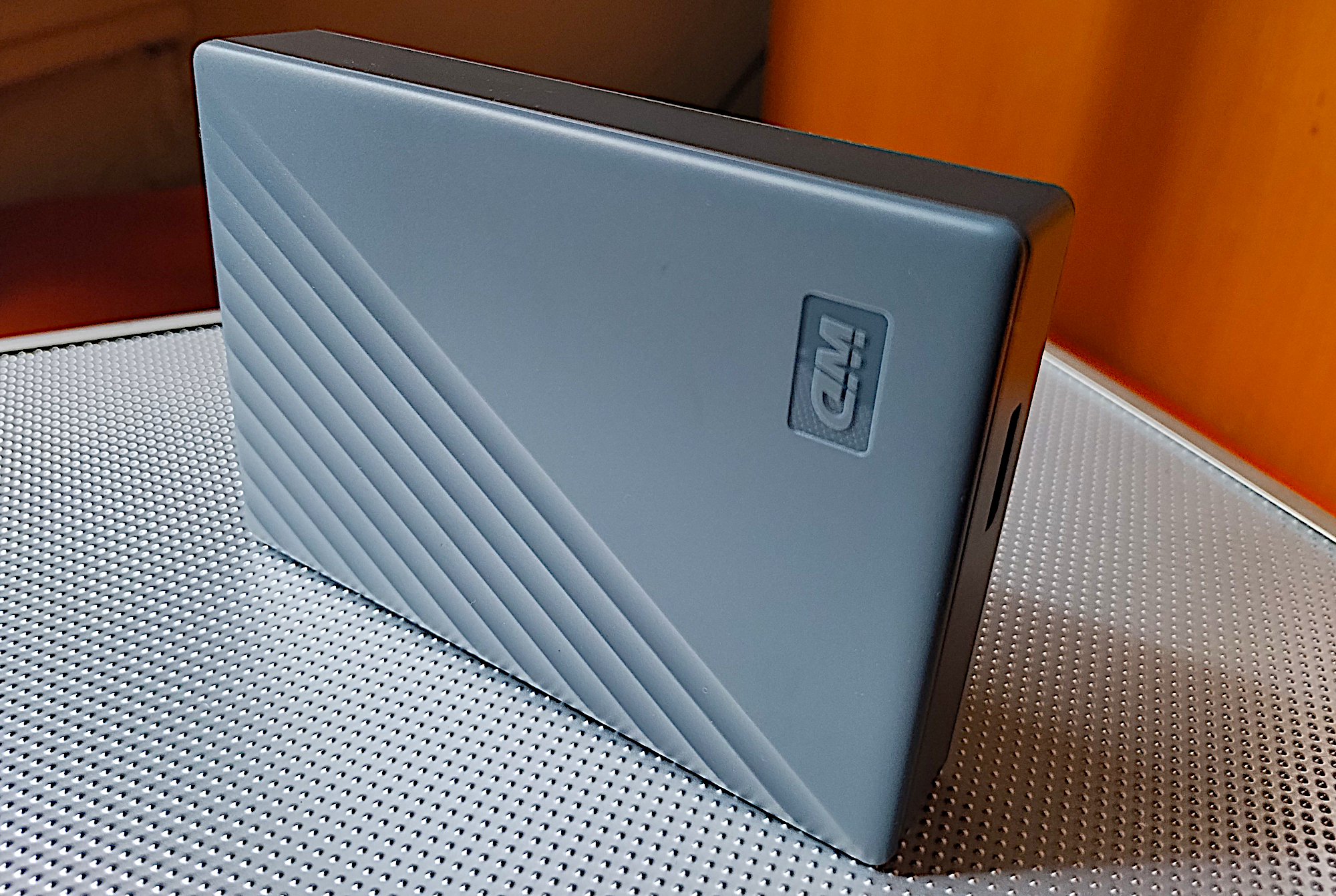
Users requiring massive data repositories rather than pocket-sized mobility must look toward desktop-class storage. The SanDisk Desk Drive bridges the gap between massive mechanical storage and high-performance flash media, offering up to 8TB of capacity housed in a desktop footprint. Because it requires an external AC power adapter and a sedentary workspace, it is less suited for active travel and much better optimized to function as a fast auxiliary backup medium.
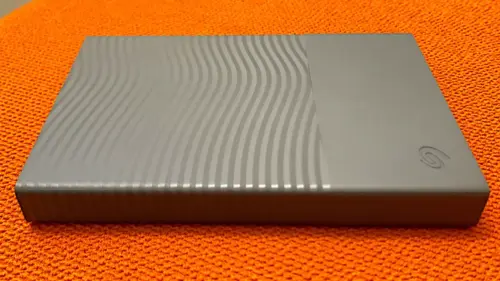
For traditional, cost-effective capacity, 2.5-inch and 3.5-inch mechanical hard drives remain unmatched in price-per-terabyte value. The WD My Passport, Works with USB-C provides up to 6TB of portable hard drive capacity at a fraction of the cost of equivalent SSD storage. Although its internal port relies on the older Micro-B standard, it ships with the necessary adapters to integrate seamlessly into modern USB-C workflows while delivering dependable performance for scheduled off-hours backups.

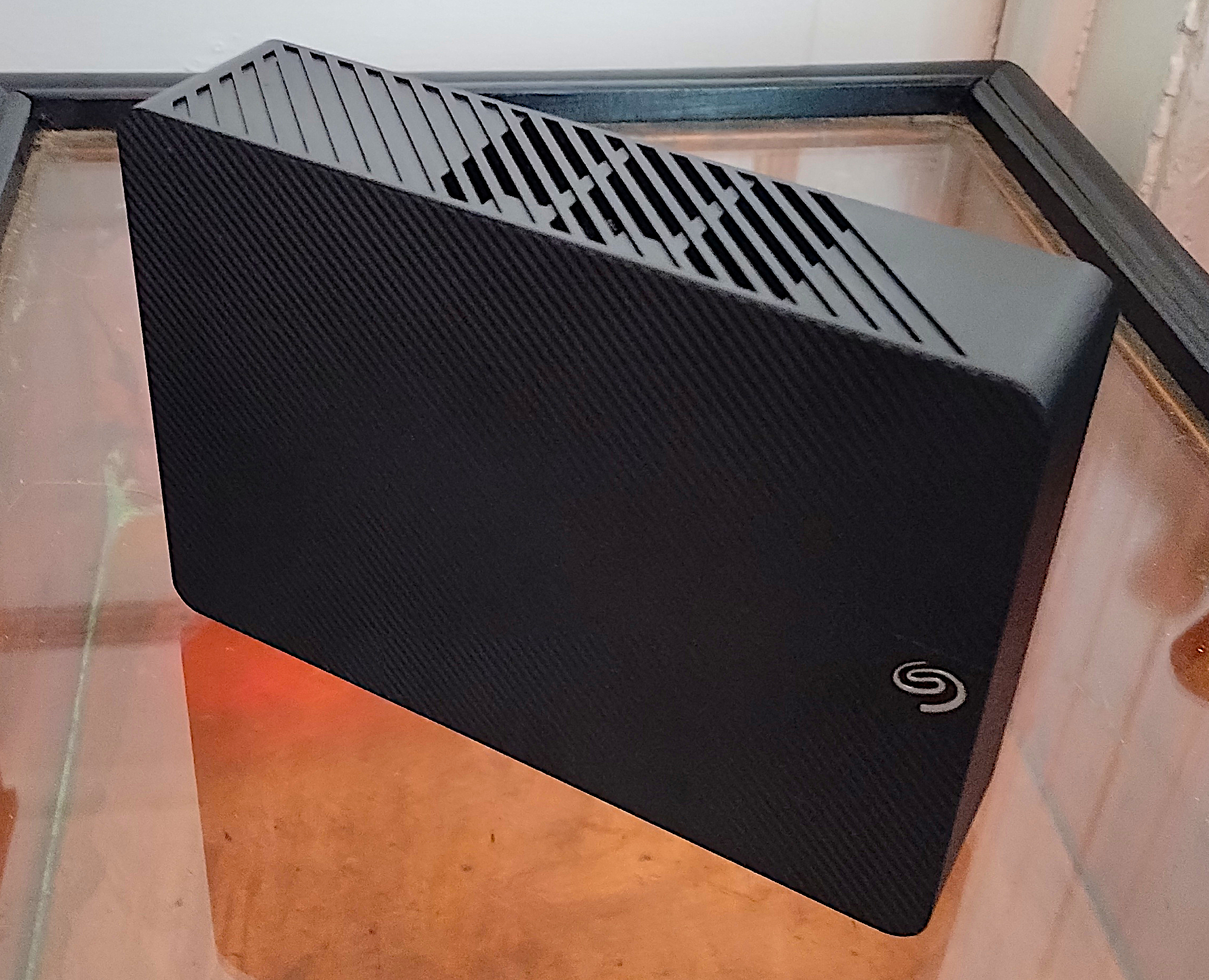
For ultimate desktop data aggregation, the Seagate Expansion Desktop hard drive scales up to massive capacities, offering configurations reaching as high as 28TB. While mechanical hard drives lack the sub-millisecond seek times and shock resistance of solid-state drives, their sheer volume and low cost-per-terabyte make them the definitive choice for gathering colossal amounts of data into a single centralized location.

Evaluating SSD Versus HDD and Choosing an Interface
Deciding between a solid-state drive and a mechanical hard drive ultimately hinges on your primary use case. If you intend to run applications directly from the external drive or treat it as a seamless extension of your internal storage, an SSD is essential due to speeds that can easily be ten to twenty times faster than a traditional spinning disk. Conversely, if your primary objective is long-term archival or comprehensive system backups, a hard drive offers vastly superior capacity at a substantially lower financial investment per terabyte.

Interface selection is equally crucial when maximizing hardware performance. While traditional hard drives easily saturate older 5Gbps USB connections, modern SSDs require advanced interfaces to prevent performance bottlenecks. Users equipped with modern computer hardware can leverage USB4 or Thunderbolt ports to achieve maximum throughput, while keeping backward compatibility in mind for older systems. Understanding these fundamental storage distinctions ensures that your next external drive investment delivers optimal speed, capacity, and reliability for years to come.

Leave a Reply