
Seven and a half years after the block editor made its debut in WordPress Core, developers finally have a native way to construct custom blocks without touching React, managing complex build pipelines, or configuring NPM packages. With the release of WordPress 7.0, the platform is introducing a radically simplified block-building experience that relies entirely on PHP.
For a long time, the barrier to entry for modern WordPress development has been heavily tied to the JavaScript ecosystem. While the block editor transformed the platform into a modern publishing environment, it also created a stark divide between traditional PHP developers and the new JavaScript-centric paradigm. The new PHP-only block registration feature aims to bridge that divide, though it arrives with notable architectural tradeoffs that developers must carefully weigh.

A Radically Simplified Block-Building Experience
In traditional WordPress block development, creating a custom block has historically required a tedious dual-registration process. Developers had to register the block once on the server side using PHP and once on the client side using JavaScript, often managing block.json files, Webpack configurations, and intricate dependency trees along the way.
WordPress 7.0 streamlines this entire workflow. By introducing a new autoRegister flag within the block support configurations, WordPress can now automatically generate the required client-side registration and editor previews based solely on the PHP block definition.

Using this approach, developers can register a functional block using a straightforward register_block_type function call containing a render callback. When the autoRegister property is set to true, the block integrates seamlessly into the WordPress block editor right alongside core blocks, completely bypassing the need for external tooling. Furthermore, developers can define basic attributes—such as strings, numbers, and booleans—directly within the PHP registration array, which WordPress then translates into corresponding input controls within the editor’s settings sidebar.
At first glance, the capability feels like a nostalgic throwback to simpler times in WordPress development. However, the architectural reality of this feature introduces distinct limitations that prevent it from being a universal replacement for JavaScript-driven blocks.

Understanding the Limitations of PHP-Only Blocks
Because PHP-only registered blocks bypass the single-page JavaScript application that powers the modern editor, they come with substantial functional constraints. Chief among these is the lack of interactive capabilities within the block content itself.
The editor displays HTML returned directly by the block’s PHP render callback. When a user interacts with a control, the editor requests a fresh PHP render from a REST API endpoint. Because these blocks are rendered asynchronously and replaced on every re-render, developers cannot reliably attach JavaScript to markup inside the block preview. Attempting to build complex interactive components, such as a post slider that requires manipulating DOM elements on the fly, will fail because event listeners become disconnected the moment the preview updates.

Additionally, PHP-only blocks operate outside the client-side data store that manages live edits within the editor. When a user modifies the post title or content, a PHP-rendered block queries the database directly rather than reading the unsaved state in the editor memory. Consequently, blocks displaying dynamic data like post titles, excerpts, or featured images will show stale information until the post is explicitly saved and the page is reloaded.
The architecture also restricts access to the current post context. Because REST API endpoints are stateless, standard global variables and template tags that rely on "The Loop"—such as the_title() or get_post_meta()—lack the necessary post ID context during editor previews. While clever workarounds involving URL parameters and local attributes can retrieve post IDs on existing posts, the solution falls short when creating new content.

Finally, the attribute types and editing interfaces supported by PHP-only registration are strictly limited. Developers are confined to basic text inputs, number inputs, checkboxes, and simple dropdown menus. Essential editing elements such as image uploads, rich text editors, and date pickers are completely absent, and dropdowns currently lack support for keyed arrays, making it impossible to separate a display label from a stored database value like a category ID.
The Killer Use Case: Migrating Legacy PHP Code
Despite these limitations, PHP-only block registration serves a powerful and specific purpose: migrating legacy PHP code into block themes.

For years, many developers and site owners have resisted transitioning from classic themes to modern block themes. While block themes offer superior performance and maintainability, the cost of rewriting years of custom shortcodes, widgets, and template parts into JavaScript blocks has remained prohibitively high.
PHP-only registered blocks effectively eliminate this barrier. By wrapping existing PHP snippets, headers, or custom loops inside a server-side rendered block, developers can port legacy code into block-based environments using the PHP skills they already possess.

In real-world migration scenarios, perfection in the block editor preview is secondary to functionality on the front end. Even if an editor preview lacks responsiveness or advanced interactivity, the ability to drop legacy PHP components into a block template allows developers to complete theme migrations in hours rather than days. This capability transforms the adoption of block themes from a costly rewrite project into a manageable administrative task.
Practical Strategies and Best Practices
Developers exploring PHP-only blocks can leverage specific techniques to maximize their utility despite platform limitations.

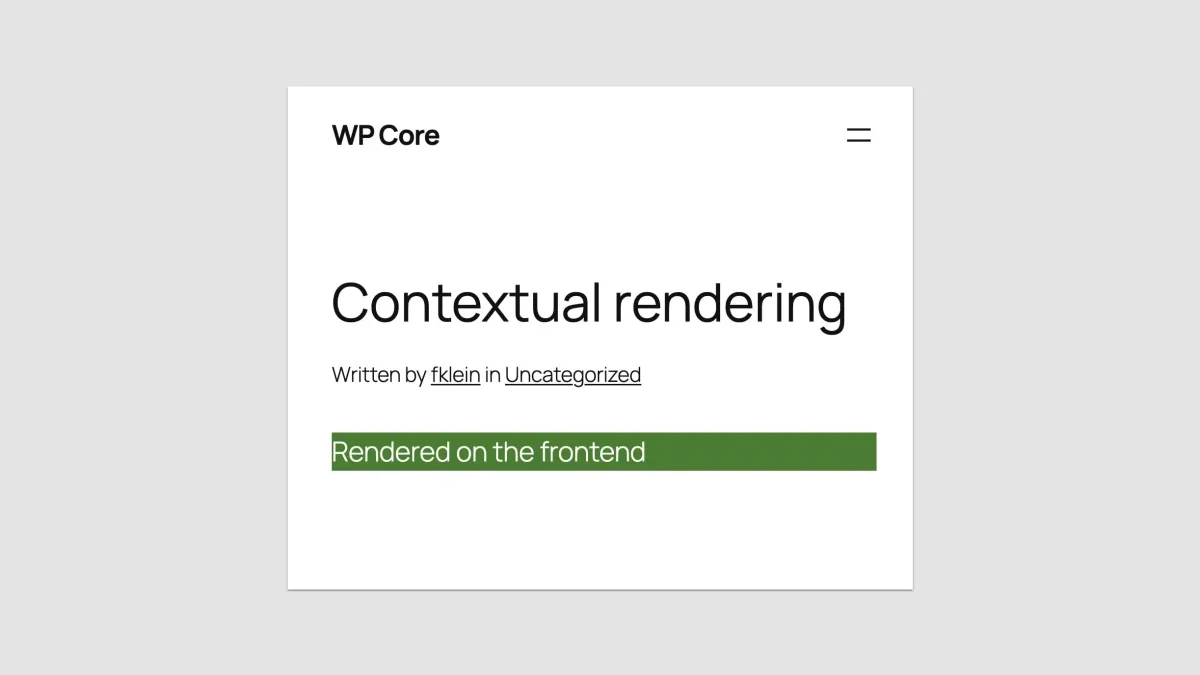
Distinguishing between front-end and back-end rendering can be accomplished by checking for REST API endpoints using wp_is_rest_endpoint() combined with query variable inspections, allowing developers to serve different styles or messages depending on whether the block is viewed in the admin panel or on the live site.
When dealing with stylesheets and scripts, developers can utilize WordPress’s optimized asset loading. Stylesheets registered via wp_register_style() and scripts attached via view_script parameters ensure that assets are only enqueued on pages where the specific block is present. Furthermore, adopting the Block, Element, Modifier methodology or applying unique CSS prefixes helps prevent style clashes with core WordPress components.
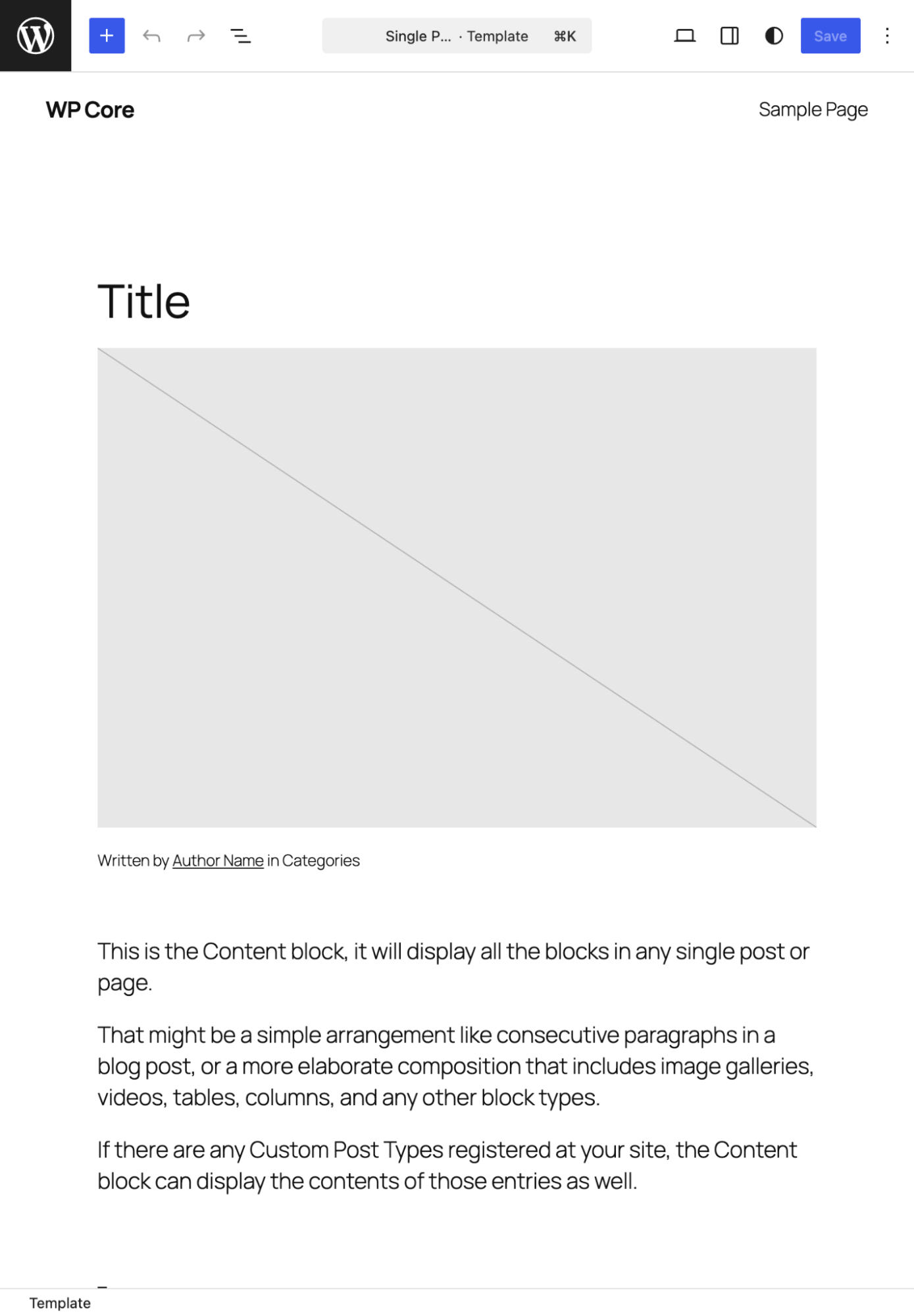
To streamline the administrative interface further, developers can utilize block support options to fine-tune block behavior. Properties can be configured to hide specific migration blocks from the public inserter entirely, limit instances to a single block per post, or enable selective alignment options depending on theme capabilities.
Ultimately, PHP-only block registration is not designed to replace JavaScript-driven interactive components. However, by removing the hurdles that have long trapped legacy sites in classic themes, WordPress 7.0 provides developers with an efficient bridge to modern architecture, signaling a renewed commitment to developer experience across the core platform.


Leave a Reply