
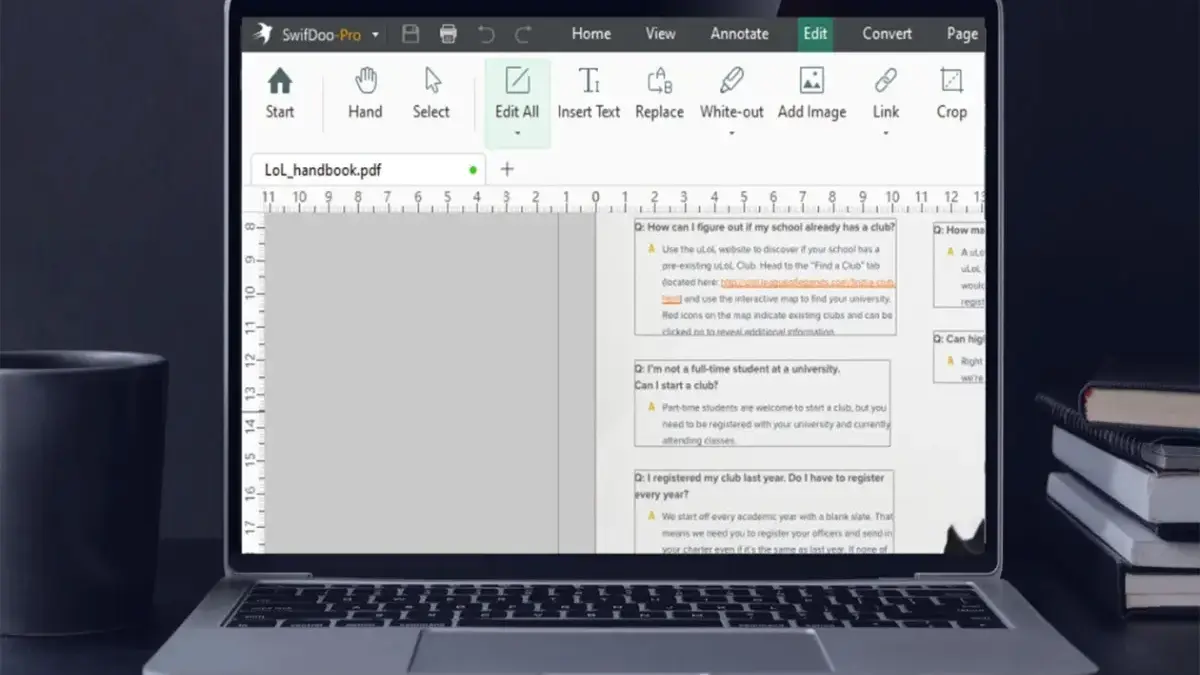
In the modern digital workspace, handling documents has increasingly become a recurring financial burden. While web browsers and basic built-in applications can manage rudimentary tasks like opening a document or adding a simple markup, professionals and casual users alike often find themselves hitting a brick wall when genuine editing, conversion, or security features are required. This realization has driven many toward comprehensive desktop software, yet the dominant market leaders routinely lock essential productivity tools behind frustrating monthly or annual subscription walls.
Addressing this ongoing consumer frustration, a new promotional offering provides a compelling escape route for Windows users. SwifDoo PDF Pro, a robust desktop application designed to rival high-cost solutions like Adobe Acrobat, is currently available through a perpetual lifetime license for a one-time payment of $34.99, marking a steep discount from its standard retail price of $129.
The software arrives at a time when software-as-a-service (SaaS) models dominate the tech industry, forcing individuals and small businesses to pay indefinitely for tools they use regularly. By offering a permanent license rather than a temporary rental model, the deal targets users who are weary of accumulating monthly software expenses just to manage routine office paperwork.
Designed specifically for the Windows operating system—supporting versions from Windows 7 all the way up to Windows 11—SwifDoo PDF Pro equips users with an extensive suite of document management capabilities. At its core, the application allows for direct editing of both text and images within existing PDF files, eliminating the cumbersome workaround of converting documents back and forth just to correct a typo or swap out a graphic. Furthermore, the software facilitates document restructuring through intuitive tools that allow users to merge multiple files into a single cohesive document or split oversized files into smaller, more manageable segments. For individuals dealing with strict file-size limitations when sending email attachments or uploading to web portals, the program includes a customizable compression tool that reduces large documents down to a user-selected quality level.

Conversion functionality is another cornerstone of the platform, supporting seamless, bidirectional transformations between PDF format and a wide array of other file types. Users can easily convert PDFs into Microsoft Word documents, Excel spreadsheets, and PowerPoint presentations, or vice versa. Additionally, the software handles conversions for image formats such as JPG, as well as EPUB files for digital reading and CAD files for engineering and design documentation.
To bridge the gap between physical and digital workflows, SwifDoo incorporates optical character recognition technology, commonly known as OCR. This feature transforms static, scanned pages or image-based documents into fully editable and searchable digital text, saving users countless hours of manual retyping. For environments that handle high volumes of paperwork, the application supports batch processing, allowing an entire folder of files to be converted, compressed, or manipulated simultaneously rather than one by one.
Security and authentication features are similarly prioritized within the software. When dealing with sensitive legal contracts, official agreements, or confidential corporate forms, users can safeguard their documents by applying password encryption. For execution and authorization, the program enables individuals to incorporate handwritten signatures or upload digital representations of their signatures directly onto the page, streamlining the signing process without requiring physical printing and scanning.
Initial adopters have responded favorably to the transition away from browser-based viewing and expensive subscription packages. One verified buyer, who officially made the switch after relying solely on Microsoft Edge to open and view PDF files, praised the software as remarkably feature-packed, highlighting the value of having advanced tools readily available on a local desktop environment rather than relying on limited cloud utilities.
While the software demands an active internet connection to maintain its full functionality and verify licensing parameters, its permanent pricing structure presents a distinct alternative to recurring billing cycles. As digital document management remains a daily necessity across virtually every industry, the availability of a full-featured, permanent license for under $35 offers a practical option for users seeking to permanently eliminate ongoing software rental fees from their operational budgets.



Leave a Reply