
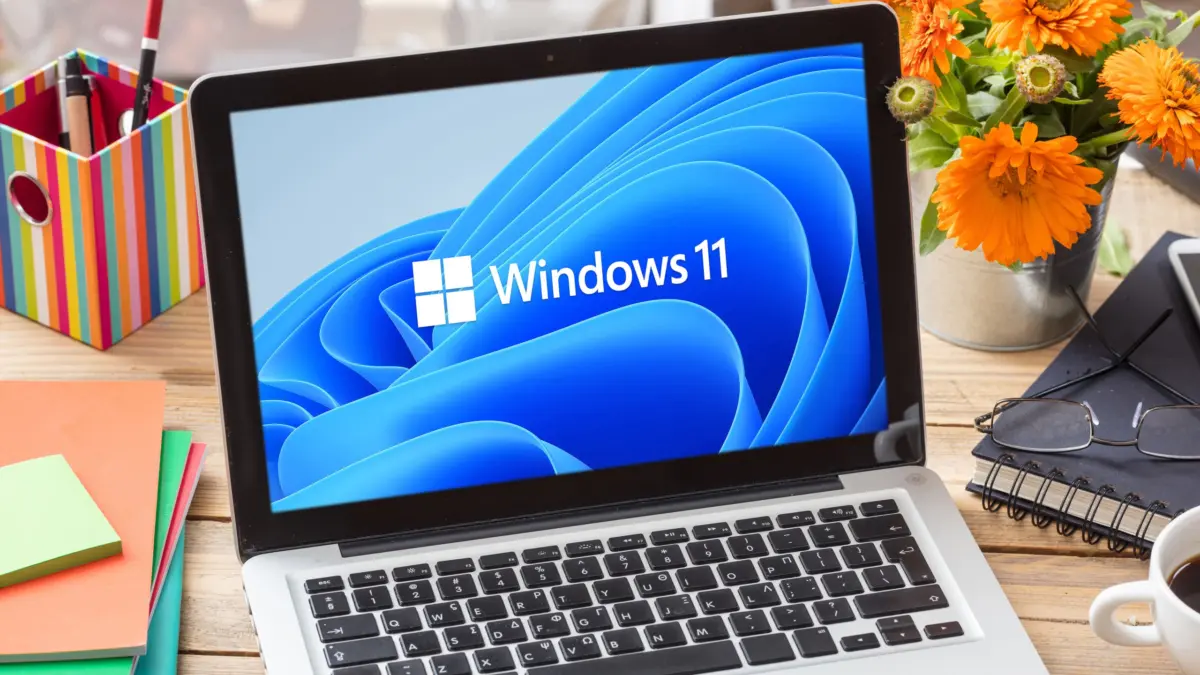
Microsoft has surprised users by rolling out the Windows 11 26H2 update earlier than anticipated. Eschewing traditional release schedules that usually point toward a launch further down the line, the latest annual feature update is already arriving for eligible personal computers. For users currently running Windows 11 versions 25H2 or 24H2—though notably excluding version 26H1, which remains dedicated specifically to Arm-based architecture PCs—the transition to the new operating system version comes in the form of a remarkably lightweight enablement package.
This streamlined delivery mechanism means that upgrading requires very little time and digital heavy lifting. Once the package is installed on a compatible machine, the system requires only a single, quick restart to complete the process. This efficiency is possible because the core code required to run the new features included in version 26H2 is already largely present on eligible PCs, having been quietly delivered through preceding cumulative security and maintenance updates. The enablement package acts essentially as a master switch, flipping on the dormant capabilities and transitioning the operating system designation to the 2026 update.
Despite the fact that the package is technically live and circulating, Microsoft is not deploying the update universally to all compatible computers at once. Instead, the Redmond-based tech giant is adhering to its established distribution strategy for major autumn releases, orchestrating the rollout in carefully managed waves. By pacing the deployment across the global user base, Microsoft can closely monitor telemetry data and system stability. If the Windows operating system detects a hardware conflict, an incompatible driver, or any other potential stability risk on a specific PC, the automatic installation of version 26H2 will be temporarily withheld from that machine until the underlying issue is resolved or mitigated.

For users who prefer not to wait for their computer’s number to come up in the automated waves, there are ways to signal readiness to the system. To encourage Windows to fetch the 26H2 update as soon as possible, users can navigate to the system settings and activate the toggle labeled "Get the latest updates as soon as they’re available" within the Windows Update interface. Following the activation of this preference, the system will prioritize checking for the latest software releases, eventually displaying the "Windows 11 2026 Update" as ready for installation once the servers register the request and clear the machine for deployment.
As users weigh whether to jump on the update immediately or allow the system to upgrade at its own pace, attention naturally turns to the capabilities and interface adjustments bundled into the release. The Windows 11 26H2 update brings a variety of refinements, optimizations, and subtle feature tweaks designed to enhance daily productivity, security, and overall system responsiveness. While some annual updates introduce sweeping architectural changes, the enablement package approach highlights a continuous development cycle where features are refined iteratively before being formally activated under a new version banner.
Looking at the broader lifecycle of the operating system, Microsoft has established clear support timelines for the newly released version. Mainstream editions of Windows 11, specifically the Home and Pro variants running version 26H2, will receive continuous software support, security patches, and feature updates until October 9, 2028. Meanwhile, organizations utilizing the Enterprise and Education editions of the operating system will enjoy an extended support window, with Microsoft committing to provide updates and security protections for those enterprise-focused versions until October 8, 2029, allowing IT administrators ample time to plan and execute organizational upgrades.

For users who are running significantly older iterations of the operating system, such as Windows 11 version 23H2, and wish to bypass intermediate steps entirely to jump straight to the latest release, a simple enablement package will not suffice. Transitioning from older foundation builds to 26H2 requires performing a clean installation of the operating system. Official installation media and direct download options for fresh installs are readily accessible through Microsoft’s dedicated software download portal. Naturally, completing a clean installation of this nature requires the user to activate the operating system using a valid, authorized license key.
Users who find themselves in need of a legitimate Windows license key for fresh installations or system upgrades can acquire them through various software retail channels, including authorized digital storefronts. For instance, standard licenses for Windows 11 Home are widely available through authorized distributors, alongside upgrade paths that allow users to transition from the Home edition to Windows 11 Pro. Upgrading to the Pro tier unlocks advanced enterprise-grade features tailored for power users and business environments, including robust virtualization capabilities, advanced data protection tools like BitLocker device encryption, and secure application sandboxing for running untrusted software in an isolated virtual environment.
This phased release ultimately underscores Microsoft’s ongoing effort to balance the rapid deployment of new software capabilities with the stability and reliability expected by millions of consumer and enterprise users worldwide. As the waves continue to expand across the global ecosystem, millions more PCs will transition to version 26H2, marking another milestone in the ongoing evolution of the Windows 11 platform.
Leave a Reply